
Answer in brief
Editing a Reel goes in a fixed order. Set a vertical 9:16 project and decide the length, put the strongest moment into the first three seconds, tighten the rhythm with cuts and pauses, keep titles and subtitles away from the edges the interface covers, use music your account is allowed to use, then export and choose the cover. The limits on length and margins come from Instagram's and Meta's own pages, and those pages change.
Editing a Reel is a chain of decisions, not a set of effects
People who search for how to edit reels usually expect a list of buttons in an app. The buttons are the easy part. A Reel is a vertical video watched on a phone, in a feed where the next clip is one swipe away. Nobody chose it the way they choose a film. So every second has to earn the next one, and anything only the author needs gets cut.
A short video has its own limits: a tall, narrow frame, an interface that hides part of it, and music rules that differ for a person and for a business. So the work goes in a fixed order: frame, opening, rhythm, text, sound, then export and cover. Every limit named below comes from Instagram's or Meta's own pages as they read in October 2026. Those pages change.
The frame first: what Instagram's own pages say about size and length
Set the format before the first cut. The Instagram Help Center says a reel can be uploaded with an aspect ratio between 1.91:1 and 9:16, at a frame rate of at least 30 frames per second and a resolution of at least 720 pixels. Meta's developer documentation for publishing through the API recommends 9:16, so that the video is neither cropped nor shown with blank space. Start with a vertical project: horizontal footage can be reframed, but its sides are lost.
Length is the second decision. The same Help Center says you can record and edit a reel of up to 20 minutes, and adds that reels over 3 minutes will not be recommended to new audiences. The Instagram for Creators FAQ says the same. A reel you intend to boost has a tighter limit on the Help Center page about boosting: 90 seconds or less, in full-screen 9:16.
Quality is the third. Instagram's page on what kind of reels people see lists what may be shown less often: reels that are muted, blurry or low resolution, reels with borders, logos or watermarks, reels mostly covered by text, and videos that are not original. So work from the original camera files, as the Creators FAQ advises uploading the highest resolution possible. Fill the frame instead of adding bars, and export without an editing app's watermark.
The first three seconds: how the opening of a Reel is cut
Instagram's advice to creators is blunt: make sure the first 3 seconds of your reel are engaging, so that people do not move on. In the edit this is a question of what goes first. Find the strongest moment in the footage, whether the result, the surprise or the key sentence, and move it to the start. Then remove what stood before it out of habit: the greeting, the logo animation, the breath before the first word.
Check the opening the way it will be seen. Watch the first three seconds on a phone with the sound off, then with it on. Without sound there should be movement, a face or a few words that say what the video is about. With sound, the first word should come at once. If the opening only works for someone who already knows the topic, recut it before polishing anything else.
Rhythm: shot length, pauses and when a jump cut helps
Rhythm is the length of each shot and how those lengths change. A shot stays while it shows something new; no number of seconds suits every case. The main tool of a talking video is the jump cut, which Wikipedia defines as a cut that breaks a single continuous shot of a subject into two parts, with a piece of footage removed to create the effect of jumping forward in time. It takes out breaths, repeats and false starts. When the head starts to twitch from cut to cut, cover the joins with a change of scale or a shot of the product.
Sound can lead the picture. Wikipedia describes the L cut as an edit in which the audio of the preceding scene continues over the picture of the following one. In a short video this is the voice that keeps talking while the screen shows what it is talking about. The working order follows: lay out the story by the voice alone, tighten the pauses, then add the shots that illustrate it. Cutting to the beat of the music comes last.
Text on screen and subtitles: the areas the interface covers
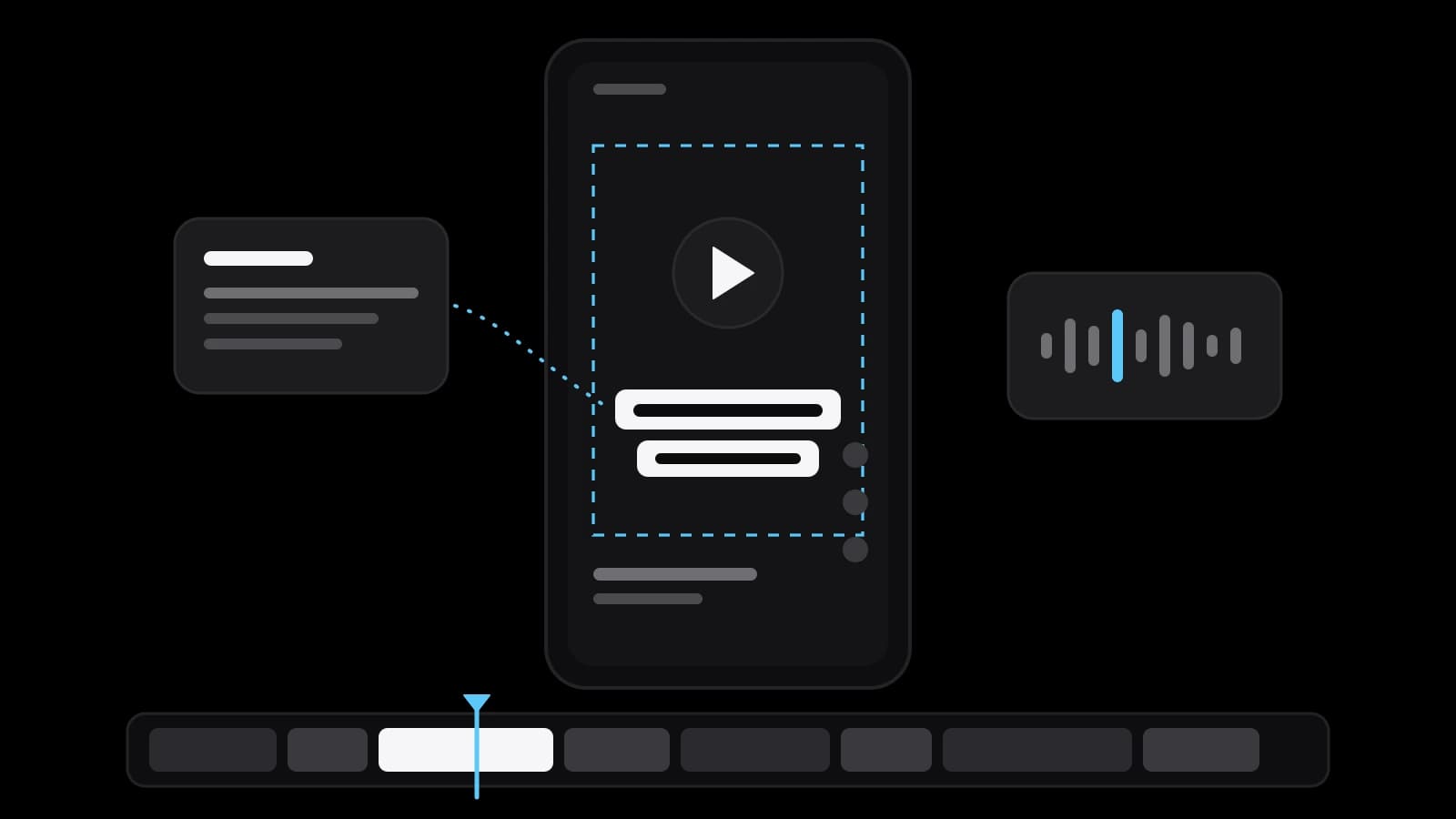
Part of a vertical frame is not yours. Meta's Ads Guide for Reels video ads suggests leaving at least 14% of the top, 35% of the bottom and 6% on each side free from text, logos and other important elements, so that they are not cropped or covered by the profile icon or the call-to-action button. Those figures are written for ads. The pages read for this story give none for an ordinary reel, so take the ad margins as a working minimum and check the export on a phone.
The same Ads Guide lists video captions as optional but recommended, and the tools now write the first draft. Instagram's Help Center describes how its Edits app generates captions once you choose the spoken language and a style, and how they can then be edited and moved. A generated transcript still needs a human read for names, brand words and numbers. Keep on-screen text to one thought at a time: Instagram's list of reels that may be shown less often includes those with most of the image under text.
Sound and music: what a business account may use in a Reel
Meta's developer blog wrote in November 2024 that over 75% of Reels views on Instagram are sound on, and the Ads Guide calls video sound optional but strongly recommended. So level the voice, remove the hum and keep the music under it. The Instagram Help Center says its licensed music library is intended for personal, non-commercial use, and that certain business accounts have no access to it. Meta's Music Guidelines add that use of music for commercial or non-personal purposes is prohibited unless you have obtained appropriate licences.
An account without access is pointed by the Help Center to Meta's Sound Collection, described there as more than 14,000 songs and sounds that are royalty free and can be used for commercial purposes such as ads. The page on boosting adds that reels to be promoted cannot use licensed music. So choose the music before the edit, since the cuts will follow its beat, and read the licence of any stock track. This describes Meta's published rules and is not legal advice; in a doubtful case, ask a copyright lawyer.
Editing apps, export settings and the cover of a Reel
On a phone, Instagram's Edits app, according to its site, offers a timeline with clip-level precision, green screen and high-quality exports with no watermark. CapCut presents itself as an editor with desktop, mobile and online versions and names automatic captions and templates. On a computer, Adobe says Premiere can automatically transcribe a video on import. Blackmagic Design describes DaVinci Resolve as one tool that combines editing, colour correction, visual effects, motion graphics and audio post-production, with a free version and a paid Studio version. A phone app is enough for one speaker; a desktop editor earns its place with several cameras, sound to repair or colour to match.
Export to the limits the platform publishes. For reels published through the API, Meta's developer documentation lists MOV or MP4 files with H.264 or HEVC video, 23 to 60 frames per second and a width of up to 1,920 pixels. The cover is the last cut. The Help Center recommends 420 by 654 pixels for it, and the developer documentation says that when a reel is shared to the feed the middle square of the cover image is used. Keep the words on the cover inside that square.
Edit the Reel yourself or hand the footage to an editor
Editing it yourself makes sense when one person speaks to the camera, the series is simple and you have time to do it carefully. It makes less sense when videos must come out every week, when there are several cameras or poor sound, or when the reel will run as an ad. Then the question of how to edit reels becomes a question of whose hours are better spent. An editor will not rescue footage with no clear thought in it, and it is fair to know that before paying anyone.
Handing the work over takes preparation. Send the original files, not copies from a chat, and say whether the video will run as an ordinary post or as an ad, because that sets the length and the music. Add the one sentence the viewer should remember, the brand's fonts, colours and logo, and two or three reels whose pace you like. Agree in advance how many rounds of changes are included. VITON13 Studio edits Reels and short vertical video; the scope and the prices are on the service page and in the guides linked below.
Practical checklist
- Create a vertical 9:16 project and decide the final length before the first cut.
- Move the strongest moment into the first three seconds and delete the greeting before it.
- Assemble the story by the voice track, then tighten the pauses and add illustrating shots.
- Keep titles and subtitles in the central area of the frame and check them on a phone.
- Confirm that a business account may use the chosen music before you cut to its beat.
Questions and answers
How long should an Instagram Reel be in 2026?
Instagram's Help Center says a reel can run up to 20 minutes, but reels over 3 minutes are not recommended to new audiences, and a reel you plan to boost must be 90 seconds or less. Within those limits the right length is the shortest one that carries the whole thought.
What size and format should a Reel be exported in?
Export a vertical 9:16 file. The Help Center asks for a minimum of 30 frames per second and 720 pixels of resolution; Meta's developer documentation lists MP4 or MOV with H.264 or HEVC for reels published through the API. Both pages are updated from time to time.
Where should text go so the Reels interface does not cover it?
Meta's Ads Guide suggests that a Reels ad leave the top 14%, the bottom 35% and 6% on each side free of text and logos. For an ordinary reel, treat those margins as a minimum, keep the text in the central band and judge the result on a phone, not on a monitor.
Can a business account put popular music on a Reel?
Instagram says its licensed music library is for personal, non-commercial use, and some business accounts have no access to it. Meta offers the Sound Collection, which it describes as royalty free and usable for commercial purposes. For any other track, read the licence and ask a specialist when unsure.
Which app is enough to edit Reels on a phone?
For a video with one speaker, Instagram's Edits or CapCut is enough: both generate captions automatically. A desktop editor such as Premiere or DaVinci Resolve is worth learning or ordering when there are several cameras, sound to repair and colour to match.