
Answer in brief
First check that the product needs an app and not a mobile site: an app earns its place through notifications, offline work, device sensors or a store presence. Then choose how to build it (native, cross-platform or a no-code builder), cut the first version to one user and one scenario, test a clickable prototype, plan the server side, open the developer accounts in your own name and leave time for store review and yearly updates.
Check first whether the idea needs an app at all
Most founders who search how to make an app have already decided that an app is the answer. That decision deserves one more hour, because the web has caught up. MDN, Mozilla’s reference for web developers, describes a progressive web app as one built with web technologies that feels like a platform-specific app. By its account such an app can be installed, work offline and show system notifications, all from a single codebase.
A platform-specific app, in MDN’s list, has by nature integration with the operating system, access to the camera, GPS or accelerometer, and distribution through the store. On an iPhone the limit is easy to feel: the WebKit team wrote in February 2023 that web push came with iOS 16.4, for web apps the user has added to the Home Screen. If the product lives on daily notifications, sensors or store presence, build an app. If people open it twice a year, a mobile site serves them better.
Three ways to build: native, cross-platform or a no-code builder
A native app is written separately for each platform with its owner’s tools: one project for iPhone, another for Android. You pay for two codebases and get the fullest access to each system. The second way is one codebase for both. Flutter’s site describes a framework for building natively compiled applications from a single codebase; React Native’s sums it up as written in JavaScript, rendered with native code. One team costs less, but a brand-new platform feature may reach you later.
The third way is a no-code builder: you assemble screens from ready blocks and the service produces the app. It is the fastest route to something a customer can hold, and a sensible way to test demand. Guideline 4.2.6 of Apple’s App Review Guidelines says apps created from a commercialised template or app generation service will be rejected unless the provider of the app’s content submits them directly. So the app is published from your own developer account, not the builder’s.
The first version: one user and one scenario from start to finish
The first version is not a small copy of the dream. It is one person doing one thing from the first screen to the result: a client books a haircut, a courier closes a delivery, a parent pays for a class. Write that scenario as a sequence of screens and cross out everything the person can live without for a month. What stays is the shortest path from opening the app to the result.
The stores reward this discipline. Apple’s page about App Review says that, on average, over 40% of unresolved issues relate to guideline 2.1, App Completeness, which covers crashes, placeholder content and incomplete information. A narrow first version has fewer half-built corners to trip over. It also reaches real people sooner, and their behaviour in the first week answers questions that no planning meeting can.
Design before code: a clickable prototype and the platform’s own interface rules
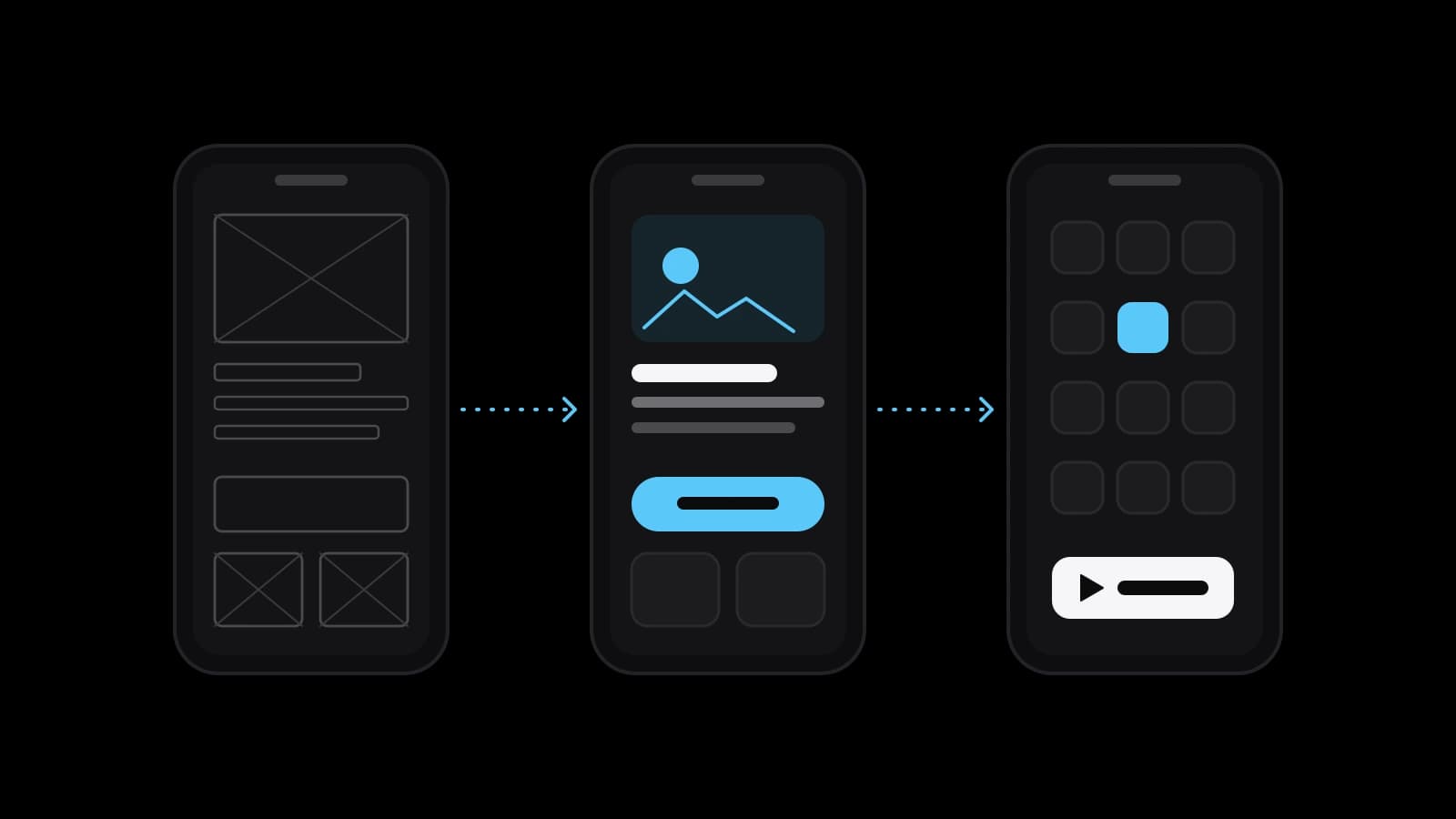
Code is the most expensive place to change your mind. So the scenario first becomes plain screens, and the screens become a clickable prototype: a model you open on a phone and tap through. Give it to five people who resemble your user and watch where they stop. A stumble found here costs an hour of a designer’s time; the same stumble found after release costs a round of development and another store review.
Both platforms publish how their apps should look and behave. Apple’s Human Interface Guidelines describe themselves as guidance and best practices for designing a great experience on any Apple platform. Android’s developer documentation presents Material Design 3 as an open-source, adaptable system of guidelines, components and tools. Ask the designer which standard components the app uses, because every custom control means extra design, extra code and one more thing for the user to learn.
The server side nobody sees: accounts, data, payments and notifications
What the user holds is half of the product. The other half lives on a server: clients, schedules, orders and an admin panel for your staff. When an estimate looks surprisingly low, check whether it includes this part. Accounts bring rules too: guideline 5.1.1 of Apple’s App Review Guidelines says an app that supports account creation must also offer account deletion inside the app, and every app must link to its privacy policy. What your own law requires for personal data is a question for a lawyer.
Payments split in two. Under Apple’s guideline 3.1.1, unlocking features or content inside the app must go through in-app purchase; under 3.1.3(e), physical goods and services consumed outside it are paid for by other methods. Google Play’s Payments policy draws a similar line. So a yoga studio with classes in a hall and a service with video lessons build different checkouts. Notifications have a rule as well: guideline 4.5.4 allows promotions by push only when the customer has explicitly opted in.
Publishing: developer accounts, Google’s closed test and store review
To publish you need a developer account in each store, and it should belong to you, not to the contractor. Apple’s enrolment page prices the Apple Developer Program at 99 US dollars per membership year. Google Play Console Help, as read in October 2026, lists a one-time fee of 25 US dollars. A personal account created after 13 November 2023 must also run a closed test with at least 12 testers for 14 days in a row before it may apply for production access. Both companies change such terms, so open the pages on the day you register.
Then comes review. Apple says App Review typically handles at least half of submissions in less than 24 hours and 90% in less than 48. Google warns that for certain developer accounts a review can take up to seven days, or longer in exceptional cases. A rejection is not a verdict: Apple names the guideline that was not met and lets you reply or appeal, and Google lets you fix the issue and resubmit. Plan the launch with a week of slack.
Life after launch: system updates, crash reports, reviews and support
An app is not finished at release: both platforms keep moving. Google Play’s help page on target API levels says that since 31 August 2026 new apps and updates must target Android 16. Apple’s list of requirements says that since 28 April 2026 apps uploaded to App Store Connect must be built with Xcode 26 or later. The numbers will differ next year; the pattern will not. About once a year somebody has to rebuild and resubmit the app even if nothing in your business has changed.
Quality is measured for you as well. Android’s developer documentation describes Android vitals, quality metrics gathered from users’ devices, and sets a threshold of 1.09% for the user-perceived crash rate. Above it, Google Play may reduce the app’s visibility and show a warning on its store listing. Reviews work in the open: Apple notes that when a developer responds, the reviewer is notified and can update the review. So budget for a person who reads crash reports and answers users every week.
What to prepare before ordering an app and how to choose the first scope
Before you order, put four things on paper. The user and the single scenario of the first version, written as steps. The answer to the web-or-app question with its reason: notifications, offline work, a sensor, the store. The list of what happens on the server, from accounts and payments to the admin panel. And the names on the developer accounts. With that sheet any contractor can give a comparable estimate, and you can see which of them actually read it.
Doing it yourself is realistic when the task is to test demand with a no-code builder or a mobile site. Ordering makes sense when the app handles money or personal data, must work on both platforms, or when nobody on your side can own the yearly updates. VITON13 Studio is one of the places that take on such work; freelancers and in-house teams are others. Whichever you pick, the question of how to make an app becomes much smaller once the first scenario fits on one page.
Practical checklist
- Write the single scenario of the first version as a numbered list of screens.
- Decide between a mobile site and an app, and write down the reason for the choice.
- Register the Apple and Google developer accounts in your own name or your company’s.
- List what the server must do: accounts, data, payments, notifications, an admin panel.
- Agree in writing who rebuilds the app when Android and iOS change their requirements.
Questions and answers
Can I make an app without knowing how to code?
Yes, in two ways. A no-code builder lets you assemble a simple app yourself, which is enough to test demand. For anything with payments, personal data or two platforms you hire people who code, and your job becomes the scenario, the content and the decisions. Either way the developer accounts should be registered to you.
How long does store review take for a new app?
Apple says App Review typically deals with at least half of submissions in under 24 hours and 90% in under 48. Google says some accounts get a longer review, up to seven days or more in exceptional cases. A new personal Google Play account also has to finish its 14-day closed test first, and Play Console Help says the review of a production access request usually takes seven days or less.
Is a progressive web app enough instead of an app in the stores?
Often it is, for a first version. MDN describes web apps that install, work offline and send notifications from one codebase. The limits show on iPhone, where web push needs the user to add the web app to the Home Screen first, and in discovery: people who search a store will not find a product that is not listed there.
Who should own the developer accounts: the founder or the contractor?
The founder, or the founder’s company. Apple’s enrolment page says the name on the account is displayed as the seller in the store, and whoever holds the account controls every update. An organisation has to be a legal entity with a D-U-N-S Number and a working website, so start that paperwork before development rather than in the week of launch.
Why does a finished app need updates every year?
Because the platforms move. Google Play requires new apps and updates to target a recent Android version, and Apple requires builds made with a recent version of its tools. Add crash fixes and replies to reviews, and maintenance becomes a permanent line in the plan instead of a surprise in the second year.