
Answer in brief
You may still be able to sign in after losing your phone if a synced passkey is available on another approved device, a registered backup key survives or the service offers a usable recovery route. A device-bound passkey and a synced one have different dependencies. Recovery depends on your provider and preparation.
What can you use to sign in without the phone?
You may still be able to use a passkey after losing your phone, but only if a supported route remains: another approved device with the synced credential, a registered security key or legitimate account recovery. The question is where your credentials live and what you can still access. Compare those dependencies with password and second-factor recovery before treating either method as a complete answer to a lost phone.
Start by separating the account you want to reach from the place that holds its credentials. A website account may be accessible through a credential manager, while that manager has its own account and recovery rules. Losing a device can affect both layers at once. Drawing the relationship on paper often reveals a circular dependency: recovering one account requires an email account whose only usable login was on the missing phone.
This is a comparison of arrangements, not a guarantee of recovery. Service policies, device settings and the distinction between loss and theft matter. An unlocked stolen phone raises different questions from a damaged phone locked in a drawer. Our examples use a fictional account and no timed experiment. The objective is to identify the surviving route while you can still inspect your settings calmly.
Does remembering the password give you access?
A password may remain available in memory or in a manager on another device. That does not necessarily complete sign-in. The service might require an additional factor, and its recovery flow might depend on a phone number or another account. Treat “I know the password” and “I can enter the account without the phone” as separate claims. Check the actual service rather than assuming a familiar login screen tells the whole story.
Consider a fictional travel account whose password is stored on a laptop. If its additional verification depends on the lost handset, possession of the password may not be enough. Conversely, a service with an independent recovery route may provide another way in. These examples are not instructions to weaken verification. They show why the backup has to cover the complete route, including any step after the password.
A reset email creates another dependency. Ask whether you can open that mailbox from a surviving device and whether its own recovery information is current. Do not store every account's only recovery material inside the one account it is intended to recover. An envelope in our cover represents preparation, not a recommendation to write reusable passwords indiscriminately or a claim that every service supplies printable recovery codes.
Are your passkeys synced or device-bound?
FIDO's passkey explanation distinguishes synced credentials from device-bound credentials. A synced passkey may become available through the same provider on another approved device; a hardware key can hold a device-bound credential. The important word is “may”: the surviving device and provider access must actually be in place. A second phone in a photograph does not demonstrate that it contains your account's credential.
For a hypothetical reader with a phone and laptop, check where the relevant passkey appears. Is the laptop using the same credential manager account? Can it unlock and present the credential without the phone? Is the service supported in the environment you use? Review each question in the real provider's documentation rather than assuming two devices of similar appearance have a shared credential store.
Apple's iCloud Keychain guidance describes synchronisation and conditions for recovery after device loss. That provider-specific route is useful evidence, but not a universal rule for every credential manager. Recovering the provider account and restoring access to stored credentials should be examined separately. Buying another device is only the beginning if the necessary approvals or recovery conditions are unavailable.
When does a spare security key help?
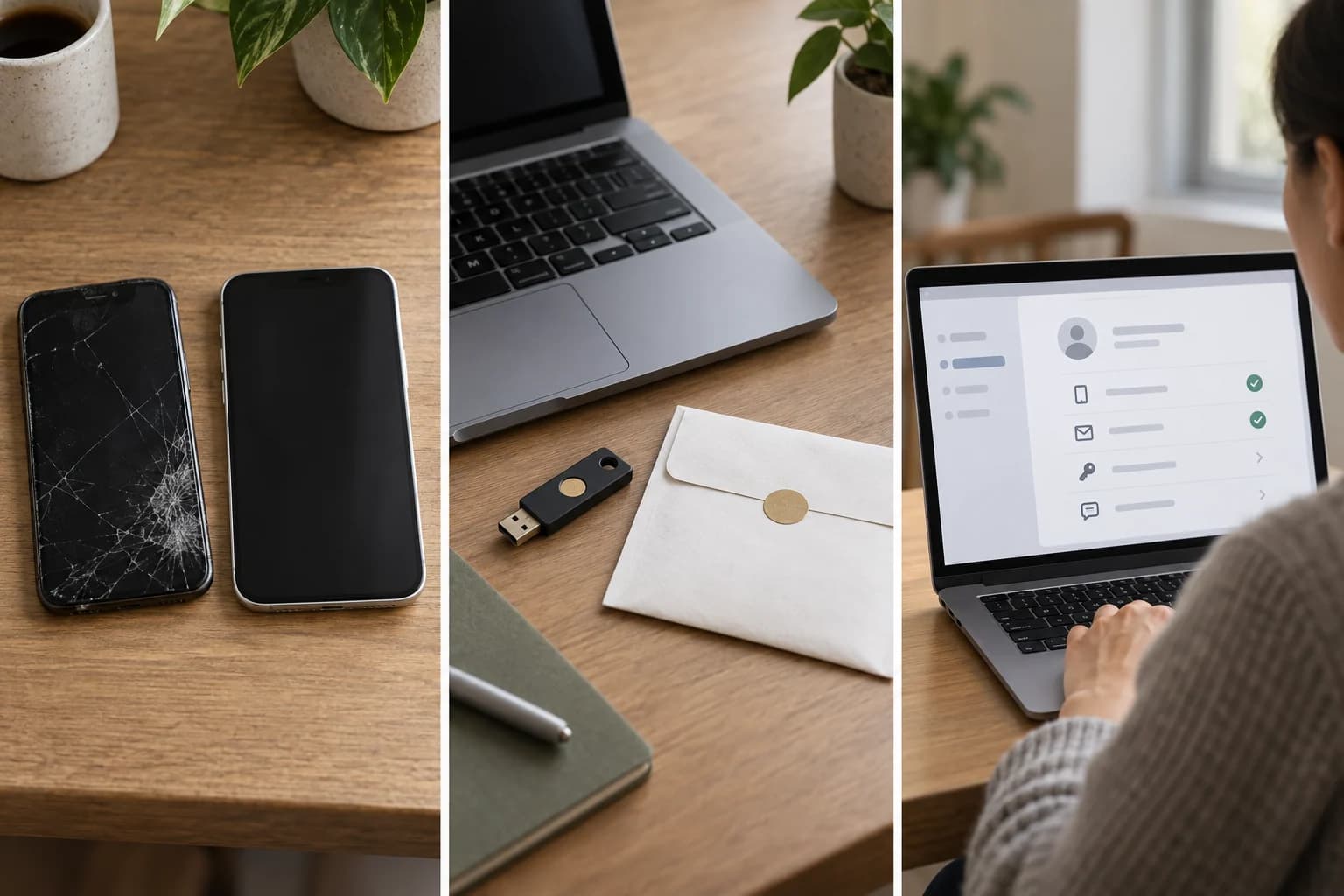
A physical security key can be a useful independent authenticator when the service supports it and you register it correctly. Purchasing a new key after the phone disappears does not make it recognise an existing account. Think of registration as adding the spare to that account's accepted routes. The object itself is not an emergency master key, and a drawer full of unregistered equipment is not a recovery plan.
Keep the spare's role clear. A key used every day and carried in the same bag as the phone may disappear in the same incident. A second registered authenticator stored separately can survive a different set of losses. This is practical dependency analysis, not a claim that one storage location is universally secure. Consider who needs legitimate access and how you avoid exposing credentials or leaving the spare impossible to find.
MDN's handling of lost passkeys explains multiple credentials and backup approaches. Use that distinction to check the account's own supported options. Also verify the connections and device environment needed to use your key. A backup that works only with an adapter left in the lost bag may be less independent than you expected, even though the account registration itself remains valid.
What if you lose every approved device?
When another approved device remains available, your first task is to identify its usable route. When no credential-bearing device or registered spare remains, recovery becomes a different process. The service or credential provider must decide how to verify you. It may request information or impose conditions that cannot be replaced by a confident explanation to a support agent. No general article can promise the outcome or duration for your particular account.
Avoid improvising through a search advertisement or a stranger's “account recovery” service. Go to the genuine provider address through a route you can independently verify. Keep the missing device, affected provider and target website distinct when explaining the problem. A statement such as “the passkey disappeared” is less informative than “the only registered authenticator was on the missing phone and no other approved device is available.”
For a stolen device, access restoration is not the only question. Once you have a legitimate surviving route, consult the provider's procedures for lost devices, credentials and sessions. Do not assume deleting a local app revokes a website credential, or that recovering a credential manager automatically signs every device out of every account. The necessary actions belong to different layers and should be checked individually.
Compare the recovery route you would actually have
The decision table compares dependencies rather than declaring a winner. A person with one phone and no other approved device has a different arrangement from someone with a laptop, current provider recovery and a separately stored registered key. Even two people using the same login technology may therefore have very different experiences after loss. Count independent routes, not simply the number of gadgets you own.
Google's passkey guidance states that adding a passkey does not itself remove existing authentication or recovery factors. This is a useful warning against treating the new button as a complete account redesign. Review what remains enabled and what the service permits. A fallback may help you after loss while also needing its own protection; it should not become invisible merely because daily sign-in feels simpler.
Do not remove an existing route simply to make the setup look clean before you have checked the alternative. Identify which recovery address, provider account or registered device each path requires. Where organisational accounts are involved, follow the administrator's policy. The appropriate personal arrangement may not be allowed for a work account, and a company helpdesk may have a recovery process different from a consumer website's.
| Arrangement | What may survive | What still needs checking | Main limitation |
|---|---|---|---|
| Password kept elsewhere | Knowledge or another manager copy | Additional verification and service recovery | Password alone may not complete sign-in |
| Reset through another mailbox | Access to recovery email | Independent access to that mailbox | A circular recovery dependency can remain |
| Synced passkey on another approved device | A usable credential copy | Provider, device approval and unlocking | A new device alone is not proof of restored access |
| Only a device-bound passkey on the phone | No automatic copy from that credential | Alternative registered routes | Provider recovery cannot recreate every device-bound key |
| Separately stored registered security key | An independent authenticator | Service support and compatible connection | An unregistered new key cannot replace the old one |
| All authenticators unavailable | Official recovery process, if offered | Provider verification and account policy | No universal success or duration guarantee |
Check your backup without locking yourself out
Use a surviving device to examine sign-in while keeping a known working session and authenticator available. You can check whether the expected credential is offered without deliberately destroying your only route. Follow the provider's guidance for testing a spare, and stop if the exercise would require deleting credentials or abandoning the active session. A useful rehearsal is reversible and reveals dependencies; it does not need a dramatic lockout.
Record a short inventory without publishing secrets: account name, credential provider, available authenticators and where the official recovery instructions are found. Keep sensitive recovery material according to the relevant service's instructions, distinct from the inventory if appropriate. Revisit the map after changing a phone, number or manager. A backup that was valid before the change might no longer be the one the account expects.
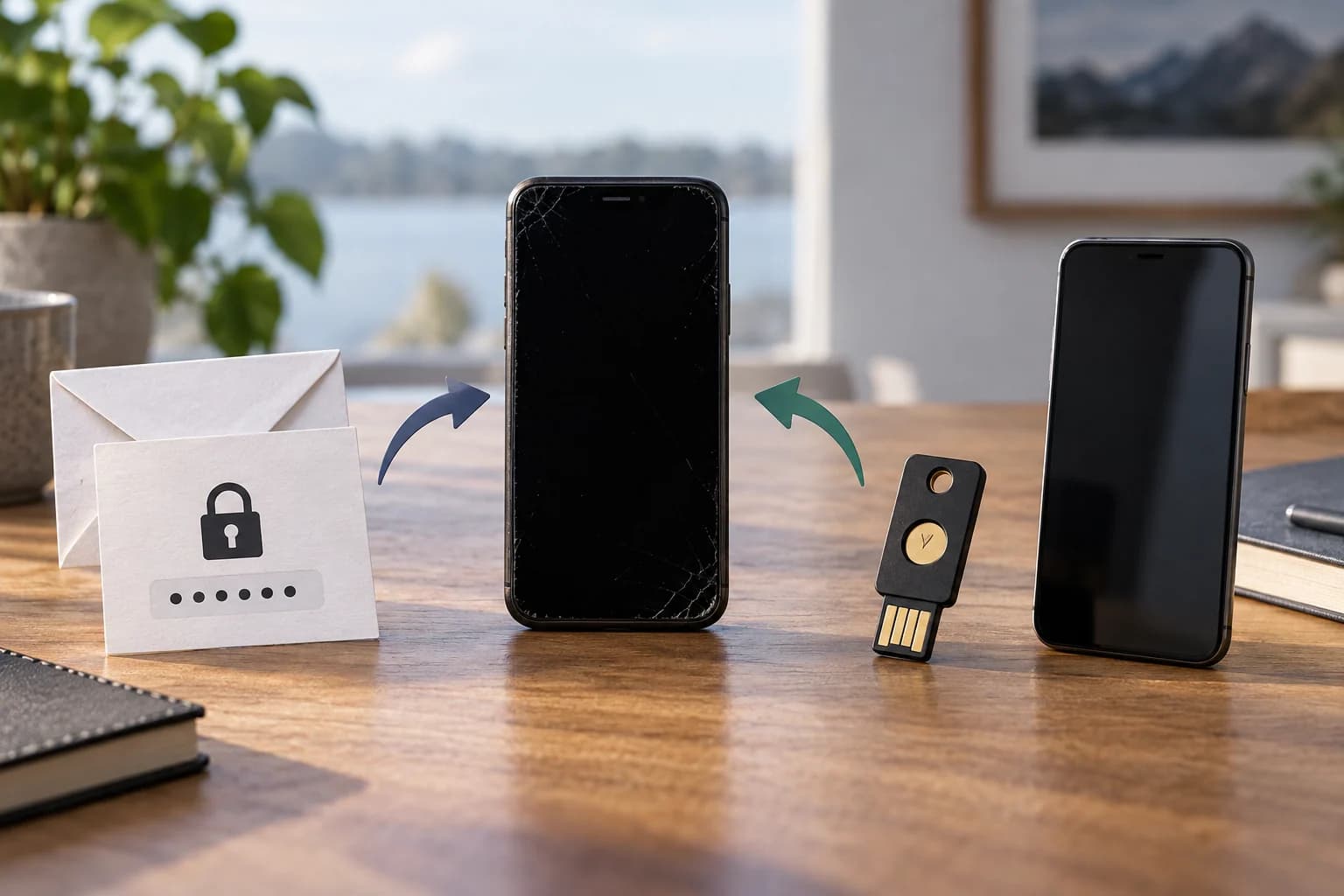
Our AI-generated cover compares a missing-phone silhouette, another generic handset, an envelope and a hardware key. Those objects stand for routes, not proof of a successful recovery. The practical result should be equally concrete: you can name what survives a phone loss, identify what must happen next and see which dependency still needs preparation. That is more useful than assuming either passwords or passkeys make the rest of the account irrelevant.
Questions and answers
Can I sign in with a passkey after losing my phone?
Possibly. Check whether another approved device holds a synced passkey, whether a registered backup authenticator remains and whether you can use the provider’s recovery process. A credential held only on the lost device has a different route. None of these options guarantees recovery for every account; preparation and service rules matter.
Can I buy a new security key after losing my phone?
You can buy equipment, but a new unregistered key does not automatically become an accepted authenticator for your existing accounts. You first need a legitimate way to enter the account and register it. A spare is useful for loss planning when registration and a compatible way to use it are already established.
Do synced passkeys mean I no longer need recovery options?
No. Synchronisation can preserve a route on another approved device, but access to the provider and its recovery conditions still matters. Check the scenario where only one device is lost separately from losing all your approved devices. Do not infer universal recovery from the presence of a cloud-sync setting.
Should I delete my password after adding a passkey?
Follow the service's supported migration process and check independent recovery first. Adding a passkey does not universally remove passwords or other factors. Review what remains enabled, protect it and understand the fallback. Removing your only remaining usable route to achieve a tidy setup can make a later loss harder.