
Answer in brief
Short form video is brief, mostly vertical video published as Reels, Shorts and TikToks. The platforms state different limits: YouTube Shorts takes square or vertical clips up to three minutes, and Instagram says reels over three minutes are not recommended to new audiences. A business does best with a monthly plan of themes, clips cut from footage it already has, reviewed captions and a few honest numbers.
What short form video is and why businesses use it
Short form video is brief video, usually filmed in a tall portrait frame, that is distributed through apps such as TikTok, YouTube Shorts, Instagram Reels and Facebook Reels. Wikipedia describes the clips as running from a few seconds to a few minutes and lists advertising, entertainment, education and journalism among the uses. The format grew from Vine's six-second limit in the 2010s and became mainstream in the 2020s. For a business it is a way to show work, answer questions and be seen by people who do not know the company yet.
It is not a way to say everything. A short clip carries one idea, one scene and one next step, and a viewer decides in a moment whether to stay. That limit is useful: it forces the sentence a customer actually needs to hear. The same discipline is what makes a month of clips manageable instead of a monthly crisis.
Formats and length limits as each platform states them
YouTube's help page says a video is categorized as a Short if it has a square or vertical aspect ratio and is up to three minutes long, so 16:9 stays long-form; for standard channels that applies to uploads from 15 October 2024. YouTube's creation page adds that uploads from a computer or phone are accepted at a maximum resolution of 1080p, and that the in-app camera records Shorts up to three minutes.
Instagram's own Reels page says you can create multi-clip videos up to three minutes, while its help section says clips can add up to 20 minutes and that reels over three minutes are not recommended to new audiences. Read the second sentence with care: reach beyond your followers is the point of the format. TikTok changes its limits from time to time, so read its help centre on the day you export. Rules and limits move; treat any number in an article, this one included, as a reason to check the page.
One idea per clip: how a short video is built
A working structure is three beats. The opening shows or says the point in the first seconds, the middle proves it with a demonstration, a number you can verify or a short story, and the end gives one next step: follow, ask, visit, book. YouTube's creation page even offers a Get feedback button that analyses a video's hook and pacing, which tells you what the platform thinks matters at the start.
Keep each clip to one subject: one customer question, one before and after, one mistake and its fix, one person from the team. A video that tries to cover the whole company covers nothing. Write the first line before you film, because a clip that begins with a logo animation or a greeting has already spent its best seconds.
A monthly content plan that survives a busy week
Plan by themes, not by single ideas. A small business can run four themes a month, one per week: answers to customer questions, behind the scenes of the work, proof such as a finished job or an honest comparison, and a plain offer. Each theme gets two or three clips, so the month is already a calendar and nobody has to invent a topic on Monday morning.
Produce in batches. One shooting session with the owner or the team can yield material for many clips, because the same conversation gives a question, an opinion and a story. Cut and caption them together, schedule them across the month and keep two spare clips for the weeks when nothing happens. Regularity you can sustain beats a burst of ten clips followed by silence.
Editing from footage you already have
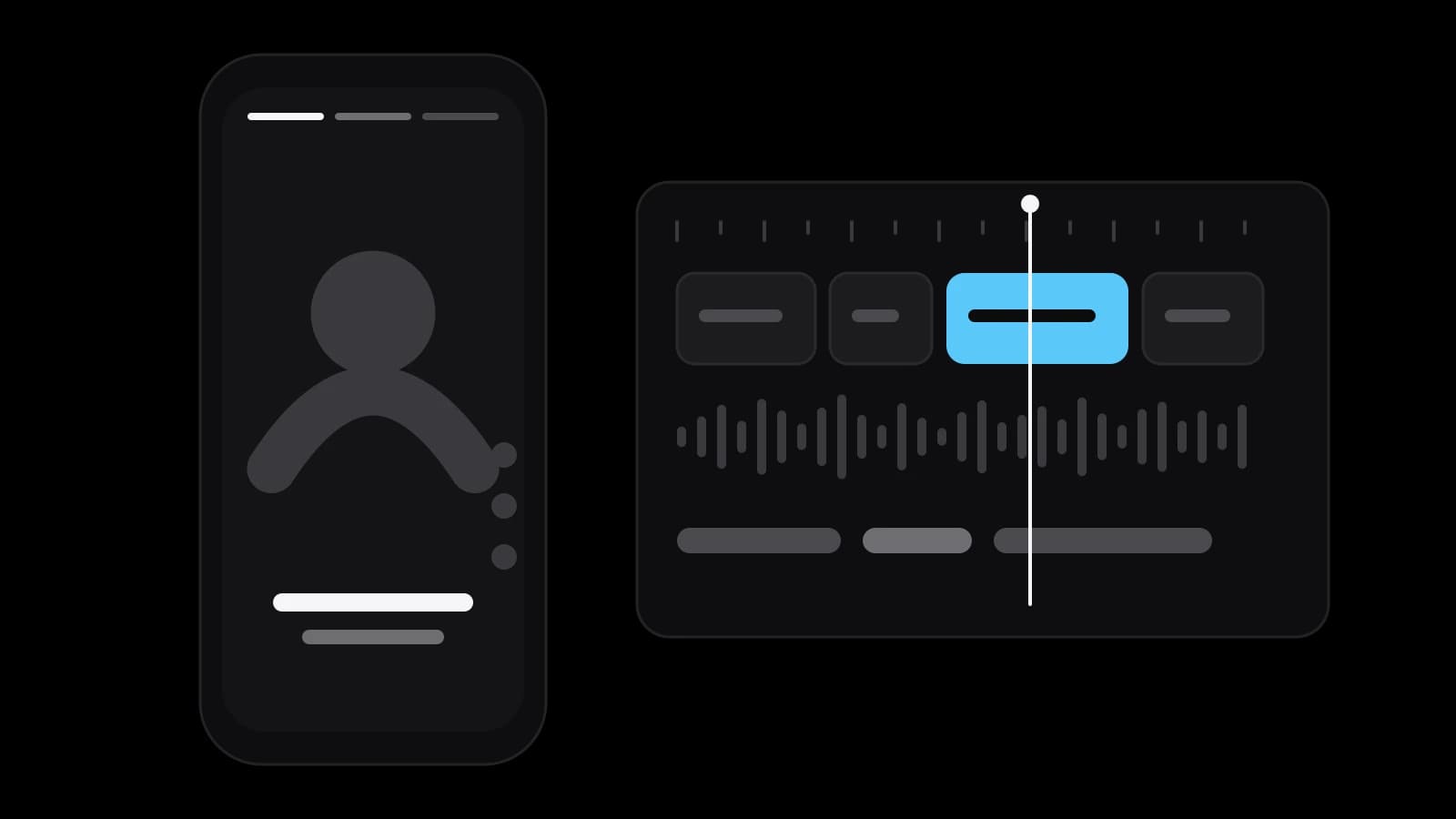
Most businesses already own raw material: a webinar, an interview, a product film, screen recordings, event footage. YouTube lets you turn your own public long-form videos into Shorts with its Edit into a Short tool, where you select up to 60 seconds, add text or filters and upload; private and unlisted videos and videos with third-party copyright claims cannot be used, and the video must allow Shorts sampling in YouTube Studio. Instagram's editor accepts uploads from the gallery, trimming of clips and a chosen cover, and templates need a reel with music and at least three clips.
Rights come first. Instagram's page says licensed audio may be muted if music rights agreements change, so a clip whose appeal depends on one song can lose its sound. Use music you are licensed to use, check permission from people who appear in the footage, and keep a note of where each clip came from. Footage can be reused many times; a missing permission cannot be repaired afterwards.
Captions and covers
Captions are part of the clip. YouTube's help page says its automatic captions are generated by machine learning, so quality may vary, lists accents, dialects, mispronunciations and background noise among the causes of mistakes, and recommends reviewing and fixing the text in YouTube Studio. Names, prices and product terms are where machines go wrong most, and they are exactly the words a buyer reads.
Covers and written captions finish the job. Instagram's page says that when sharing a reel you can write a caption, add alternate text and choose a cover photo. Use the cover to name the topic in a few words, and use the caption for one useful line and one next step, not a paragraph. Alternate text helps people who use screen readers, so write it as a description of what happens in the clip.
Measuring short videos without fooling yourself
Know what the number counts. YouTube's help page says that from 31 March 2025 a Short's views count each time it starts to play or replay, and that the earlier metric remains in YouTube Analytics as engaged views. A bigger number of plays is therefore not the same as more people who watched. Compare clips of the same type and length with each other, not a joke with a price list.
Look at what each theme brings: which clips drew comments, questions in the messages, saves and visits to the profile. The results that matter sit beside the platform: enquiries, bookings, calls that start with I saw your video. Ask every new customer how they found you and keep the answers in one sheet.
Review once a month and change one thing at a time: the opening line, the length, the theme. Nobody can promise how far a clip will travel, and a single hit says little about the next. A calm monthly review of twelve clips teaches more than a daily look at one.
What to prepare before you order a monthly Reels service
Before you order short form video by the month, prepare the raw material and the rules. Gather what exists: interviews, product films, photos, recordings of your work, logos and brand colours. Write down the four themes you want for the month, the claims you must never make, and the people who agree to appear. Decide who approves clips and how quickly, and which channels the clips go to.
Doing short form video yourself is realistic for a few clips and a phone, if someone on the team likes editing; the usual failure is the second month, when other work pushes the schedule aside. Ordering makes sense when you want a steady twelve clips a month, cut and captioned to one style, and your time reserved for the filming and the approvals only.
VITON13 Studio offers this as the package Reels subscription: 12 a month. Each month it includes twelve Reels, Shorts or TikToks, editing from your footage or AI-made footage, and captions and covers. Before you pay, the studio edits one Reel from your footage, so you see the style on your own material. The subscription costs $113 a month and can be cancelled with 30 days' notice.
Practical checklist
- List the footage you already own: webinars, interviews, product films and screen recordings.
- Choose four themes for the month and two or three clips per theme.
- Write the first line of each clip before filming, and keep each clip to one subject.
- Check licences for music and permission from everyone who appears in the footage.
- Review the automatic captions by hand and compare clips of the same type once a month.
Questions and answers
How long should a Reel or a Short be?
As long as one idea needs. YouTube treats square or vertical videos up to three minutes as Shorts, and Instagram says reels over three minutes are not recommended to new audiences. Most business clips sit well inside those limits.
Can I turn a long video into several Shorts?
Yes, if you own it. YouTube's Edit into a Short tool takes up to 60 seconds of a public long-form video per Short, so a webinar can yield several clips. Check rights to music and to the people who appear.
Do I have to add captions to every clip?
It is strongly worth it. Automatic captions exist on YouTube but their quality varies, so read them and fix names and terms. On Instagram you also write the caption and the alternate text yourself.
How many clips a month are realistic for a small business?
The number you can feed with real material and approve on time. Twelve a month is about three a week and needs one regular shooting session and a quick approval round; a smaller steady rhythm is better than a burst.
Which number should I trust?
Trust several together. YouTube's Short views count each play and replay, so also look at engaged views, comments, saves and the enquiries that mention your clips. Keep a record of how customers found you.