
Answer in brief
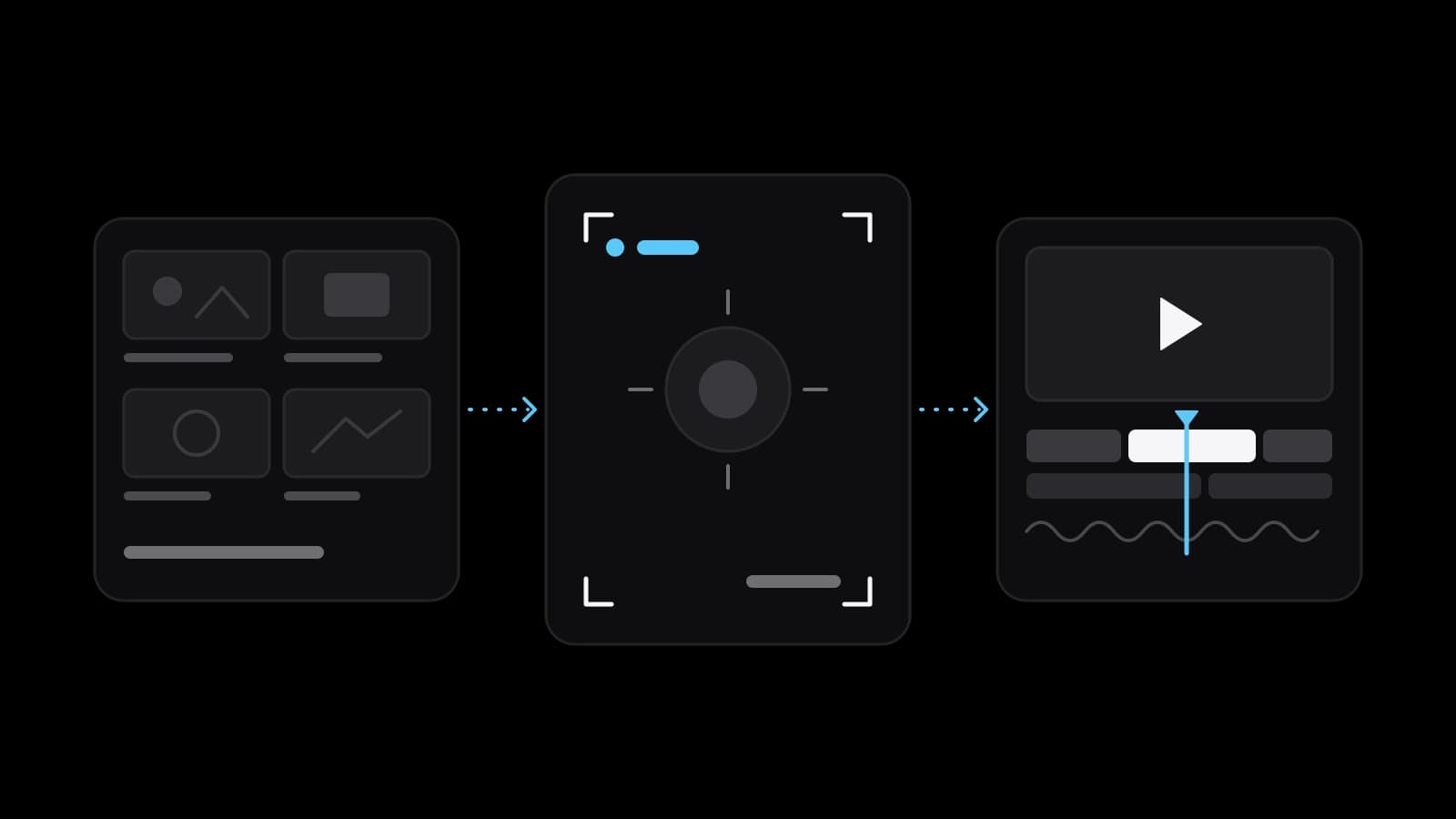
Video production is the process of making a video from the first idea to the finished file. It runs in three stages: pre-production, where the script, the storyboard, the schedule and the budget are settled; production, the shoot itself; and post-production, where the footage is edited, coloured, mixed and titled. The client ends up with files exported for each platform and with licences for the music and footage used.
Video production in plain terms: from an idea to a finished file
A business owner who asks what is video production usually wants to know what exactly is being bought. Wikipedia gives the shortest answer: video production is the process of producing video content. Adobe spells it out in its beginner’s guide: creating content from start to finish, which covers concept development, scripting, storyboarding, camera work, directing, editing and adding graphics. So the word names a chain of work. The day with the camera is only one link in it.
Both sources divide the chain into three stages: pre-production, production and post-production. Wikipedia calls video production the equivalent of filmmaking, and Adobe draws the practical line: it covers marketing videos, corporate videos and online media, and often involves shorter production times, straightforward scripts and practical setups. The stages are the same in both. A client should learn them for one reason: each ends in a decision that is easy to change at that stage and hard to change after it.
Pre-production: what is settled before a camera is switched on
Wikipedia describes pre-production as the planning phase, in which the project is defined before any footage is recorded. Its list is long: writing the script, creating storyboards, developing a budget and a shooting schedule, casting performers, scouting locations, assembling the crew and the equipment. Adobe calls it the initial and critical planning phase. Its guide admits that the schedule will shift, and still states the goal: to resolve issues during pre-production.
Adobe’s tips name the documents of this stage in one line: a brief, a storyboard, a script and a shot list. A storyboard, in Wikipedia’s definition, is a sequence of simple illustrations or images made to pre-visualise the film. StudioBinder, a maker of production planning software, defines a shot list as a document that describes each shot of a scene. The client approves these papers and says which platforms the result is for. A change made on paper costs a conversation; the same change after the shoot can cost another shooting day.
The shooting day: who is on set and what each of them does
Production, in Wikipedia’s wording, is the actual recording phase: the moment when the planned material is captured on camera. Adobe lists who a small crew might include: a camera operator, a director, a producer, a sound mixer and a gaffer for lighting. The director handles the creative direction and the producer manages the logistics. On a small shoot it is worth asking who holds each role: the work remains even when the crew is three people.
The day runs on paper prepared earlier. Wikipedia’s article on filmmaking describes the call sheet, which tells cast and crew when and where to turn up, and adds that the action is shot in as many takes as the director wishes. Besides the main footage, Adobe notes, a second crew usually captures B-roll, which Wikipedia defines as supplemental footage intercut with the main shot. A short promotional or explainer video, by Adobe’s account, might finish filming in a day or two. For the client this is the one stage where presence matters: someone who can say yes or no on the spot should be there.
Post-production: editing, colour, sound, graphics and subtitles
Wikipedia’s definition here is the widest of the three: post-production is everything that happens after recording. StudioBinder walks through the order. The first draft of the edit is called a rough cut; when the director is happy with the visuals, the picture is locked, and only then does the sound editing begin. Sound editors assemble the audio tracks, cut the dialogue and remove unwanted noise, and sound mixers adjust the volume levels. A colourist alters the shots once the picture is locked, and the editors add title cards, credits and graphics.
That order explains why late changes hurt: ask to move a scene after the lock, and each of these steps is repeated for that part of the video. Subtitles are a small piece of work that is easy to forget. Wikipedia distinguishes open subtitles, which are added directly to the video frames and cannot be removed, from closed ones, which are stored separately and allow several languages. For the separate kind, YouTube Help suggests SubRip, the .srt file, to people new to captions. Agree before the edit starts whether subtitles are included, of which kind and in which languages.
The kinds of video a business orders, and how they differ
The list of what a business orders is shorter than it seems. An advertisement is made for paid placement, and the platform sets its frame: the help pages of Yandex Direct, Yandex’s ad system, accept ad videos from 5 to 60 seconds long. Wikipedia’s article on corporate video defines the rest of the family as non-advertisement video content created for and commissioned by a business. Its examples are staff training and safety videos, promotional and brand videos, explainers of a product’s benefits, and customer testimonials.
Short vertical videos are a kind of their own. Wikipedia describes them as short-form vertical video made for mobile viewing on platforms such as TikTok, Instagram Reels and YouTube Shorts, filmed in a 9:16 aspect ratio. A product video is often just as short but has a different job: to show one item the way a buyer would examine it in the hand. All these kinds pass through the same three stages; what changes is where the effort goes.
What the client holds at the end: files, versions and rights
The result of the work is a set of files, and their list belongs in the agreement. Wikipedia puts the last step plainly: the finished video is exported into formats suitable for its intended distribution channel. YouTube Help recommends an MP4 container and the H.264 video codec, lists AAC-LC among the audio codecs and names 16:9 as the standard aspect ratio on a computer. Yandex Direct recommends three aspect ratios for an ad video, 16:9, 1:1 and 9:16, and accepts files of no more than 100 MB. One video therefore means several versions, and since requirements change, the reference is each platform’s current help page.
The other thing a client holds is permission. Wikipedia explains that a synchronisation licence is granted by the copyright holder of a composition, while the recording itself, the master, is most often owned by a record label. Libraries make this simpler: YouTube’s Audio Library offers royalty-free production music, though a track under a Creative Commons licence requires a credit to the artist. Stock footage, defined by Wikipedia as footage that can be used again in other films, is sold either rights managed or royalty-free. Ask for a written list of what was licensed and for how long, and show the contract to a lawyer before paid advertising.
Where generated AI video fits into this chain, and where it does not
Generated video has entered the chain as one more tool. Google’s developer documentation describes Veo 3.1 as a model for generating 8-second videos with natively generated audio; a clip can be extended by 7 seconds up to 20 times, to 148 seconds in all. These are today’s figures for one model. So a generator produces shots, and a video is still assembled from them by the same three stages: somebody writes the script, edits the shots and mixes the sound. Adobe describes its own generative tool, Firefly, in similar terms: it helps visualise shots and effects ahead of the shoot and generate assets missed in production.
Generation fits where the picture is invented anyway, such as a mood or a background. It fits badly where the viewer is promised the real thing: your product, your premises, your staff, a customer’s own words. Platforms have rules as well. YouTube Help says creators must disclose when they use AI to meaningfully alter or generate photorealistic content, and one of its examples is AI-generated extra footage of a real place in a promotional travel video; using AI for a script, ideas or captions needs no disclosure. Ask the studio which shots are generated and who makes the disclosure where one is required.
What to prepare before ordering a video, and when to film it yourself
A studio can plan, shoot and edit; it cannot decide what the video is for. Before writing to anyone, put five answers on one page: what the video should make a viewer do, who that viewer is, where it will be shown, what must appear in it and by what date it is needed. Add two or three videos you like and one you do not. Wikipedia notes that the cost of a production scales with crew size, equipment, locations, talent and post-production time, so each of those answers changes the estimate.
The honest test for doing it yourself is repetition and risk. A weekly video from the shop floor, filmed on a phone by someone who knows the product, is often better made in-house; Adobe’s basic tips are soft lighting, an uncluttered background and clear audio. A video that will run as paid advertising is worth ordering, because its mistakes are seen by more people for longer. VITON13 Studio is one place that does this work, and the guides linked below explain what a promo video and an edit cost. Either way, the question of what is video production comes down to the same first step: one page that says what the video is for.
Practical checklist
- Write on one page what the video is for, who will watch it and where it will be shown.
- Approve the script and the storyboard in writing before a shooting date is set.
- Name every platform in advance so that horizontal, vertical and square versions are framed on set.
- Ask for a written list of licensed music and stock footage: which uses and for how long.
- Agree which shots, if any, are generated with AI and who makes the platform disclosure.
Questions and answers
Is video production the same thing as filming?
No. Filming is the middle stage of three. Before it comes pre-production, where the script, the storyboard, the schedule and the budget are settled; after it comes post-production: the edit, the colour, the sound mix and the titles. The shooting day is the most visible part, which is why it is mistaken for the whole.
How long does it take to shoot a short business video?
Adobe’s beginner’s guide gives a day or two of filming for a short promotional or explainer video, against one to three months for a full-length film. Planning before the shoot and editing after it are counted separately, so ask the studio for a schedule that covers all three stages.
Which file formats should a finished video be delivered in?
It depends on where the video will be shown, because each platform publishes its own requirements. YouTube Help, for example, recommends an MP4 file with H.264 video, and Yandex Direct recommends 16:9, 1:1 and 9:16 for ad videos. Name the platforms before the shoot and list the versions in the agreement.
Who owns the music used in a business video?
The rights stay with their holders. Wikipedia describes a synchronisation licence granted by the copyright holder of the composition and a separate right in the recording, most often held by a record label. Library music is simpler, but some tracks still require a credit to the artist. Get the licence terms in writing and check them with a lawyer before advertising use.
Can a whole advertisement be generated with AI instead of filmed?
Shots can. Google’s documentation describes Veo 3.1 as generating 8-second clips that can be extended, so a longer video is still written, assembled, edited and mixed by people. Where a viewer expects the real product, place or person, filming remains the honest option, and YouTube requires disclosure of realistic generated content.