
Answer in brief
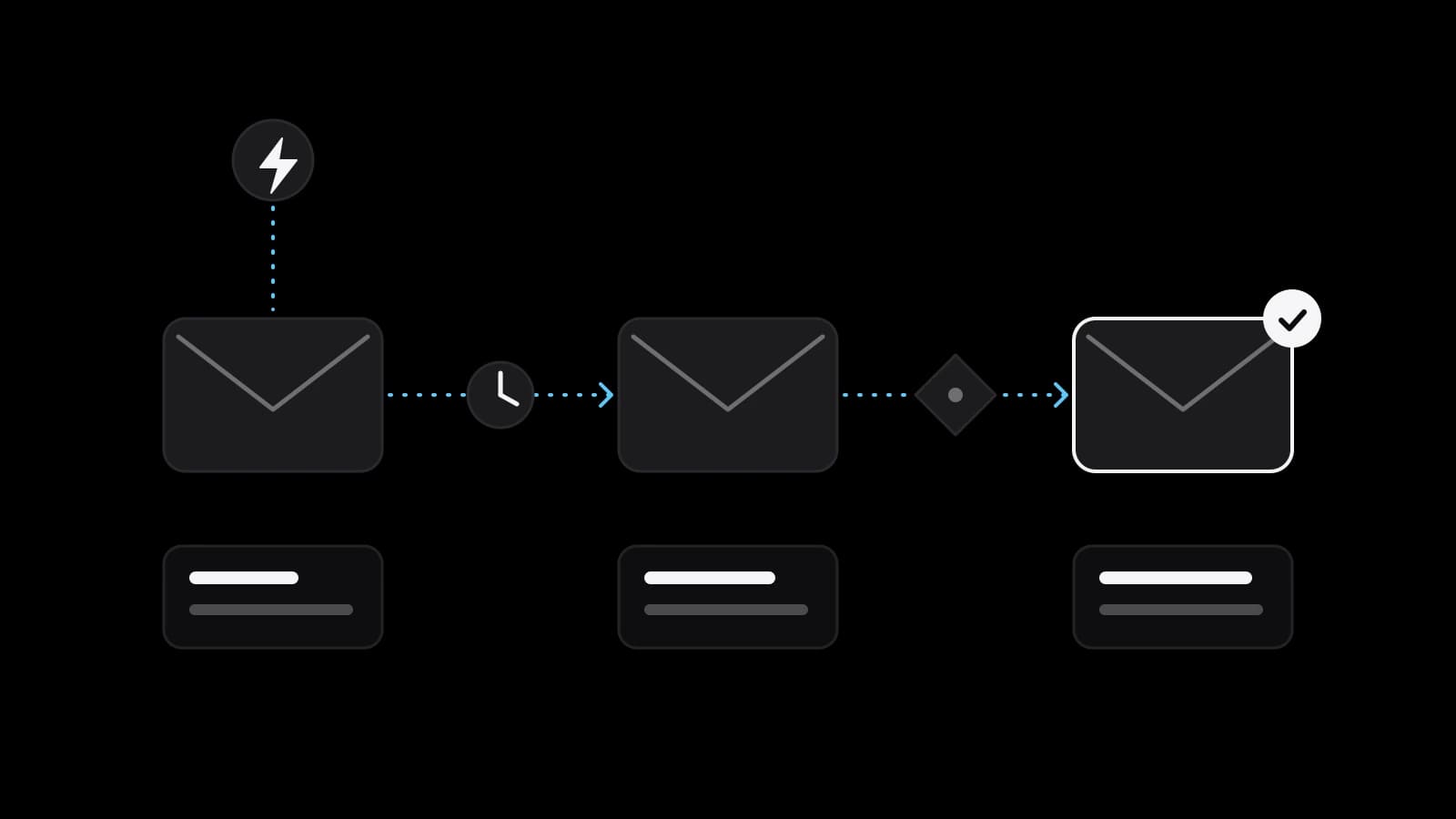
Email marketing automation means emails that send themselves when a customer does something: joins your list, leaves a basket or goes quiet. Most small shops start with three flows: welcome, abandoned cart and win-back. Each needs a clear trigger, a stop rule, a working unsubscribe and a domain set up with SPF, DKIM and DMARC.
Email marketing automation is mail that sends itself on a trigger
Email marketing automation means a message that leaves by itself when a customer does something, instead of when someone presses send. A person joins your list, a shopper leaves a basket, a buyer goes quiet: each event starts a short chain of emails written in advance. Behind email marketing automation sits one plain rule: if this happens, wait this long, then send that. The work lies in choosing the right events and writing messages worth receiving.
A newsletter and an automated flow do different jobs. The newsletter speaks to everyone on the same day about what is new. The flow speaks to one person at the moment it matters to them, so it can be short and plain and still feel relevant. Below are the three flows most small shops start with, the rules for commercial email and the settings that decide whether messages reach an inbox.
The welcome flow: the first email a new subscriber gets
A welcome flow starts when someone gives you their address. It is the one moment when the reader expects to hear from you and is paying attention, so it earns its place first. The opening message confirms what they signed up for, says who is writing and delivers whatever the form promised: a discount code, a guide, a first look at the range. If the form promised something and the email does not deliver it, the relationship begins with a small broken promise.
Later messages can answer what a new customer is likely to ask: how delivery works, what the return conditions are, which products people usually start with. Keep the chain short and let it end clearly. Each email should have one job and one main link.
Abandoned cart and win-back: two flows with a clear trigger
An abandoned cart flow starts when a shopper adds products to a basket and does not finish the order. It only works if you know who the shopper is, which means they left an address at the cart step or were logged in. The message reminds them what they chose, shows the items and gives a direct link back. Not everyone leaves because they forgot: some were surprised by the delivery cost, some were comparing shops, some were interrupted.
A good reminder therefore answers the likely doubts: delivery terms, return conditions, a way to ask a question. A discount is a possible last step, not the default one, because customers who learn that a reminder brings a coupon begin to wait for it.
A win-back flow starts when a customer has not bought, or has not opened anything, for longer than the normal buying cycle of your shop. That period differs a lot: a coffee roaster and a furniture maker will set it months apart. The message says what is new and makes staying or leaving equally easy. If the last message gets no response, stop writing to that address.
Triggers and timing: how long to wait before each message
A trigger is the event, and timing is the delay between the event and the email. There is no universal number, so look at how long your own buyers take between the first visit and the first order, and set the delays as a fraction of that. A welcome message belongs close to the sign-up, and a cart reminder should wait until the shopper has genuinely left.
The most common embarrassing mistake is the missing stop rule: a reminder that arrives after the order was paid. Every flow needs exit conditions: the customer buys, unsubscribes or enters another flow. Test the chain with your own address before it goes live, on a phone, through three paths: bought, ignored, unsubscribed.
Consent and unsubscribe: what the FTC and GDPR texts say
In the United States, the FTC publishes a compliance guide for business on the CAN-SPAM Act. It says the law covers commercial email and makes no exception for business-to-business messages. Its requirements include an accurate subject line, a clear statement that the message is an advertisement, a valid postal address and a plain explanation of how to stop future marketing email.
On opting out, the same guide is specific. The mechanism must keep working for at least 30 days after the message is sent, and requests must be honoured within 10 business days. The recipient may not be asked to take more than one step, to pay a fee or to give more than an email address. Hiring another company to send does not remove your responsibility, and the FTC states that each violating email can carry a penalty of up to $53,088.
For people in the European Union, the GDPR text is the reference. Article 4 defines consent as a freely given, specific, informed and unambiguous indication of wishes, given by a statement or a clear affirmative action. Article 7 says the person may withdraw consent at any time and that withdrawing must be as easy as giving it, and Article 21 lets a person object to direct marketing at any time, after which the data may no longer be processed for that purpose. This is a plain reading of public texts; what applies to your business and your sign-up form is a question for a lawyer.
Deliverability basics: SPF, DKIM, DMARC and the Gmail and Yahoo rules
Authentication is how a receiving server checks that mail claiming to come from your domain really does. Google names three methods: SPF, DKIM and DMARC. According to Google’s admin help, DMARC tells receiving servers what to do with messages from your domain that fail the SPF or DKIM checks, and it is published as a DNS record. The policy can be none, which delivers and logs the message, quarantine, which sends it to spam, or reject. Google suggests starting with none and a reporting address, then tightening step by step.
Google’s sender guidelines say that since February 1, 2024 every sender needs SPF or DKIM, a TLS connection and a spam rate below 0.3% in Postmaster Tools, with a figure under 0.10% as the target. Senders of close to 5,000 messages or more a day to personal Gmail accounts count as bulk senders. They need SPF, DKIM and DMARC together, and their marketing messages must support one-click unsubscribe, with a visible link in the body.
Yahoo’s sender page asks for similar things: SPF or DKIM from everyone, both plus a DMARC policy from bulk senders, a working one-click List-Unsubscribe header, unsubscribes processed within two days and a spam complaint rate below 0.3%. Yahoo notes that its requirements are subject to change. A small shop may sit below the bulk threshold, but the rules for all senders still apply.
Measuring the flows without promising a result
Measure each flow separately. Count how many people entered, clicked, bought and unsubscribed. Opens are a rough signal; clicks and orders say more. The spam rate is the figure to watch for the whole domain, and Google lets you read it in Postmaster Tools.
Change one thing at a time: the subject line, the delay, the offer. Compare the flow with its own earlier results, not with the average of strangers. Nobody can promise a figure before the flow has run on your list and your products.
What to prepare before ordering a launch of three flows
You can build this yourself if you have a few evenings: write the emails, set up the domain records, connect the shop and test every path. Ordering makes sense when that time is better spent on customers. Either way, prepare the same things: access to your email platform and shop, your logo and colours, your delivery and return terms, your policy on discounts, a postal address for the footer, and the name of the person who answers replies.
VITON13 Studio offers this as the Email marketing launch package: the email platform is set up, three flows send automatically, and the templates follow your style. Campaigns and reporting are available in the monthly plan. Before you pay anything, the studio writes and designs the welcome email as a free draft, so you can judge the voice and the layout on your own shop. The fixed price is $113, or $53 a month, and the work takes 7–10 working days. Describe your shop on the order page, and the draft comes first.
Practical checklist
- Write down the three triggers: new subscriber, abandoned basket, customer silent for one buying cycle.
- Add a stop rule to every flow, so a paid order ends the reminders at once.
- Put a postal address and a one-step unsubscribe link in the footer of every marketing email.
- Publish SPF, DKIM and a DMARC record with the policy set to none, and add a reporting address.
- Check the spam rate in Google Postmaster Tools after the first weeks and keep it below 0.3%.
Questions and answers
How many automated email flows does a small shop really need?
Three are enough to start: a welcome series, an abandoned cart reminder and a win-back message. Each has a clear trigger, so you can write it once and let it run. More flows can be added later, when you see which customer moments are still unanswered.
Does CAN-SPAM apply to emails sent to other businesses?
According to the FTC’s compliance guide, the law makes no exception for business-to-business email. The same guide lists the requirements that apply to commercial messages. Rules differ by country, so confirm how they apply to your own case with a lawyer.
Do I need DMARC if I send only a few hundred emails a week?
Google’s requirement for DMARC applies to bulk senders, meaning close to 5,000 messages or more a day to personal Gmail accounts. Smaller senders still need SPF or DKIM. Publishing a DMARC record with the policy set to none is a low-risk step that also gives you reports.
Should the abandoned cart email always include a discount?
No. A first reminder can simply show the items and answer questions about delivery and returns. A discount is a margin decision, and customers who learn that every reminder carries a coupon may wait for it before they buy.
Can I keep emailing someone who stopped opening my messages?
You may, if they have not unsubscribed, but it is rarely wise. Silent addresses add little and can raise your complaint rate. Try one or two win-back messages, then move the address to rare mailings or remove it.