
Answer in brief
A Google knowledge panel is an information box about a person, place or organization that Google generates automatically from public information on the web. Nobody can order one, but the official representative of a company can claim an existing panel and suggest edits. What helps is one set of consistent facts on your site, in structured data and in business profiles.
What a Google knowledge panel shows and who it is about
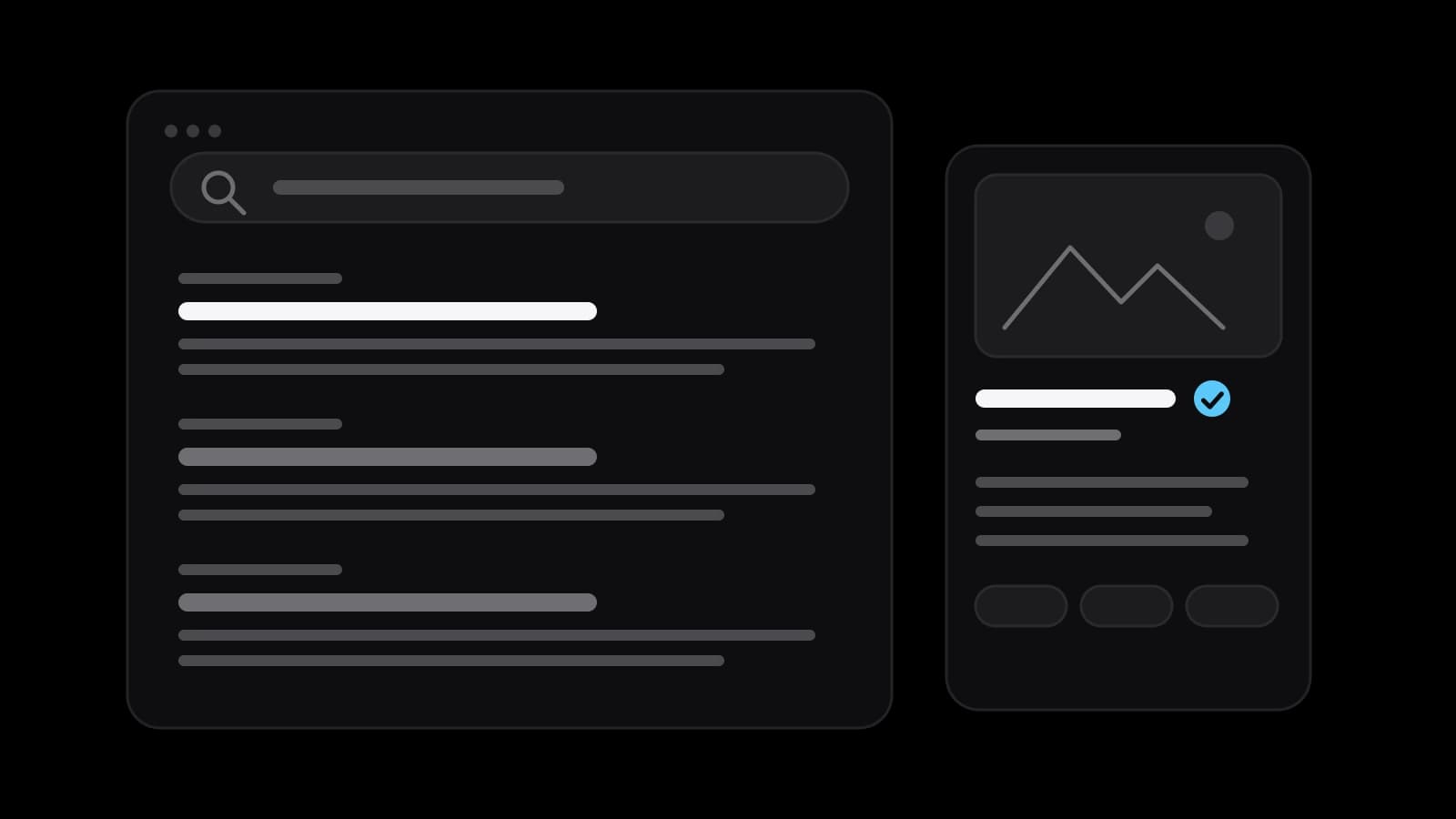
Search for a well-known company by name and a box often appears beside or above the results: a logo, a short description, an address, links, sometimes opening hours. That box is the google knowledge panel. Google’s help pages describe knowledge panels as information boxes that appear when you search for entities, meaning people, places, organizations and things, and as a quick snapshot of a topic based on Google’s understanding of web content.
For a business owner the panel matters because it is the first thing many people read about the company, before any page of your website. A wrong phone number, an old logo or a description taken from an unrelated site is read as the company’s own statement. This is why the subject is worth a calm hour, and why it is mostly a matter of order in your facts rather than of a trick.
Where the facts in the panel come from and why it cannot be ordered
Google states that the information in a knowledge panel generates automatically from public information on the web. Descriptions come from outside data sources, and for some subjects, such as films or music, data partners may supply authoritative data. Automated systems decide when a panel appears or disappears, depending on how relevant the information is to a query. Google adds that it does not manually create or delete panels, to keep results trustworthy.
The consequence is simple and a little uncomfortable: nobody can sell you a panel. A company that promises one is promising to control a decision that Google makes by machine. What you can do is make it easy for the machine to find the same facts in several independent places, and then use the official routes to correct what is wrong. Everything below follows that order.
One facts sheet that every page and profile repeats
Start on paper. Write the company name exactly as it should appear, the address in one format, the phone number, the email, the website address, the opening hours, the main offer in one plain sentence, and the links to your official profiles. Add the logo file you want shown. This is a facts sheet, and it is the most useful document in the whole job, because almost every mismatch in a panel begins as a mismatch between two places a company wrote itself.
Then compare the sheet with what exists: the footer and contact page of the site, the social profiles, the directory listings, the marketplace pages, old press mentions. Mark every difference and fix the ones you control. A company that is called three different names in three places makes it harder for any automated system to decide that they are the same company, and the fix costs only time.
Organization structured data on the home page
Google’s documentation for Organization structured data says that adding it to your home page can help Google better understand your organization’s administrative details and tell it apart from other organizations in results. No property is mandatory, but Google suggests including as many relevant ones as possible, and names those that help users: name, address, telephone, url and logo. It recommends placing the markup on the home page or an About page and using the most specific type that fits.
The logo has its own rules: at least 112 by 112 pixels, crawlable and indexable, in a format Google Images supports, and it should look right on a white background. The same page is clear about limits. Google does not guarantee that features which use structured data will show up in results, and markup that breaks its guidelines can be ignored. The markup should say what the visible page says, and you can check it with the Rich Results Test before it goes live.
Business Profile and the other places that hold your facts
For a company with an address or a service area, the strongest public record is usually a business profile. Google explains that adding and verifying a Business Profile lets customers find your business on Search and Maps, and that after you add or claim it you control how your business information appears on Google. Adding or claiming a business costs nothing. Only businesses eligible for a profile can add or claim a location, and the address must meet Google’s guidelines.
If a verified profile for your business already exists and you are authorized to manage it, Google says you can request ownership from the current owner instead of creating a duplicate. Bing Places and Apple Business Connect play the same role for other search and map products, and they are filled from the same facts sheet. Duplicates and stale copies are the usual source of contradictions, so one owner and one sheet per company is the safe rule.
Wikidata: what the eligibility rules actually say
Wikidata is a free public database, and a company can have an item there, but not automatically. Its notability policy lists three criteria and an item needs at least one: a valid link to a page on a Wikimedia project such as Wikipedia, a description of a clearly identifiable entity supported by serious, publicly available references, or a structural purpose that makes statements in other items more useful.
For most small businesses the first criterion is out of reach, and the second depends on real independent references, not on the company’s own site. So do not treat an entry as a plan. Google does not name a single source for its panels, only many sources on the web, so a Wikidata item is a public record that may help, not a lever. If your company has press coverage or an official register entry, ask a specialist whether it qualifies before you write anything.
Claiming the panel and asking for corrections
If a google knowledge panel for your company already exists, Google says the subject or its official representative can claim it, while anyone else can only suggest edits through the feedback link on the panel. Claiming goes through Google’s verification process. Verified users get priority, and a claimed panel can show an image chosen from those available on the web. You suggest edits with the Suggest edits option, signed in with the verified account, and submit each item separately.
Know the limits. Titles and subtitles are generated automatically and Google does not accept custom subtitles. Descriptions cannot be edited directly: contact the original source first, and only then send feedback with strong evidence. Google compares each submission with other public information, usually answers verified feedback within a few days, and may refuse a change if the accuracy cannot be confirmed. Accepted changes are updated in the Knowledge Graph.
Do it yourself or order the entity setup, and what to prepare
Everything above can be done by an owner with a free afternoon: the facts sheet, a pass through the profiles, the markup, the verification. It gets difficult when the facts are scattered across years of directories, when the site runs on a platform that makes markup awkward, or when nobody owns the task. Do not expect a google knowledge panel as a reward, since the decision stays with Google.
VITON13 Studio assembles this work as the brand entity pack. It contains a facts sheet with your name, offer and contacts, the same everywhere; Organization schema on your site; business profiles such as Google Business Profile, Bing Places and Apple Business Connect; and a Wikidata entry where your company is eligible. You see the facts sheet for your company as a free draft before you pay. The pack is a fixed $73 and takes five to eight working days. Bring the site address, the official name and any profiles you already own.
Practical checklist
- Write a facts sheet with name, address, phone, site, hours, logo and one-sentence offer.
- Compare the sheet with your site, profiles and directories and fix every mismatch you control.
- Add Organization markup to the home page and test it with Google’s Rich Results Test.
- Add or claim a Business Profile and request ownership if a verified one already exists.
- Claim the panel through Google’s verification and send one suggested edit per wrong item.
Questions and answers
Can a company simply buy a Google knowledge panel?
No. Google says panel information is generated automatically from public web information and that it does not create or delete panels by hand. A provider can organise your facts, but cannot control whether a panel appears.
Who is allowed to claim a knowledge panel?
According to Google, the subject of a panel or its official representative. Other people can suggest edits through the feedback link, but only a verified user gets priority and can make some corrections directly.
How long does Google take to review a suggested edit?
Google says verified feedback is typically reviewed within a few days and you receive the resolution by email. It also says a change can be refused if the accuracy cannot be confirmed, so attach evidence from public sources.
Is Organization markup required for a knowledge panel?
No. Google lists no mandatory properties and says it does not guarantee that features using structured data will appear. The markup helps Google understand your organization, and it should match the visible text of the page.
Can any small business get a Wikidata item?
Not automatically. Wikidata accepts an item only if it meets at least one published criterion: a Wikimedia sitelink, a clearly identifiable entity with serious public references, or a structural need. Check with a specialist before submitting.