
Answer in brief
There is no single best homepage, but public examples show two working patterns. GOV.UK puts a search box and the most common tasks first; the US Web Design System landing template opens with a hero, a tagline, a short list of proof and one call to action. Pick the pattern that matches what your visitor does first, then keep the page fast on a phone.
What a homepage has to do in its first screen
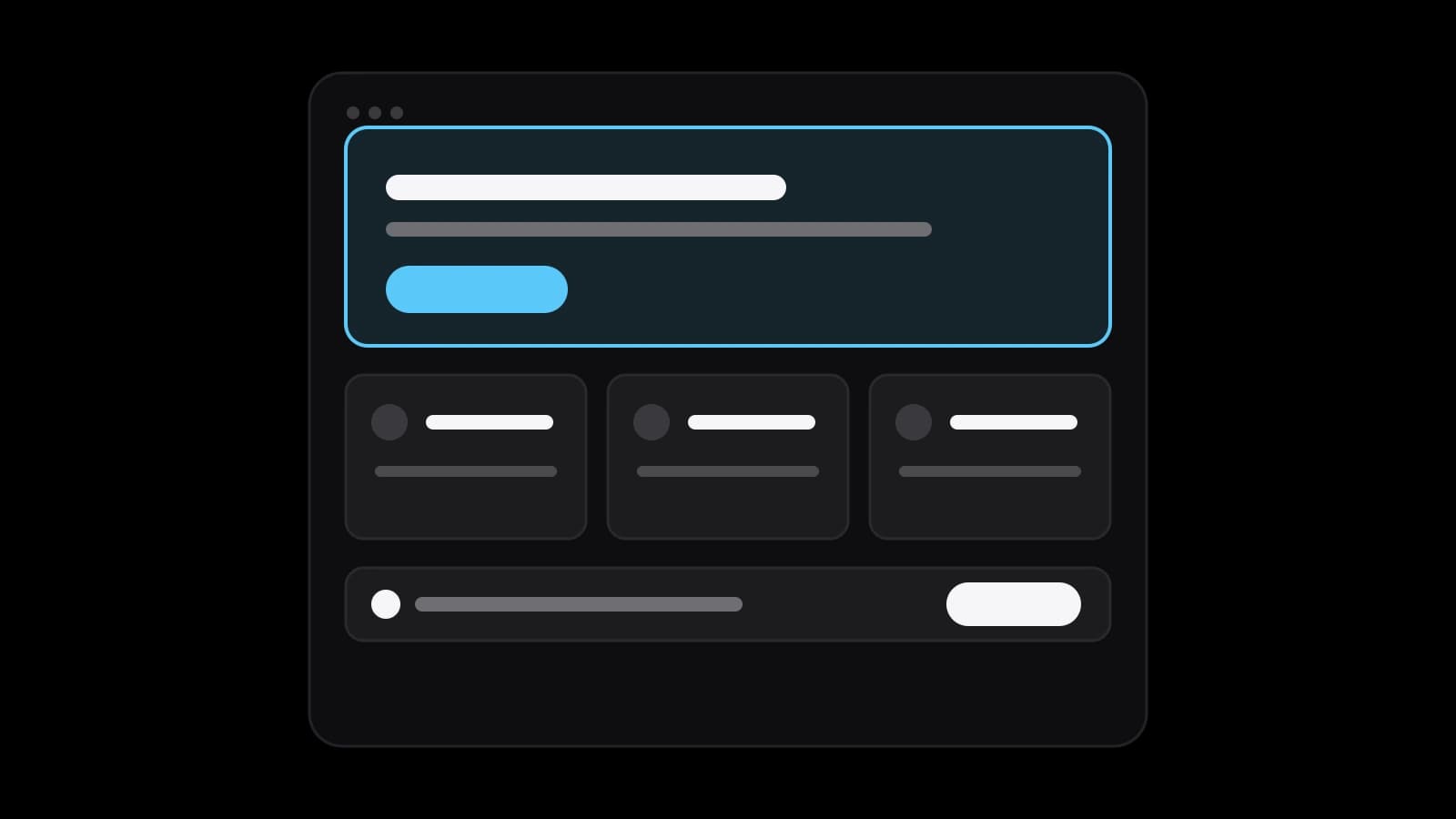
A homepage is read in seconds, so the first screen decides whether the visitor stays. It has to say what the site is for, to whom, and what to do next. The US Web Design System describes its hero in just those terms: it sets the tone for the site and tells users what the brand is about, with a heading, a short explanatory paragraph and a call-to-action button.
The test is simple. Show the first screen to a person for five seconds and ask what the company does and what they would click. If the answer is vague, no amount of decoration below will repair it. Good homepage design examples differ in style, but all of them answer these two questions without scrolling.
GOV.UK: a homepage built around search and common tasks
The GOV.UK homepage is a useful example because its audience is huge and varied. It opens with a plain heading, The best place to find government services and information, and a search box directly under it. Next comes a list headed Popular on GOV.UK with links such as signing in to accounts and checking a State Pension forecast, so the most frequent jobs are one click away.
Below that, the page groups everything under Services and information: Benefits, Business and self-employed, Driving and transport and a dozen more. Each group has one line saying what it includes, for example vehicle tax, MOT and driving licences under driving. The lesson for a business is the line under every link. A bare label like Services forces a guess; a label with a clause of explanation lets the visitor choose correctly.
The menu follows the same logic. Its navigation panel has two groups, Services and information and Government activity, and the second group again gives each entry a line, such as Research and statistics, described as reports, analysis and official statistics. Two clear groups with a sentence of help beat one long, unsorted list of labels that mean something only to the people who wrote them.
The US Web Design System landing template, block by block
The US Web Design System publishes a landing page template, and it is a clear picture of the message-led pattern. In order: a header with a logo area, a hero, a tagline section, a graphic list in a grid of four media blocks, an intro section with a large call-to-action button, and then a footer with navigation, social links and the agency's phone and email. The last element, the identifier, shows the domain, the parent agency and required links such as About, Accessibility support and Privacy policy.
Its own guidance is as useful as the layout. It says to do research first to decide what to say and what users need, to keep things simple by not adding forms or side navigation, and to remove any component you do not need. It also says the template can serve as a model for a homepage and suggests considering removing the header if the page should drive a single call to action.
The blocks that repeat: value line, proof, routes and contact
Put the two examples side by side and the same blocks appear under different names. The value line is the GOV.UK heading or the USWDS hero and tagline. Proof is the graphic list, which the template says can highlight values, program areas or results. Routes are the grouped links on GOV.UK and the media blocks in the template. Contact lives in the footer, where the template places a phone number and an email.
For a small company this translates into a short list. One sentence that states the offer. A few facts or finished works that support it. Routes to the three or four pages that matter most, such as services, prices and cases. A visible way to reach you. Everything else, from a news feed to a row of badges, has to earn its place against those four.
Search-led or message-led: which layout fits your visitor
The two examples are two answers to one question: what does the visitor do first? On GOV.UK people arrive with a task and often with words in mind, so search and a task list come first. On a landing template people arrive to be informed and invited, so a message and a button come first.
A company with a handful of services is usually message-led: state what you do and send people to the right service page. A company with a catalogue, many articles or many kinds of customers needs routes and search sooner. Whichever you choose, one primary action should stay visible, and the rest of the page should support it rather than compete with it.
Speed and mobile: the numbers web.dev sets
A homepage that looks right but loads slowly loses the visitor before the design is seen. web.dev names three Core Web Vitals and their good thresholds: Largest Contentful Paint of 2.5 seconds or less, Interaction to Next Paint of 200 milliseconds or less and Cumulative Layout Shift of 0.1 or less. They are assessed at the 75th percentile of page loads, separately for mobile and desktop.
Largest Contentful Paint is often decided on the homepage by the hero. web.dev says it reports the render time of the largest image, text block or video visible in the viewport, and rates values above 4.0 seconds as poor. In practice a heavy hero photo is the first thing to check. Test on a real phone over a normal connection, not only on an office computer.
The other two numbers matter on a homepage as well. A response to a tap within 200 milliseconds keeps the menu and the contact button feeling immediate. A layout shift of 0.1 or less means the button does not jump away as an image loads, which is how people end up tapping the wrong thing.
Measuring a homepage after it goes live
Opinions about a homepage are cheap; numbers are better. Google's Search Console help defines the Performance report metrics: impressions, how often someone saw a link to your site on Google; clicks, how often someone clicked through; click-through rate, calculated as clicks divided by impressions; and average position, where 1 is the topmost. You can split the data by device to see whether phones behave differently.
Pair those with your own measure of the action that matters, such as requests sent or calls started, and change one thing at a time. Add the Core Web Vitals for the same page. If the first screen was rewritten and clicks from search stay flat while requests rise, the rewrite worked on visitors; if requests fall, look at speed and the first screen before blaming the traffic.
What to prepare before you order a corporate website design
You can design a homepage yourself if the offer fits in one sentence and you have a few real facts to show. Ordering makes sense when the site must carry many services or pages, work well on desktop and mobile, and keep one visual system across templates. Prepare your offer in plain words, a list of the pages you need, the proof you can show, your logo and colours, and examples of homepages you like and why.
Corporate website design at VITON13 Studio, on its service page, delivers a sitemap for up to 20 pages and 6 templates for desktop and mobile, with a responsive UI kit. The price is from $113 AI-assisted or from $173 human-led, with 7–12 working days. Send the offer and the page list, and the scope and the price are confirmed in writing before work begins.
Practical checklist
- Write one sentence that says what the site offers and to whom, and put it in the first screen.
- Choose one primary action and keep it visible without scrolling.
- List the three or four routes visitors need and add a short line under each link.
- Test the page on a phone and compare it with LCP 2.5 s, INP 200 ms and CLS 0.1.
- Open Search Console, filter by device and note clicks, impressions and click-through rate.
Questions and answers
What is the best example of a homepage design?
There is none for every business. GOV.UK is a good model when visitors arrive with a task, and the US Web Design System landing template is a good model when you need to explain an offer and invite one action.
What are some good layouts for a homepage?
Two public ones: a search-led layout with a task list and grouped links, as on GOV.UK, and a message-led layout with a hero, a tagline, a short list of proof and a call-to-action button, as in the USWDS template.
What should my homepage look like on a phone?
It should state the offer and the main action without scrolling, load quickly and avoid layout jumps. web.dev assesses Core Web Vitals separately for mobile and desktop, so check the phone version on its own.
Should a homepage have a contact form?
Not necessarily. The USWDS landing template advises keeping things simple and not adding forms or side navigation. Many businesses link to a contact page and put the phone and email in the footer.
How do I know whether my new homepage works?
Track the action you want, such as requests sent, and read Search Console for clicks, impressions, click-through rate and position, filtered by device. Compare the numbers before and after one change at a time.