
Answer in brief
A site needs a redesign when it measurably fails at its job, when the business has changed, or when the technology no longer allows the changes that matter. Being tired of the look is not a reason. Before touching anything, record which pages bring visitors and requests, then carry the addresses, the texts that rank and the working forms into the new site, with a permanent redirect wherever an address changes.
What a website redesign changes and what a refresh leaves alone
A website redesign rebuilds how a site works: its structure, its pages and texts, the route from the first screen to the request form, often the system underneath. A refresh is a smaller job. It keeps the pages and their addresses and changes the surface: typefaces, colours, photographs. Nielsen Norman Group, which researches how people use websites, draws the same line between a purely visual reskin and work on architecture and content. The first changes what visitors see, the second what they can do.
A new site is a third thing: nothing is carried over. A refresh risks little, and a new site has nothing to lose. A redesign touches what already earns money: pages people find in search, texts that answer their questions, forms that deliver requests every week. So the first question of the project is not how the site will look, but what on it must not break.
Three honest reasons to redesign a site and one dishonest one
An honest reason can be shown in numbers. Hoa Loranger of Nielsen Norman Group, in a 2015 article, lists what justifies a major overhaul: small improvements no longer bring gains, the technology is too outdated for critical changes, years of patches have tangled the architecture, conversion is severely low across the site, or benchmarking shows it far behind competitors. For an owner that comes down to two reasons, and practice adds a third. The site measurably fails at its job. The technology has reached its end. Or the business has changed, and the site still describes the old company.
The dishonest reason is that the owner is tired of the site. Loranger calls it the unspoken motive of many projects: “I’m bored with it.” Jakob Nielsen, in a 2009 article for the same group, gave figures that show why the feeling misleads: visitors usually spend no more than two or three minutes on a website, and even loyal customers less than five hours a year on yours. Loranger adds that drastic changes are jarring for users and risky for the business. Hence the working rule: make the smallest change that solves the measured problem.
What to measure before anyone touches the design
Before changing anything, record how the site performs today, starting with the pages that bring visitors. Search Console Help describes the Performance report: clicks, impressions, click-through rate and average position, grouped by page on the Pages tab. Analytics Help describes the Landing page report in Google Analytics, which counts sessions by the first page viewed. Yandex Metrica Help describes a report on entry pages: where visits begin and, once a goal is attached, which pages bring target visitors.
Numbers show where people leave, not why. For the why, Loranger recommends one or two days of usability testing on the existing site. Then put the baseline on one sheet: visits and requests per month, the ten or twenty pages that bring most of both, the search queries behind them, the forms people actually submit. Without this sheet nobody can say, a month after launch, whether the new site is better or only newer.
What has to survive: addresses, texts that rank and working forms
The safest redesign keeps every address as it is. When addresses must change, the Google Search Central guide to site moves is specific. List the old URLs, decide where each should lead, and set server-side permanent redirects. Do not send many old URLs to one irrelevant destination such as the home page. Keep the redirects as long as possible, generally at least a year.
Yandex says much the same. Yandex Webmaster Help warns that simply creating a new page solves nothing: the robot sees the old and the new address as two separate pages, so a 301 redirect is needed. For a new design on the old addresses it lists a few checks. The content must reach the robot in full in the HTML rather than be generated only by script, with no stray noindex tag and no canonical link pointing at another page.
Texts come next. A page is found in search for its words: the title, the headings, the body. A redesign that swaps a detailed service page for three slogans and a photograph removes exactly what the page was found for. Then the forms. Each is wired to something invisible: a mailbox, a CRM, an analytics goal, a call-tracking number. List every form and where its data goes: on the new site each connection is made again and tested.
The order of work, from research to the final test
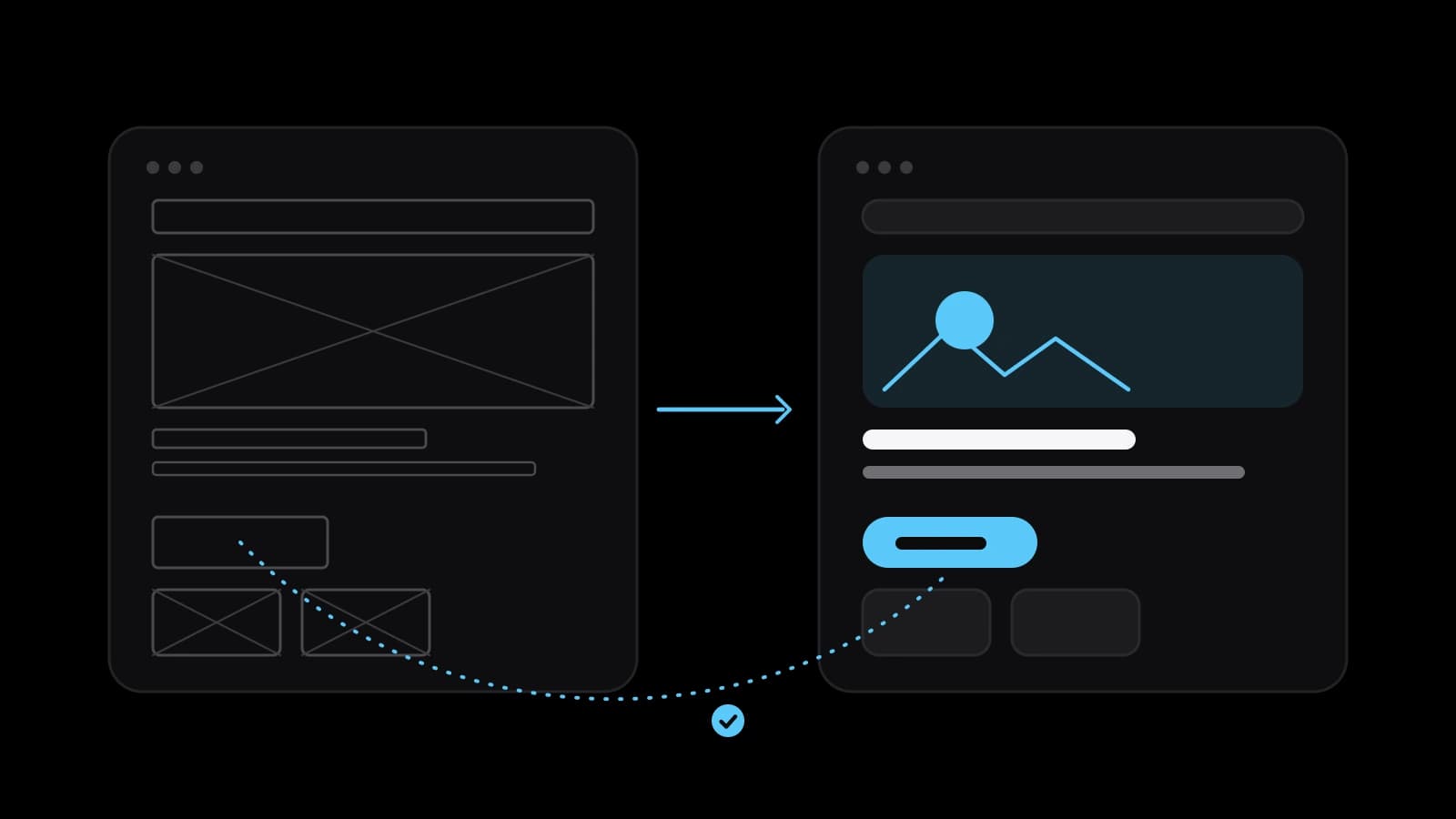
A redesign goes in a fixed order: research, structure, prototype, design, build, test. Structure is the list of pages, each with one job and one address, and the map from old addresses to new ones. The prototype is grey blocks with real text, cheap to move and cheap to throw away. Projects that begin with the picture instead tend to end with handsome templates that the real texts do not fit.
Google’s guide opens with the advice to change one thing at a time: if a new domain, a new content management system and a new layout are all planned, do them one after another. Otherwise a drop in traffic cannot be traced to any one change. Nielsen adds that a few days of user testing before release keep a flawed design from reaching customers. Test on a phone, with people who have not seen the site.
Launch day and the first weeks after the switch
Launch in a quiet period; Google advises timing a move for lower traffic where possible. Open the old addresses from your map and see that each lands on its new page. Check that no noindex tag is left over from the test version; the Yandex help names this check directly. Submit the new sitemap in Search Console and in Yandex Webmaster. Send a test request through every form and confirm that it arrives.
Then be patient. Google says to expect temporary fluctuation in ranking during a move, and that on a small or medium-sized site most pages take a few weeks to move. Yandex writes that pages sent through its recrawl tool can appear in search within two weeks. Expect complaints as well. Nielsen warns that any redesign brings a flood of angry email, and that complaints alone do not prove the new design is worse.
How to tell after a month that the redesign worked
Go back to the baseline sheet and compare like with like. Google’s guide to debugging traffic drops shows the method in Search Console. Use the Compare option in the date filter to set the last three months against the previous period, then look through the Queries and Pages tabs to see what changed. The same guide suggests widening the range to the last sixteen months, because demand for some queries rises and falls through the year.
Then count the requests: the same forms, counted the same way, set against visits. The redesign worked if the number named as its goal before the start has improved and nothing that used to work has been lost. Loranger asks for exactly this: clear goals and measures of success. If the moved pages have not regained their search visitors after several weeks, check the redirects one at a time. A month gives the first reading, not the verdict.
What to prepare before ordering a redesign
Bring five things to the first conversation. The baseline sheet and the list of pages that must survive, with their addresses. Access to the domain, the hosting, the content management system, the analytics, Search Console and Yandex Webmaster. The list of forms and what each is connected to. One sentence on the measurable problem the project has to solve. And decide in advance who approves each stage and who writes the new texts.
Whether to do it yourself depends on what changes. If addresses, structure and platform stay and only the look is renewed, an in-house designer can manage on the existing template. If any of the three changes, the work includes the address map, the redirects, moving the analytics and the integrations, and testing all of it. There a mistake costs search visitors and requests, and ordering from a team that does this regularly makes sense. VITON13 Studio takes on such projects; its guide to the cost of a website redesign shows what the price depends on.
Practical checklist
- Write the measurable problem the redesign must solve in one sentence before discussing how the site will look.
- Export the pages that bring search visitors and requests, with their addresses and the queries behind them.
- Map every old address to its new one and plan a permanent redirect for each address that changes.
- List every form with the mailbox, CRM, goal or phone number it feeds, and test each one on the new site before launch.
- A month after launch, set visits and requests against the baseline for the same pages and the same season.
Questions and answers
How often should a company redesign its website?
There is no schedule. A redesign is justified by evidence, not by age: small fixes no longer help, the technology blocks changes that matter, or the business has changed. A site that still brings requests can be improved page by page for years.
Will a website redesign lower the site’s positions in search?
It can, if addresses change without redirects or if texts that rank are cut. Google says to expect temporary fluctuation during a move with URL changes and notes that permanent redirects do not cause a loss of PageRank. Keeping the addresses, or redirecting each one to its matching page, is the main protection.
How long should redirects from the old addresses stay in place?
Google’s guide to site moves says to keep them as long as possible, generally at least one year. It also advises redirecting each old address straight to its final destination rather than through a chain of intermediate addresses.
What is the difference between a redesign and a refresh of a site?
A refresh changes the look, such as typefaces, colours and images, and leaves pages, addresses and texts where they are. A redesign changes the structure, the content and the paths visitors take, sometimes the platform too, so it needs a plan for what must be carried over.
When can the result of a redesign be judged fairly?
Take a first reading after about a month and a firmer one later. Google notes that on a small or medium-sized site most pages need a few weeks to move after addresses change, so early figures understate the result. Compare with the same season of the previous year, not only with the month before.