
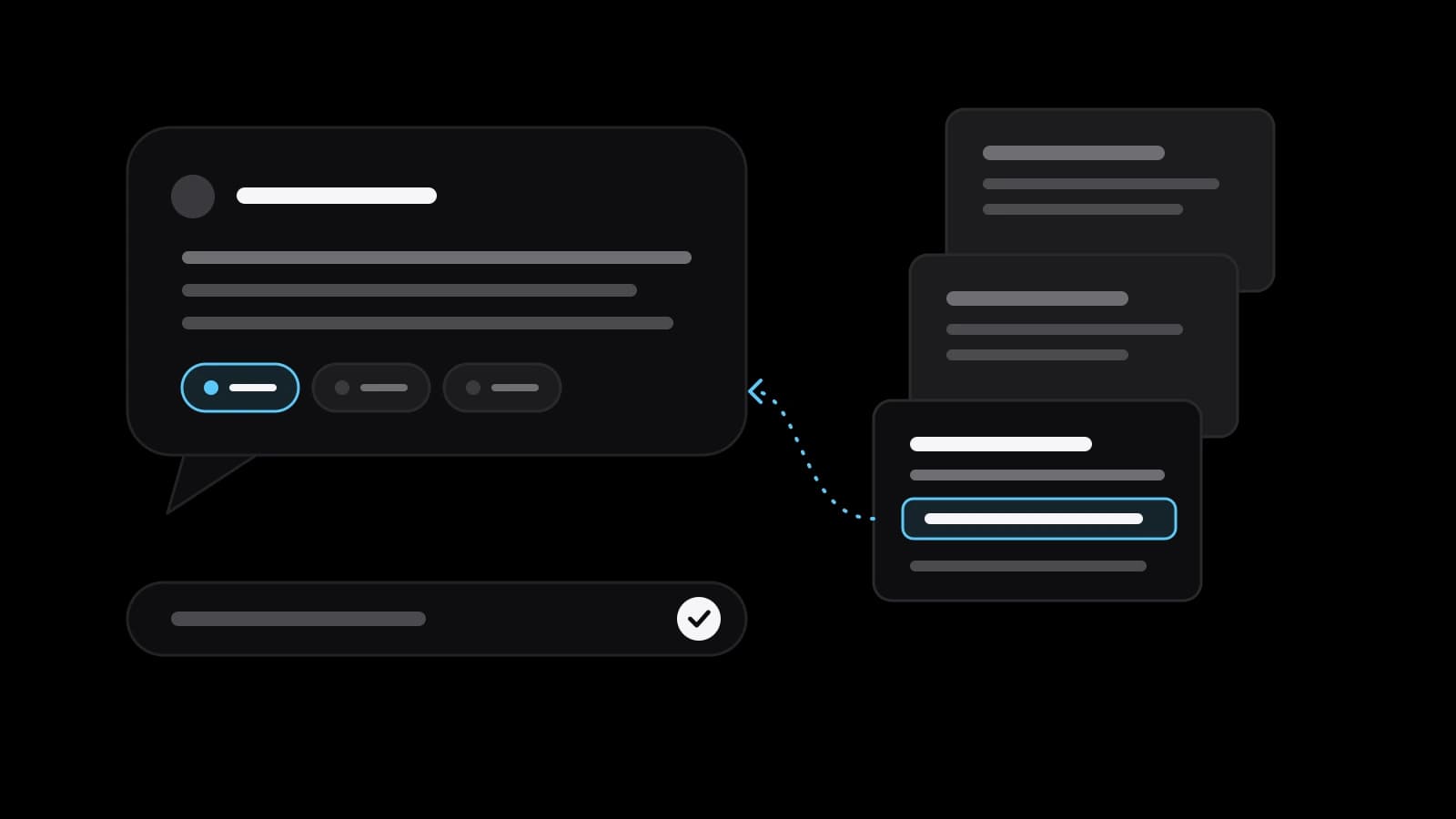
Answer in brief
A RAG chatbot is an assistant that searches your own documents first and then writes the answer from the passages it found, naming the file. It answers from current company material instead of from memory. It still needs tidy documents, access rights and a test list, and it is too much when one page of FAQ would do.
A RAG chatbot answers from your documents, not from memory
A rag chatbot is an assistant that looks things up before it speaks. When someone asks a question, it first searches a set of documents, then writes the answer from the passages it found. The name comes from retrieval-augmented generation, a method described in a 2020 paper by Patrick Lewis and colleagues, later accepted at NeurIPS. The authors combined two kinds of memory: what a language model learned in training, and an external index of text that it can consult.
The reason is practical. The abstract of that paper states that providing provenance for a model's decisions and updating its knowledge remain open research problems. A business meets both problems on the first day. The assistant must say where a price or a rule comes from, and the price list changes every quarter. Retrieval eases both: edit the document and the next answer changes, and the file is named next to the answer.
The four steps between a question and a sourced answer
Wikipedia describes the process in four stages. Indexing turns the source data into numerical embeddings stored in a vector database. Retrieval selects the documents most relevant to the question. Augmentation adds those passages to the question that goes to the model, and generation produces the answer from both. Some systems add re-ranking or context selection in between.
OpenAI's documentation shows the same pipeline as a product. Its file search tool works on files you upload: you add them to a vector store, which serves as the knowledge base, and the model calls the tool when it decides to. The reply carries citations with the file name, and the supported formats include PDF, DOCX, PPTX, Markdown and HTML. Microsoft's documentation adds that sending ten thousand pages with every question wastes tokens and lowers quality, so only the few relevant chunks should reach the model. It also notes that people and documents rarely share words: a user writes PTO while the policy says time off, which is why good systems combine keyword and vector search.
How to prepare company documents so retrieval works
The answer can only be as good as the document behind it. Wikipedia lists conflicting or outdated information among the known weaknesses: a system may struggle to tell which source is right and may blend old and new. So the first job is housekeeping. Keep one current version of each document, remove or mark the old ones, and put a date and an owner on every file.
Microsoft's guide says content preparation decides the quality, and that large documents are split into chunks so that portions can be matched on their own. Scanned pages and images need text recognition first. In practice, headings, short sections and tables that contain real text work better than screenshots of tables. Start small: ten or twenty documents that answer the questions customers and staff ask most often are a better first set than the whole shared drive.
Access rights: who may see which answer
Microsoft's guide names security and governance as one of the core challenges of the method. Opening private content to a language model needs granular access control, so that people retrieve only what they are allowed to see. Its example is plain: finance data should reach the finance team only, even when an executive asks the chatbot. A single assistant over all company files with one shared door is the arrangement to avoid.
The control belongs in the search step. Microsoft's pages describe document-level security trimming and filters applied at query time, and OpenAI's file search can narrow results by file attributes through a metadata filter. OWASP, which lists the main risks of language-model applications, advises least privilege: grant only the data that the specific user or process needs. It also warns that restrictions written into a system prompt may not always be honoured and can be bypassed through prompt injection.
So an instruction such as never show salaries is not a security measure. Decide before the build which groups exist, which folders each group may read and who maintains the list. If the files contain personal data of staff or customers, check the rules that apply to your case with a lawyer before they enter the index.
Testing answers before anyone relies on them
Write a list of thirty real questions with the correct answers before launch. Include questions whose answer sits in one file, in two files that disagree, in no file at all and in a file the asker must not see. Wikipedia notes that language models may answer even when they lack enough information instead of signalling uncertainty, so the no-file case is the most telling: the right reply is that nothing was found.
Check the source, not only the wording. Open the cited file and compare it with the answer, because Wikipedia also records that a model can misread context even when the source is correct. Settings are trade-offs too: OpenAI's documentation says that lowering the number of retrieved results can save tokens and time but may reduce answer quality. Keep the list and run it again after every change to documents or settings.
What a RAG chatbot still gets wrong
Wikipedia is direct about the limit: retrieval reduces hallucinations but does not eliminate them. The system can fetch a source that is factually correct and still misleading, merge a current rule with an outdated one or misread the context of a sentence. The citation under the answer exists so that a person can see this and correct it, not so that the answer needs no reading.
Retrieved text can also be hostile. Wikipedia describes RAG poisoning, where the sources a system retrieves from are manipulated, and OWASP describes prompt injection. A private assistant over your own files has a smaller exposure, but it grows wherever the index takes in outside text: customer emails, web pages, files uploaded by clients. Keep a human in charge of anything with legal or financial consequences.
When a RAG chatbot is overkill for a small business
If the whole body of knowledge fits on one page, write that page. A tidy FAQ with good headings and the site search answers a few dozen stable questions faster, costs less and cannot invent anything. The same goes for a team of three that keeps ten files in one folder: the folder search is enough.
The method starts to pay where documents are many, people ask the same questions repeatedly and the answer must show its source: a support team reading product manuals, new staff reading policies, sales reading price lists and terms. It is the wrong tool for live data such as stock levels or order status, which come from a database query, not from a document search. And if the documents contradict one another, fix the documents first.
What to prepare before ordering a private assistant on your documents
Bring four things. Choose ten documents that hold the most frequent answers, in their current versions. Write down which person or team may read which of them. Write twenty real questions with the answers you consider correct, including two that the files cannot answer. Decide where the assistant will live: on the website, in a messenger or inside the team workspace.
VITON13 Studio offers this as a package called Private assistant on your documents. The assistant answers only from your documents, puts a source reference under every answer and restricts access by person or team. Before payment, the studio builds a demo on ten of your own documents, so you judge the answers on your material, not on a showcase.
The fixed price is $213, and the monthly plan, which covers hosting and document updates, is $33 a month. The work takes 10–15 working days. No result is promised in advance: what the assistant can answer depends on the documents you give it, which is why the free demo comes first. The package page and the free-draft page show the exact terms.
Practical checklist
- Pick ten current documents that hold the most frequent answers and remove outdated versions.
- Write down which person or team may read each document before anything is indexed.
- Prepare twenty real questions with correct answers, two of them unanswerable from the files.
- Open the cited file under each test answer and compare it with the wording.
- Name one owner who updates the documents and reruns the question list after every change.
Questions and answers
How is a RAG chatbot different from a regular chatbot?
A regular chatbot answers from what the model learned in training or from fixed scripts. A RAG chatbot first retrieves passages from your own documents and writes the reply from them, so it can use current material and name the file.
Does a RAG chatbot stop the model from making things up?
It reduces invented answers but does not remove them. Wikipedia states that hallucinations remain possible, which is why every reply should show its source and why a person should check anything that carries legal or financial weight.
Which file formats can a document assistant read?
That depends on the tool. OpenAI's file search documentation lists PDF, DOCX, PPTX, Markdown, JSON, HTML and plain text, among others. Scanned images need text recognition first, so prefer files that contain real text.
How do I stop staff from seeing documents they should not?
Apply access rules in the search step, so a person's question can only reach files that person may read. A rule written into the model's instructions can be bypassed, as OWASP warns, so it cannot be the only barrier.
How many documents do I need to start?
Ten to twenty current documents covering the most common questions are enough for a first version. A small, clean set is easier to test and shows quickly whether the approach suits your team before the rest is added.