
Answer in brief
Good n8n workflows handle repetitive work with a known shape: a form into the CRM, an invoice from an order, a weekly report. Keep test and production runs apart, set an error workflow so every failed step sends an alert, and choose cloud or self-hosting by who will look after the server. Start with one workflow and add a human check before anything reaches a customer.
What n8n workflows do well, and where they stop
An n8n workflow is a chain of steps that starts from a trigger: a form arrives, a timer fires, a message lands. The n8n documentation defines an execution as a single run of a workflow, which is the unit you will watch, count and debug. Wikipedia describes business process automation as the technology-enabled automation of business processes, and says robotic process automation targets tasks that are predefined, structured and repetitive. That last phrase is the best filter for a small business.
So n8n workflows suit work where the input has a known shape and the next step does not depend on mood: copy a form into the CRM, create an invoice from an order, send Monday's report. They suit it badly where the input is a vague letter and the answer needs judgement. Even there a workflow can prepare the ground by sorting the message and drafting a reply, while a person decides. Knowing which side a task falls on saves the first month.
Five practical workflows a small business can start with
The first is lead intake: a website or ad form sends the request to the CRM, notifies the right person and sends the customer a confirmation. The second is the invoice routine: when a deal is marked won, an invoice is created, sent and logged, and a reminder fires if it stays unpaid. These two usually repay the effort fastest, because they touch money and speed of reply.
The third is the weekly report. On a schedule, the workflow reads orders, ads and the CRM, assembles one table and posts it in the team chat, so nobody copies numbers on Monday morning. The fourth is the order alert, where each new order or refund request reaches the person who handles it with the details already filled in. Both are quiet, and quiet automations are the ones that survive.
The fifth adds an AI step: incoming emails or reviews are classified by topic and urgency, and a draft reply waits for a person to approve it. The AI part is the least predictable piece, so treat its output as a suggestion that a human accepts, not as a message that leaves the building alone.
A lead from a form to your CRM, step by step
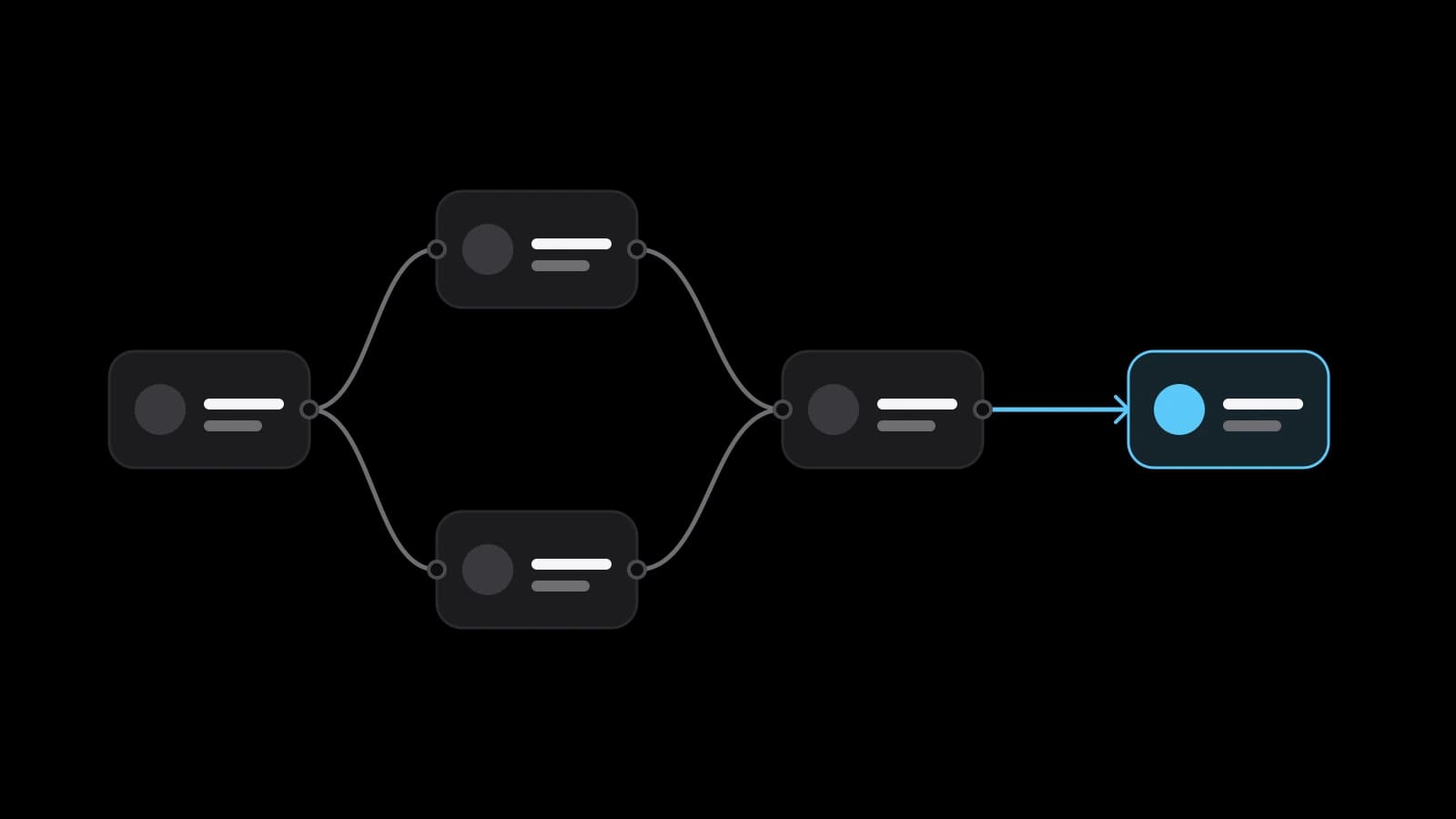
Here is how the first workflow is built. The Webhook node is a trigger node, which means it can start a workflow, and it creates a URL that receives data from apps and services. Your form sends its fields there. A step then checks the data, a CRM step creates the contact or deal, and a final step messages the person on duty. Four or five nodes carry the whole job.
The Webhook node has two addresses, and mixing them up is an easy mistake. According to the documentation, n8n registers a test webhook when you select Listen for Test Event and shows the incoming data in the editor, and it registers a production webhook when you publish the workflow, with the runs visible in the Executions tab. A form pointed at the test address will work for you and fail for your customers.
A public address needs a lock. The documentation lists Basic auth, Header auth and JWT auth among the options and also lets you restrict callers with an IP allowlist. It offers response modes too: reply at once with a start message, or answer when the last node finishes.
Test runs and production runs are not the same thing
The documentation separates the two. A manual execution starts when you click Execute Workflow, and a production execution runs automatically once you publish a version of the workflow. It advises unpublishing workflows while you test through manual runs, so that a half-built version does not answer real requests. Keep a test copy of the CRM with invented customers and point the test runs there.
There is a cost angle too. On paid plans only production executions count toward the execution quota, while manual runs, sub-workflow calls and error workflow runs do not. For debugging, the editor can copy data from a previous execution into the current workflow, so you can replay the exact input that broke a step instead of guessing.
Error handling: make a failed step loud
An automation that fails silently is worse than none, because people stop checking the thing it replaced. The n8n answer is the error workflow. In the workflow settings you choose a second workflow that runs when an execution fails, and the documentation says one error workflow can serve several workflows, for example to send email or Slack alerts.
An error workflow must start with the Error Trigger node. It delivers the execution ID and URL, the name of the last node that ran, the error message and stack trace, the execution mode and the workflow's name. An alert built from these fields tells the person on call which workflow failed, at which step and with which error, plus a link to the failed run. That is most of the diagnosis already done.
The Stop and Error node lets you fail a run on purpose when your own condition is met, for example when a lead has no email address, and such a failure still triggers the error workflow. It turns bad data into a visible alert instead of a wrong record.
Self-hosted or cloud: who looks after the server
The hosting guide says self-hosting means running n8n on your own infrastructure, on-premises or in a private cloud. For production it points to Docker Compose with a database, and it states that installing through npm is deprecated from n8n 3.0. Self-hosting gives control over where data sits, and it costs a person who patches, backs up and watches the server.
n8n Cloud is the hosted offering: a free trial first, then a plan, managed from a console where you also update your n8n version and set the timezone. The page on managing Cloud does not list which infrastructure tasks n8n takes over, so ask that question before choosing.
Licence is the third question. The n8n repository states the Sustainable Use License, which permits use or modification only for your own internal business purposes or for non-commercial or personal use, and allows passing the software to others only free of charge and for non-commercial purposes. Self-installed copies run the Community edition by default, and a Business or Enterprise licence key unlocks those editions. If you plan to offer automations to clients as a hosted service, read the licence with a lawyer.
What to automate first, and what to leave by hand
Rank candidates by two questions: how often does the task happen, and how much does it hurt when it goes wrong or late. Write the manual steps down first. If you cannot describe the task in five plain lines, the workflow will freeze the confusion instead of removing it.
Leave by hand anything that depends on a relationship, a refund decision or an unclear rule. Put a human approval in front of anything that sends money or a message to a customer. Add one workflow at a time and let each run for a week with the alerts on.
What to prepare before ordering three workflows
Bring the three tasks you want gone, each with a recent real example: the form, the invoice, the report. Give a read-only view of the systems involved, the name of the person who owns each task and the rule for exceptions. Decide who receives the failure alerts and whether you prefer the cloud or your own server. If customer data is involved, check your obligations with a lawyer.
VITON13 Studio offers a package called Automation sprint: 3 workflows. It builds three automations in n8n or Make, such as leads from forms to the CRM, invoices or reports, adds error alerts so you know when a step fails, and records a short video manual for your team. Before any payment the studio draws a working diagram of the first automation as a free draft. The price is fixed at $113 and the work takes 5 to 7 working days.
Practical checklist
- Write the three most repetitive tasks as five plain lines each, with one real example of each.
- Point the first workflow at a test copy of the CRM and unpublish it until the manual runs pass.
- Name an error workflow that sends an alert with the failed step, the message and a link.
- Protect every public webhook with authentication or an IP allowlist and keep the test address private.
- Put a human approval in front of any step that sends money or a message to a customer.
Questions and answers
Can n8n workflows run without a server of my own?
Yes. n8n Cloud is the hosted offering, with a free trial and then a plan, so you do not install anything. The alternative is self-hosting on your own infrastructure. Compare the current plan terms with the time someone would spend looking after a server.
How will I know that an n8n workflow has failed?
Set an error workflow in the workflow settings. It starts with the Error Trigger node, receives the failed node and the error message, and can send an email or a Slack message. The executions list shows the same failures afterwards.
Is it safe to leave an n8n webhook open to the internet?
Not without protection. The Webhook node supports Basic, Header and JWT authentication and an IP allowlist, and the production address differs from the test one. Use authentication on anything public, and keep the test address for your own use.
Do manual test runs count against my n8n execution quota?
According to the documentation, only production executions count toward the quota on paid plans, while manual runs, sub-workflow calls and error workflow runs do not. Plan terms can change, so confirm the figures on the current plan page.
Can I build n8n automations for my own clients and charge for them?
The licence limits use to your own internal business purposes or non-commercial use, and restricts passing the software on. Whether a client project fits depends on the exact arrangement, so read the licence text and ask a lawyer before you sell anything.