
Answer in brief
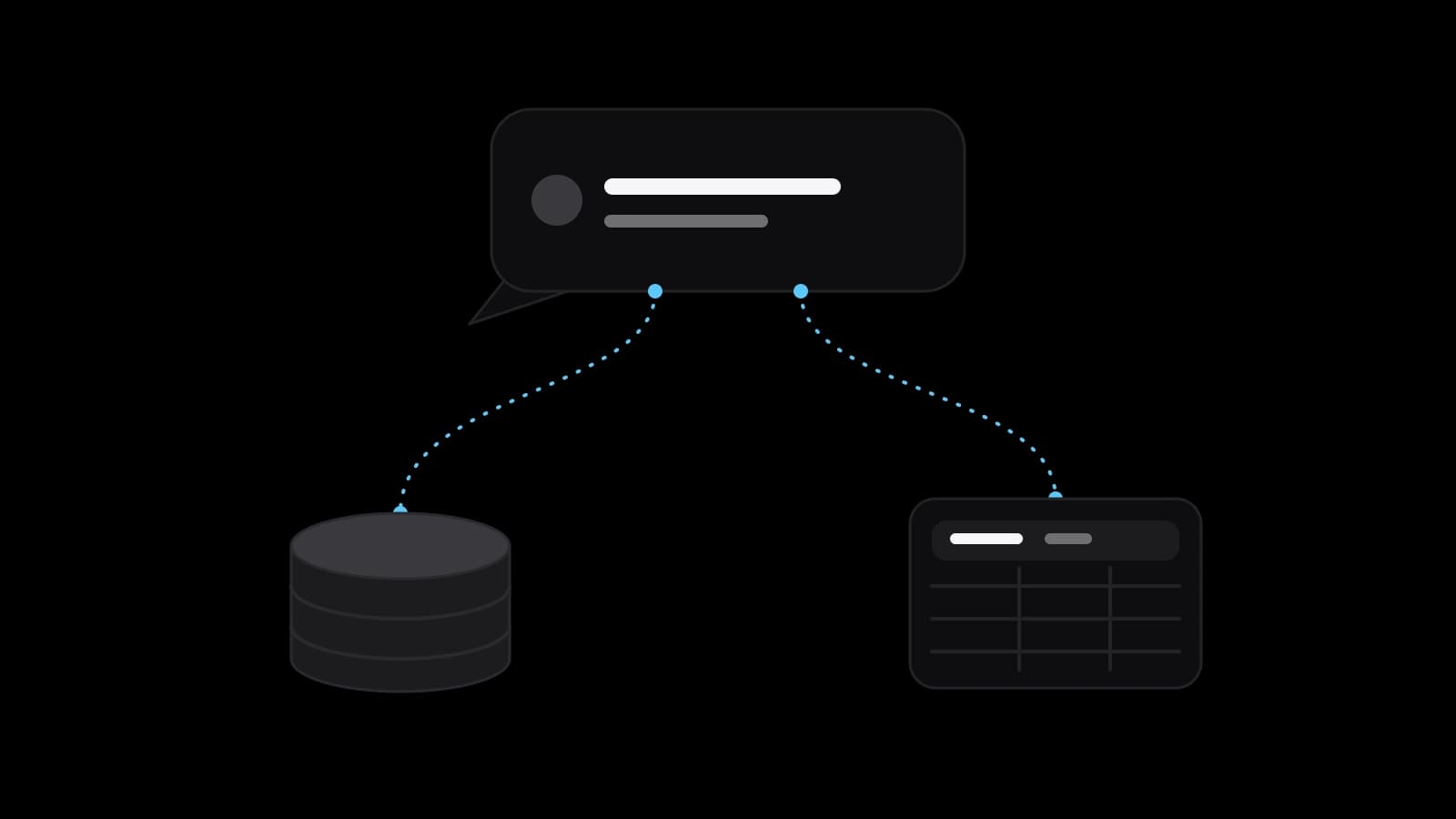
An MCP server is a small program that gives an AI assistant such as Claude or ChatGPT controlled access to one system: a CRM, a table or a database. It offers tools, data and templates over an open standard. Start with read access on test data, add write actions one at a time with approval, and keep credentials only on the server.
An MCP server in plain words: a standard socket for your assistant
MCP stands for Model Context Protocol, and its official documentation calls it an open-source standard for connecting AI applications to external systems. An MCP server is the small program on the other side of that connection. It holds the access to one particular system and offers it to the assistant in a form the assistant understands. The documentation compares MCP to a USB-C port for AI applications: one standard plug instead of a different cable for every device.
Anthropic announced the protocol on 25 November 2024. Its announcement states the problem plainly: every new data source required its own custom implementation, and MCP replaces fragmented integrations with a single protocol. For a business owner the practical meaning is simple. Once your CRM or database has a server, any assistant that supports the protocol can use it without a new integration for each tool.
Host, client and server: who does what in the connection
The architecture page names three parts. The host is the AI application, such as Claude Desktop or Claude Code. Inside it, one client keeps a dedicated connection to each server. The server is the program that provides context. The documentation stresses that the word says nothing about where it runs: a local server can sit on the same computer, while a remote one runs on a platform and serves many clients.
A server can offer three kinds of things. Tools are functions the assistant can call, such as a database query or an API call. Resources are data that give context, such as file contents, records or a schema. Prompts are reusable templates that structure the conversation. The documentation's own example is a database server with a tool for querying, a resource holding the schema and a prompt with examples of good questions.
Connections speak one of two transports. The stdio transport links local processes on one machine. The Streamable HTTP transport serves remote clients and, according to the documentation, supports bearer tokens, API keys and custom headers, with OAuth recommended for obtaining tokens.
What an assistant can do once it is connected to your CRM or table
Picture a sales manager who types a plain question: which deals have had no activity for three weeks, and who owns them. With a server in front of the CRM, the assistant calls a search tool, receives the records and answers in a few lines, with no export to a spreadsheet.
The same connection can also write, and that is where the story changes. Reading a record answers a question. Creating a deal, changing a status or deleting a row is an action with consequences. A ready-made server for a general tool may not match your CRM's custom fields and your rules about who may do what, and that shaping is the real work.
Read and write permissions: begin with read-only
The security guide of the protocol names the principle of scope minimization. Its description of the risk is concrete: if a token carries broad rights over files, databases or administration, a leaked token hands over all of it. The recommended design starts with a minimal set limited to low-risk discovery and read operations, and raises rights only when a privileged operation is first attempted.
OpenAI's documentation on MCP shows the same split in practice. Its example server exposes two read-only tools, search and fetch, and the guide says to keep approval enabled for tools that can modify data or take other consequential actions. It also says that ChatGPT currently requires manual confirmation in any conversation before write actions can be taken. This can change, so check the page when you decide.
The protocol's specification puts the responsibility on the host. Users must explicitly consent to data access and operations, hosts must obtain explicit consent before invoking any tool. The specification also admits that the protocol cannot enforce these principles by itself. Permissions are therefore a design decision about your own data. For a first project, use one account, one role and read-only access, with a written list of the write actions to add later and a named person who approves each.
Prompt injection and over-broad tokens: the two risks to plan for
OWASP describes indirect prompt injection as the case where a model accepts input from external sources such as websites or files, and its page adds that such inputs can work even when humans cannot see them. Imagine a contact note in your CRM that contains a sentence addressed to the assistant instead of to a colleague. The assistant reads the note as data, but the model may treat it as an instruction.
OWASP says it is unclear whether prompt injection can be fully prevented, so its advice is to reduce the impact. Limit the model's access to the minimum necessary for its intended operations, require human approval for high-risk or privileged actions, and treat the model as an untrusted user. OpenAI's MCP documentation makes the same point from its side: trusting a server's developer does not make prompt injection safe.
Tokens deserve their own line. The MCP security guide calls token passthrough an anti-pattern, where a server accepts tokens that were not issued to it and forwards them to another service, and it states that servers must not accept tokens not explicitly issued for them. OpenAI adds that custom servers are not developed or verified by OpenAI and advises connecting only to an application you know and trust.
Local or remote: where the server should live
A local server started on one computer through stdio serves a single assistant on that machine and needs no public address, which suits an individual experiment. A remote server uses Streamable HTTP, serves many people and needs hosting, sign-in and a safe place for tokens.
For a team, the choice follows from who will use it. If the whole sales team should query the CRM from their own assistants, a remote server with per-person sign-in is the natural shape, because each person's actions are then recorded under their own identity and their rights can differ. If one analyst works with one spreadsheet, a local server may be enough. Either way, the server should be the only place that holds the credentials for the CRM, never the assistant's settings or a shared chat.
How a small company starts without a large project
Choose one question that people ask every week, one data source and a copy of the data with invented customers. Give the server read access only, try it with two or three colleagues, and keep a log of what the assistant asked for. When the answers are right, add one write action, for example creating a task, with confirmation by a person. Then decide whether the next action is worth the extra risk. Small steps make mistakes cheap and visible.
Before building anything, look for a ready server from the maker of your tool. The protocol's project lists reference implementations of servers, which are a fair starting point. A ready one is fine for a trial on test data. For live customer records, read what it can do, who maintains it and what it logs.
What to prepare before ordering an MCP server
Write down the five questions your team asks most often and the system that holds the answers. Create a separate account for the integration with limited rights instead of using the owner's login. List the fields that must never reach the assistant, and the write actions you want later with the person who approves each. Note which assistant your people already use. If the data includes personal data, check your obligations with a lawyer.
VITON13 Studio offers a package called AI connector for your CRM. It builds an MCP server that links an AI assistant to your CRM, tables or database, with the read and write permissions you choose, sets it up in the assistant you already use and adds a short guide on how to ask and what is allowed. Before any payment the studio shows a free draft: a read-only demo on test data. The price is fixed at $213 and the work takes 7 to 12 working days.
Practical checklist
- Write down the five questions your team asks most often and which system holds the answers.
- Create a dedicated integration account with read-only rights instead of using an owner's login.
- List the fields and records that must never reach the assistant, and exclude them on the server.
- Test on a copy with invented customers before connecting live data, and keep a log of requests.
- Add each write action separately, with a named person who confirms it before it runs.
Questions and answers
Can ChatGPT or Claude change records in my CRM through an MCP server?
Only if the server offers write tools and you allow them. OpenAI's documentation says ChatGPT currently asks for manual confirmation before write actions. The sensible start is read-only access, with each write action added on its own.
Do I need to host an MCP server myself, or can it run on one laptop?
A local server runs on one computer and serves one assistant there. A server for a whole team is usually remote, which means hosting, sign-in and secure storage of tokens. The choice depends on who needs to use it.
Is an MCP server safe to connect to customer data?
It can be, with limits. Give it the narrowest rights, keep credentials on the server, require approval for risky actions and watch the logs. The specification itself says the protocol cannot enforce safety, so the design around it has to.
How is an MCP server different from an ordinary API integration?
An API integration is built separately for each pair of tools. An MCP server exposes one system in a standard way, so any assistant that supports the protocol can use it. The assistant also discovers the available tools by itself.
What can go wrong if an assistant reads a poisoned note or email?
The model may treat text inside the data as an instruction. OWASP calls this indirect prompt injection and says it may not be fully preventable, so limit what the server can do and keep a person in the loop for anything that changes or sends data.