
Answer in brief
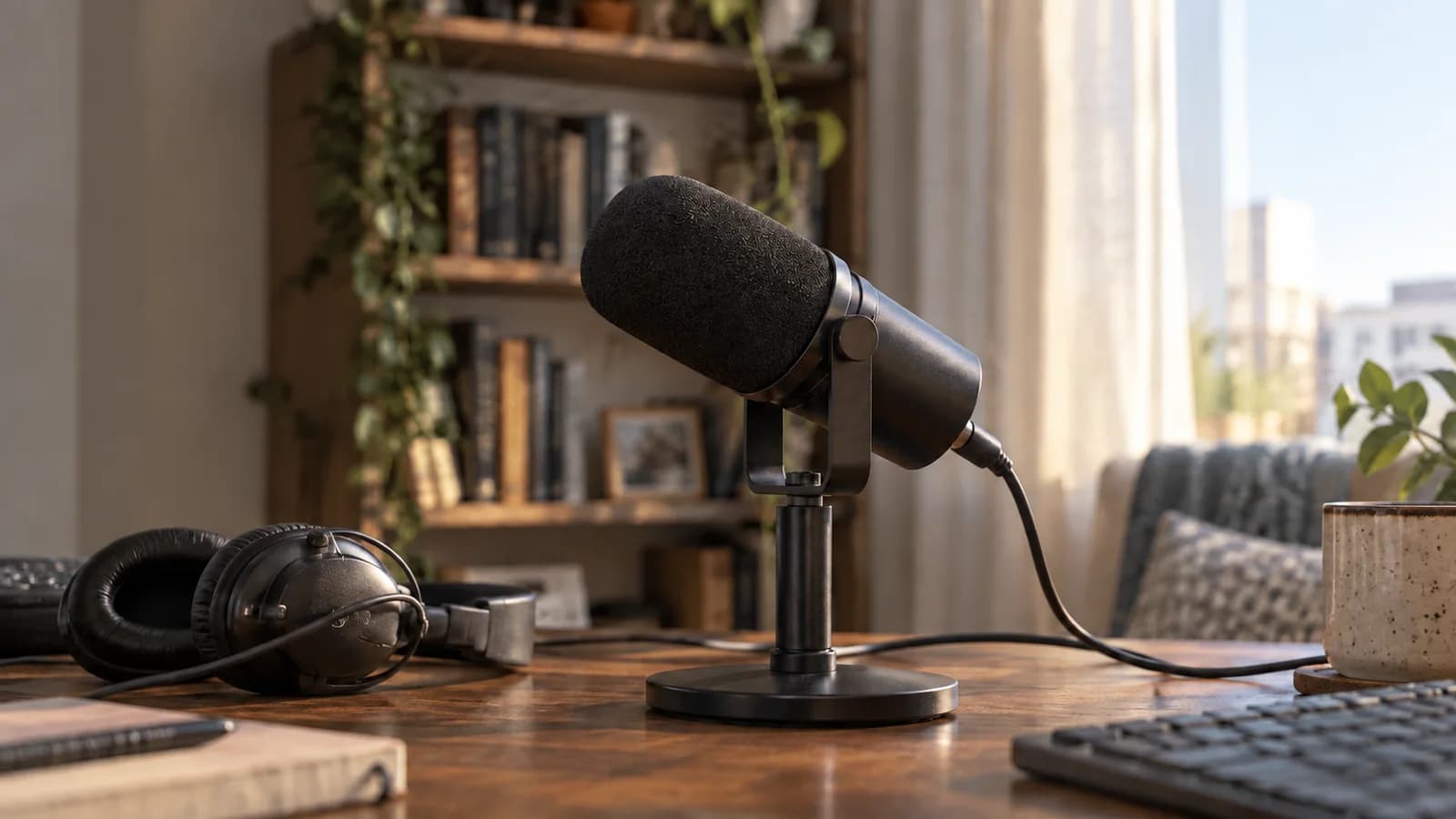
Shure launched the MV6 Gen 2 on September 30 with adjustable level control, noise reduction and saved settings. Its practical promise is a more portable voice setup, with recording quality still dependent on use.
A launch focused on repeatable setup
Shure announced the MV6 USB Gaming Microphone Gen 2 on September 30, with availability that day at published prices of $169, £159 and €150. The significant change is greater control over processing inside the microphone. Users can adjust settings in the free MOTIV applications and save them to the device, then move between compatible computers, tablets and phones without rebuilding the same microphone profile.
That is a concrete convenience for a creator who records at a desk and later joins a call from another device. It does not make those environments acoustically identical, and it does not prove superior sound to every competing USB microphone. The announcement establishes available controls and connections. VJOURNAL’s assessment concerns how those controls could simplify a recording workflow, rather than a listening test we have not conducted.
Automatic level becomes an adjustable choice
Shure’s Auto Level Mode now lets the user change the target voice level and how quickly processing responds. A slower response is presented as suitable for smoother speech, while a faster response is intended for sudden changes during games. The useful distinction is between the level one wants in the mix and the speed at which the microphone tries to maintain it.
Consider a presenter who alternates quiet explanations with excited reactions. A single fixed behaviour may be awkward for both. Adjustable processing provides a way to make that trade-off deliberately, but the correct setting still requires a short recording and listening check. Automatic gain behaviour should not be mistaken for unlimited headroom or a promise that every shouted syllable will remain undistorted in every downstream application.
Noise reduction has a second edge
The Real-Time Denoiser gains an intensity slider. Shure says users can suppress more room noise or retain a more open sound. That flexibility matters because an aggressive setting that removes keyboard noise can also change the perceived character of a voice. The practical target is intelligibility at a natural tone, rather than the largest possible amount of processing displayed on a control.
OBS’s existing noise-suppression documentation provides relevant context: mild background sound is easier to reduce than a very loud room, and stronger suppression can distort other sounds. That guide does not test Shure’s hardware algorithm. It explains why we would judge the new slider by a recording with speech and real background noise, rather than assume the presence of a denoiser guarantees silence.
| Control | Published function | What to listen for |
|---|---|---|
| Auto Level | Target level and response speed | Sudden changes in voice level |
| Denoiser | Adjustable suppression intensity | Voice character alongside room noise |
| Five-band EQ | Custom tone shaping | Balance and intelligibility |
Presets do not remove microphone technique
The Gen 2 adds a five-band equalizer alongside Dark, Natural and Bright tone choices, and provides Speech, Singing and Instrument presets. Shure also includes its Digital Popper Stopper. These functions address different issues: tone shaping changes spectral balance, a preset supplies a starting configuration, and pop control targets harsh consonant bursts. They should not be treated as interchangeable improvements to one quality score.
The strongest workflow is to choose the intended use, establish a comfortable position, and then adjust only what a test recording shows is necessary. Moving the microphone farther away also changes the balance between voice and room. Saved processing makes settings portable; it cannot preserve the same acoustics when the speaker’s distance, room surfaces or microphone orientation change between sessions.
The physical details support the software
Both black and white versions include a matching desktop stand and a two-metre USB-C cable. Shure describes an isolation base to reduce desk vibration and a standard 5/8-inch thread for a boom arm. These details affect whether the microphone can sit close enough without blocking the screen or occupying the user’s working space, sometimes more directly than an additional software control.
A 3.5 mm headphone socket provides direct monitoring, and a tap-to-mute button has an LED indicator. Shure lists PC, Mac and Android compatibility and Apple MFi certification for iPhone and iPad. That should be read with the actual device connector and application in mind. Hardware monitoring and the final broadcast mix are different listening points when additional software applies further processing.
One processing chain needs one listening check
OBS’s technical audio guide explains that the final digital output must remain below clipping even when intermediate software processing can exceed its range. This is existing audio-workflow guidance, not a new specification of the MV6. It supports a practical test: record the complete path that an audience will hear, especially if the streaming application adds its own gain, compressor or suppression filter.
The useful advance is therefore control that travels with the microphone, supported by ordinary positioning and monitoring hardware. It could reduce repeated setup work for people switching devices. The unresolved question is how pleasing and consistent the voice remains at different settings in real rooms. Until comparable recordings exist, published features justify a workflow discussion, while claims of audible superiority still require listening evidence.
Questions and answers
Where are the settings stored?
Shure says settings adjusted through MOTIV can be saved on the microphone for use across compatible computers and mobile devices.
Does it require an external audio interface?
The announced product connects by USB-C and provides its own processing and headphone monitoring; the launch does not require a separate interface.
Is noise removal independently verified here?
No. We have checked Shure’s announced controls and used OBS documentation for general context, without measuring this microphone’s noise reduction.