
Answer in brief
A Telegram bot is a special account controlled by software on the owner’s server through the Bot API and registered through BotFather. A company can use it for booking, orders, payments, support and notifications, with buttons and Mini Apps instead of typing. It cannot write to a person first, and Telegram’s FAQ sets sending limits, so the scenario and the consent to messages are planned before launch.
A Telegram bot is an account that a program answers for
A Telegram bot for business sounds like a product you buy, but Telegram describes something simpler. Its introduction for developers calls bots small applications that run entirely within the Telegram app and special accounts that do not need a phone number. Such an account shows a bot label instead of an online status, so a customer always sees who is answering. The same page says the platform hosts more than 10 million bots and is free for users and developers.
A bot is registered in a chat with @BotFather, which returns a token; the introduction warns that everyone who has it has full control over the bot. Behind the account stands the owner’s server, and the program on it talks to Telegram over an HTTPS interface called the Bot API. A customer taps a button, Telegram passes the tap to your program, the program looks into the booking table and replies. The chat is a window; the logic of the business lives on your side of it.
Commands, buttons, inline mode and Mini Apps: what the interface gives
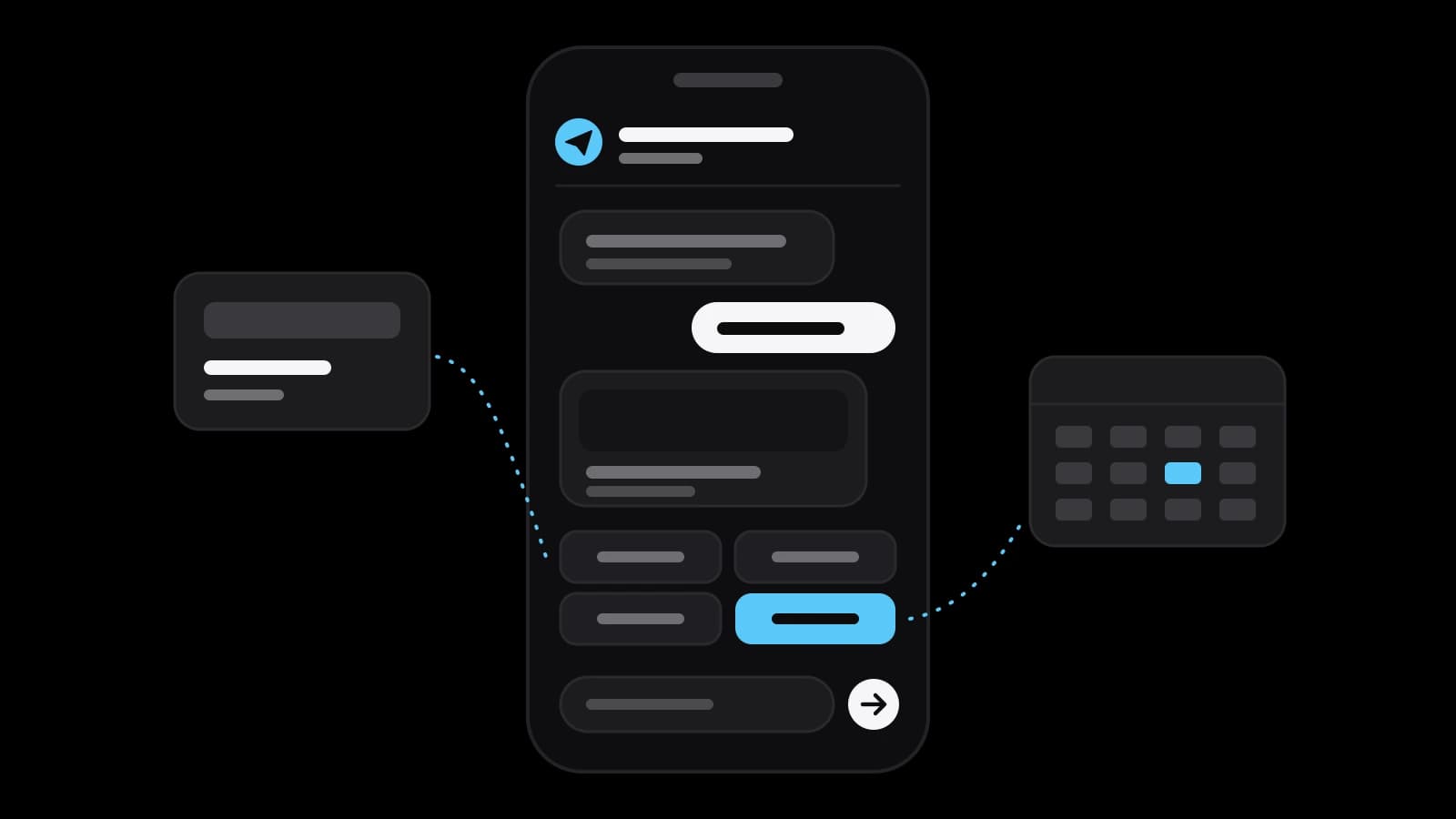
Telegram’s Bot Features page starts with the simplest input: a command is a simple /keyword that tells the bot what to do, and /start begins the interaction. Typing is the exception. A reply keyboard replaces the user’s keyboard with predefined answer options, and its buttons can also request a contact or a location. Inline keyboards are shown directly below their messages and send nothing to the chat when pressed. For a barbershop this means three taps instead of a letter: the service, the day, the time.
The same page describes deep links: an address like t.me/your_bot?start=value passes a parameter of up to 64 characters, so a bot knows that a person came from the flyer and not from the website. Inline mode lets people call a bot from any chat by starting a message with its @username. When buttons are not enough, there are Mini Apps. The Mini Apps guide describes interfaces written in JavaScript that launch right inside Telegram and can be opened in seven different ways.
Payments are the last piece. According to the Bot Payments API page, a bot can take money for physical goods and services from over 200 countries using more than 20 providers. Telegram takes no commission, though most providers have their own, and card details are stored by the provider, not by Telegram or the developer. Digital goods are a separate case: Telegram’s payments guide for digital goods says they must be paid for exclusively in Telegram Stars. Either way, disputes are the bot owner’s responsibility.
Booking, orders, support and notifications: where a bot earns its place
Telegram’s own list of uses is broad: replace entire websites, manage your business, receive payments, create custom tools. A small company needs a few of them, for conversations that repeat every day. Booking is the clearest: the bot shows free slots as buttons and writes the appointment into the calendar the staff already use. Orders come next: a customer picks from a short catalogue, pays an invoice in the chat and later gets the status in the same thread. Then come support, with a handover to a person, and reminders the day before a visit.
Two more scenarios are less obvious. One faces inward: a bot in the team’s group takes a request for leave or posts the morning list of orders. The features page explains that bots in groups run in privacy mode by default and see only relevant messages, such as commands meant for them and replies to their own messages. The other is for owners who answer from a personal account: the introduction says Telegram Business users can connect bots to process and answer messages on their behalf.
A bot cannot write first: the limits Telegram documents
The most important limit takes one line of the introduction: bots can’t start conversations with users. A user must either add the bot to a group or send it a message first. A bot cannot be pointed at a list of phone numbers; people come to it themselves, through a link, a QR code on the counter or a search by username. A base of subscribers is earned, not imported.
The second group of limits is about speed. The Bots FAQ says bots message their users at no cost, but within limits: one message per second in a single chat, 20 messages per minute in a group and about 30 messages per second for bulk notifications. Beyond that the bot starts receiving 429 errors. For large audiences the FAQ advises spreading a notification over 8 to 12 hours. Paid broadcasts raise the ceiling, but only for bots that meet Telegram’s conditions, including at least 100,000 monthly active users. Platform rules change, so reread the figures before a launch.
What stands behind the chat: scenario, server, database and connections
The customer sees a chat; the company pays for what is behind it. First comes the scenario: every question, every button and the point where a person takes over. Second is the program that executes it. According to the Bots FAQ, it gets updates from Telegram in one of two ways, long polling or webhooks: it either asks Telegram for news or gives it an address to call. Either way it runs around the clock, so a bot always has hosting, even when a builder hides it inside its plan.
Third is the data: a table or a database with clients, bookings and statuses. It is yours to keep, because the introduction notes that bots have limited cloud storage and older messages may be removed by the server. Fourth are the connections, which usually take more work than the dialogue itself: the calendar, the CRM, the stock list, the payment provider. Fifth is the public face, filled in through @BotFather: the name, the picture, the list of commands and the description of up to 512 characters that a new user sees in a box titled What can this bot do.
A builder or custom code: which bot suits which company
Telegram itself is blunt about the entry threshold: its FAQ says there are no out-of-the-box ways to create a working bot if you are not a developer. Third-party builders fill the gap: services where a chatbot for a messenger is put together without a programmer. In a builder the scenario is assembled on a screen from ready blocks, and the bot runs on the side of the service.
A builder fits a standard scenario: questions and answers, a request form, a mailing to subscribers, a simple booking. Its price is dependence: the logic is limited by the blocks on offer, the data sits with the service, and moving elsewhere means assembling the bot again. Custom code fits when the bot must talk to your own systems, when the scenario has unusual branches or when a Mini App with a catalogue is needed. It takes more effort at the start and needs someone to maintain it.
Personal data and mailings: consent and a way to unsubscribe
A bot learns things about people: a name, a contact they shared, the history of their orders. Telegram’s Bot Platform Developer Terms of Service set the base rules. Every bot must be bound by a privacy policy that is easily accessible to its users, and if the developer provides none, Telegram’s standard policy applies by default. User data must be deleted at the user’s request, and a bot must not harass or spam users with unsolicited messages. A person should therefore be able to stop a mailing with one button, in the same chat where they agreed to it.
The law of the country where you work stands above the terms of a platform. Article 18 of Russia’s federal law on advertising allows advertising over telecommunication networks only with the prior consent of the subscriber or addressee and obliges the sender to stop immediately when the person demands it. In the European Union, Article 7 of the GDPR says it shall be as easy to withdraw as to give consent. How such rules apply to your bot depends on what it collects and sends, so that question goes to a lawyer who sees your case, not to an article.
Launching a Telegram bot in steps and what to prepare before ordering
A launch goes in a fixed order. Write the scenario on paper as a dialogue: what the bot asks, what the person answers, where a human steps in. Choose between a builder and code, register the bot through @BotFather and test every branch with people who did not write it. Then put the link where customers already are: on the website, in the profile, on the receipt, at the counter. Because a bot cannot write first, these entry points decide how many people it will ever talk to.
Before ordering, collect what no contractor can invent. That means the ten questions customers ask most often with your real answers, the rules of booking or delivery, access to the calendar or the CRM, the name of the person who takes over a dialogue and the text of the consent. A simple question-and-answer bot is realistic to assemble yourself. When a Telegram bot for business has to take payments, connect to internal systems or hand conversations to operators, it is worth ordering. VITON13 Studio is one of the places that does this work; the linked guide lists the prices.
Practical checklist
- Write the bot’s dialogue on paper: every question, every button and the point where a person takes over.
- List the entry points where customers will find the bot: website, profile, receipt, QR code at the counter.
- Decide where the bot stores bookings and orders and who checks them every working day.
- Ask for consent to promotional messages with a separate button and add a one-tap way to unsubscribe.
- Reread Telegram’s sending limits before the first mailing and spread large notifications over several hours.
Questions and answers
Can a Telegram bot message customers who have never written to it?
No. Telegram’s introduction for developers states that a person must send the bot a message or add it to a group before it can reply. That is why a launch plan always includes entry points such as a link on the website, a QR code at the counter or a button in an advertisement.
Does Telegram charge a company for running a bot?
The introduction calls the Bot Platform free for users and developers alike, and the Bots FAQ says bots message their users at no cost within the sending limits. The payments page adds that Telegram takes no commission on payments. What a company pays for is development, hosting and the fees of the payment provider; the linked guide covers those costs.
Can a Telegram bot accept card payments from customers?
Yes, for physical goods and services. The Bot Payments API page describes invoices with a Pay button and card details that stay with the payment provider. Digital goods and services are different: Telegram’s guide for them allows only Telegram Stars. Refunds and complaints remain with the owner of the bot.
What is the difference between a Telegram bot and a Mini App?
A bot talks through messages, commands and buttons. A Mini App is an interface written in JavaScript that opens inside Telegram from a bot: a catalogue, a calendar, a form with many fields. It is chosen when the task no longer fits into a chain of buttons. The two work together: the introduction says bots can host Mini Apps.
Can I make a Telegram bot without a programmer?
Telegram’s FAQ admits that a working bot needs a developer. Third-party builders close that gap for standard scenarios such as answers to frequent questions, a request form or a simple booking. Integrations with your own systems, unusual branches and Mini Apps usually call for custom code.