
Answer in brief
A CRM is a shared system that keeps every customer, every deal and the history of contact in one place, so the work does not live in one person’s notebook, spreadsheet or phone. A small business needs it when requests arrive through several channels, more than one person sells, or follow-ups get forgotten. With a handful of customers and one seller, a tidy spreadsheet is still enough.
A CRM is one shared record of customers, deals and conversations
People who ask what is a CRM usually expect the name of a program. The letters stand for customer relationship management, and Wikipedia opens its article with the wider meaning: a strategic process that organizations use to manage, analyze and improve their interactions with customers. That process, the article adds, often involves dedicated information systems. So the word covers two things: a way of working with customers and the software that holds that work.
Put plainly, the software is one place where every customer, deal and conversation is written down, and the whole team sees the same record. Wikipedia lists where the data comes from: a company’s website, telephone, email, live chat, marketing materials and, more recently, social media. A request no longer lives in the phone of whoever answered it. It becomes a card with a name, a history and a next step, and the card belongs to the company.
What a notebook, a spreadsheet and messenger chats stop coping with
Every business already has a CRM of some kind: a notebook by the phone, a spreadsheet of names and amounts, a long list of messenger chats. Each works while one person sells and remembers everyone. The notebook cannot be searched or shared. The spreadsheet holds badly whatever happens over time: who called, what was promised, when to call back. Chats keep the whole conversation, but inside one employee’s account, where nothing can be sorted by stage or amount.
The first products were built for this gap. According to Wikipedia, ACT!, a program of the 1980s, worked on the principle of a digital Rolodex and was the first to offer contact management as a service. For a small business, the article notes, a CRM may still be little more than that, with emails, documents and scheduling attached. Bitrix24’s help centre puts it in one line: customer information, communication history, documents and deals stay available even if the manager changes.
Inside the system: contacts, deals, pipeline stages, tasks and reports
Open any CRM and the same parts appear under different names. HubSpot’s knowledge base describes its database in three words: objects, which stand for customers and business processes; records, the single entries of an object; and properties, the fields where information is stored. Records can be associated, so several contacts are tied to one company and a deal to both. Each record also carries a timeline of activities: calls, meetings, emails, tasks and notes.
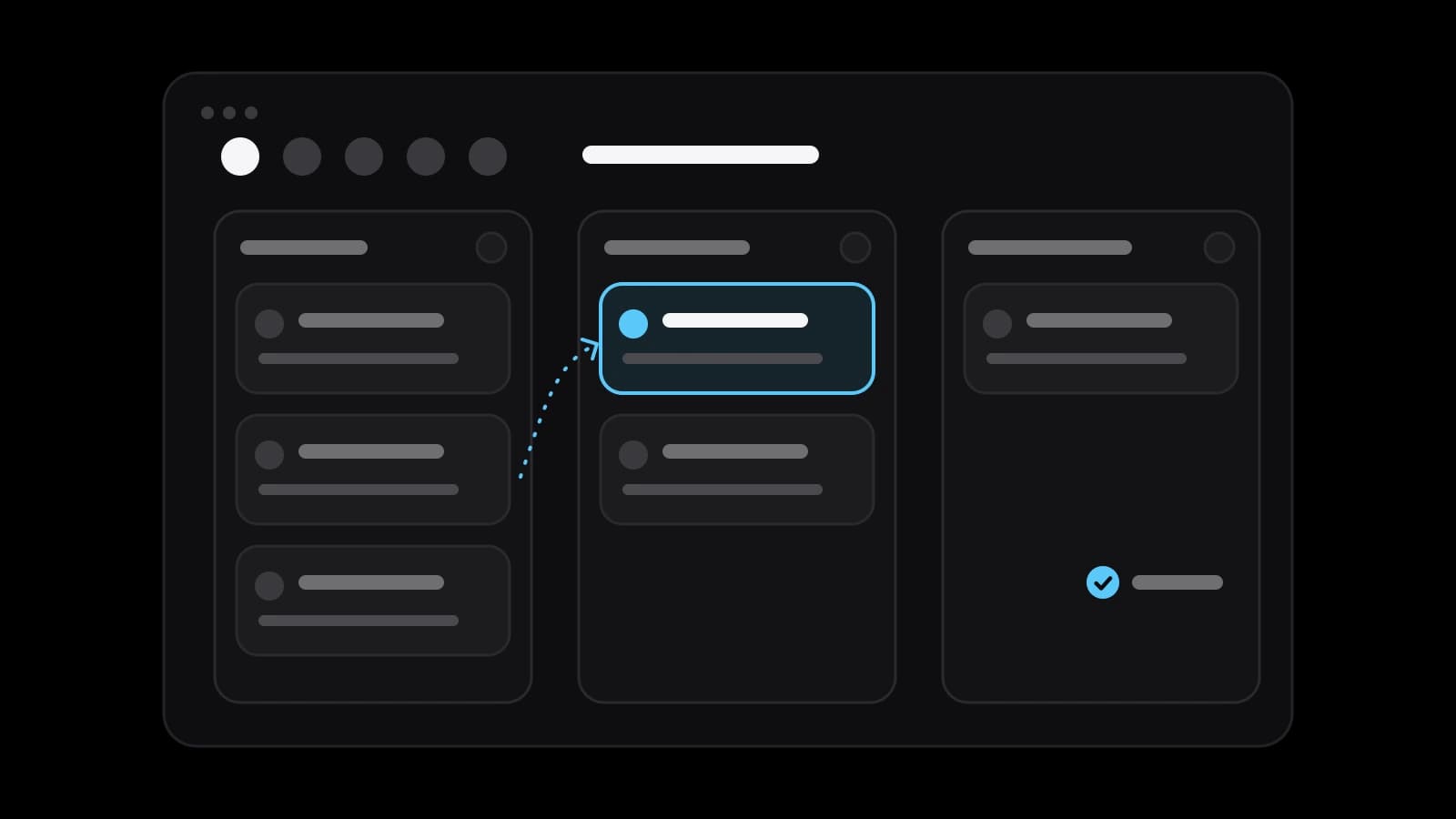
A deal is one possible sale, and the pipeline is the path it travels. HubSpot defines pipelines as a way to visualize a process through stages, the steps that signal where a record is. Its default sales pipeline has seven, from a scheduled appointment through a presentation and a sent contract to a deal closed as won or lost. Bitrix24 describes the same idea as stages on a board and suggests separate pipelines for separate lines of business.
Tasks and reminders turn the list into a working day. In HubSpot’s wording, tasks are reminders for work that needs to be completed; each has a type such as a call or an email, a due date and an optional reminder. Bitrix24 says that everything planned and done is saved in the record’s timeline, while counters remind the manager of important events. On top sit the reports: built-in ones on leads, on deals and on employees’ activity.
What plugs into a CRM: site forms, calls, messengers, mail and invoices
A CRM filled in by hand is filled in badly, so connect first whatever already brings requests. Bitrix24’s help centre says that data from a form submitted on a site is saved in the CRM automatically, as a lead or a deal depending on the form’s settings. HubSpot documents the same for its forms: when a new visitor submits one, a contact record for their email address is created automatically. Calls connect in Bitrix24 through a rented number, an existing exchange or a marketplace app.
Messengers and social networks are connected in the section Bitrix24 calls Contact Center, which lists live chat on the site, Telegram, Viber, WhatsApp and Instagram Direct. With a mailbox attached, each incoming email creates an activity in the customer’s record. An invoice can be created straight from a deal and sent as a PDF by email. All of this describes two products as their help centres stood at the time of writing. Features and plans change, so open the current page first.
Signs a company needs a CRM now, and signs it is too early
The need shows in small daily losses, not in the size of the company. A request came through the site, and nobody knows who answered it. A customer writes that a price was promised last week, and nobody knows by whom. The owner asks how many deals are open, and the answer takes an afternoon. When requests arrive through several channels and more than one person handles them, a shared record stops being a luxury.
It is too early when there are a handful of customers, one seller and one channel: a tidy spreadsheet with the date of the next contact does the job. It is also too early when nobody can name the steps from the first message to the payment. Software will only store that confusion more neatly. Bitrix24’s guide to modes calls its simple one, where any request, call or email at once becomes a deal with a contact, suited to small sales teams.
Why CRM rollouts stall: empty cards, borrowed stages, no owner
The usual way a CRM fails is quiet: the system is bought and configured, and three months later half the deals still live in chats. Wikipedia’s article cites a 2003 Gartner report estimating that more than 2 billion dollars had been spent on software that was not being used. It also cites a 2007 UK survey in which four-fifths of senior executives named getting staff to use the installed systems as their biggest challenge. The figures are old, yet the pattern is familiar.
Three causes repeat. Entering data feels like extra work that gives the seller nothing back, so people fill in what helps them and skip the rest. The stages are copied from a template: the pipeline says presentation and contract while your customers ask for a sample and pay a deposit. And nobody owns the system, decides what a stage means or looks at the board every week. Wikipedia makes the general point: CRM technologies easily become ineffective without proper management.
Customer contacts are personal data: what the GDPR and Russia’s 152-FZ ask
A list of names, phones and emails is personal data, and keeping it in a CRM is processing in the legal sense. In the European Union the rules are the GDPR. The European Commission states that its application does not depend on company size and also covers businesses outside the EU that offer goods or services to people in it. Its page on the principles asks for a specific purpose, data limited to what is necessary, accuracy, the shortest possible storage and appropriate security.
In Russia the law is Federal Law No. 152-FZ on personal data, published in full by ConsultantPlus. It calls the company an operator and counts collecting, recording and storing as processing. The law does not allow the personal data of Russian citizens, when collected, to be recorded and stored in databases outside Russia, with exceptions it lists. The operator has to publish its data policy on the site pages where data is collected, and the portal of Roskomnadzor, the regulator, says operators must notify it of processing.
In practice you need to know where the vendor’s servers are, what the form on your site asks for and whether the page says why, who can export the whole base, and how long you keep people who never bought. This section repeats the sources and is not legal advice. The grounds, the documents and the wording depend on your business. Check your case with a lawyer or a data protection specialist before the first contact is imported.
Starting on a free plan or a trial, and when to order the setup
Most systems let you try before paying. Bitrix24’s help centre describes a free plan and a 15-day trial of its Professional plan that can be switched on once; HubSpot’s documentation lists a free tier with the default pipeline and no custom ones. Read those conditions when you sign up, because they change often. Before the first login, put four things on paper: the real stages of your sale, every channel a request comes through, one clean file of customers and the name of the system’s owner.
Doing it yourself is realistic with one pipeline, a few users and standard connections. Order the setup when the CRM has to exchange data with the site, the accounting system or online payment, when several pipelines and access roles are needed, or when one attempt has already been abandoned. A studio such as VITON13 Studio configures the stages, connects the channels and writes the integrations; it cannot decide for you how you sell. Bring those four sheets, and the estimate will describe your process, not a template. By then the question of what is a CRM gives way to a more useful one: what should ours record.
Practical checklist
- Write down the real stages of your sale, from the first message to the payment, in your customers’ words.
- List every channel a request arrives through: the site form, the phone, each messenger, the mailbox.
- Merge the notebook, the spreadsheet and the chats into one file with one row per customer.
- Name one person who owns the system: stages, access rights, duplicates and the weekly review.
- Check where the vendor stores data and what your site says about processing contacts before importing anyone.
Questions and answers
Is a spreadsheet enough instead of a CRM for a very small company?
For one seller, one channel and a few dozen customers, yes. Add a column with the date of the next contact and look at it every morning. The spreadsheet stops being enough when a second person starts editing it, when requests come from several places, or when you need the history of calls and promises and not only the list.
How do a lead, a contact and a deal differ inside a CRM?
A contact is a person or a company you know. A deal is one possible sale to that contact, with an amount and a stage. A lead, in systems that use the term, is a raw request that has not yet been sorted into the other two. Bitrix24, for example, offers a simple mode without leads, where a request becomes a deal and a contact straight away.
How long does it take a small team to start working in a CRM?
The technical part is short when one pipeline and the standard connections are enough: the stages, the import of the customer list, the site form and the phone. The longer part is habit. Plan a couple of weeks of real work in which every request goes through the system, then correct the stages and remove the fields people skipped.
Do I need customers’ consent to keep their contacts in a CRM?
It depends on the ground you rely on. Both the GDPR, as the European Commission explains it, and Russia’s law 152-FZ name consent and a contract with the person among the grounds for processing. Which one fits your forms, calls and mailings is a legal question about your own case, so put it to a lawyer or a data protection specialist before importing the base.
Can a CRM be connected to a website that is already running?
Usually yes. The common route is the system’s own form or widget placed on the site, as both Bitrix24 and HubSpot document for their forms. If the site has its own forms, a shop basket or online payment, the data is passed through the system’s API, and that is development work with a separate estimate.