
Answer in brief
Yes, if the phone and carriers support the required dual-SIM arrangement and your usual line stays active. A travel eSIM can supply data while you keep your number on the other line. Calls, SMS and roaming charges still depend on each plan; eSIM is a format, not a service guarantee.
Does a travel eSIM replace my usual phone number?
For a trip in 2026, choosing eSIM or a physical SIM starts with the phone’s compatibility and the services you need. An eSIM is a digital SIM profile; a physical SIM is a removable card. Neither format tells you whether the plan includes a local number, ordinary calls, SMS or only mobile data. A travel eSIM may be data-only, while a local carrier may offer voice through eSIM. Keeping your usual number is a separate dual-SIM question.
Keeping your home number is another question. On a supported dual-SIM arrangement, one line can remain associated with your home account while another supplies travel data. Apple and Google document supported configurations and line preferences, with differences across devices and carriers. The useful decision is therefore a sequence: verify the phone, verify the carriers, verify the travel plan and then choose what each line will do. Buying a digital profile alone does not prove that your home calls will arrive, that SMS will work everywhere or that roaming charges disappear.
Distinguish profiles stored on the phone from lines that can be active simultaneously. A device may let you retain several digital profiles without allowing all of them to work at once. If your home number already uses eSIM, confirm that adding travel service leaves a supported active combination. The same check matters for a work line: do not assume a third stored profile can remain available alongside home and travel lines. Write down which services must stay reachable before selecting the arrangement.
Will my phone support a travel eSIM and my usual SIM?
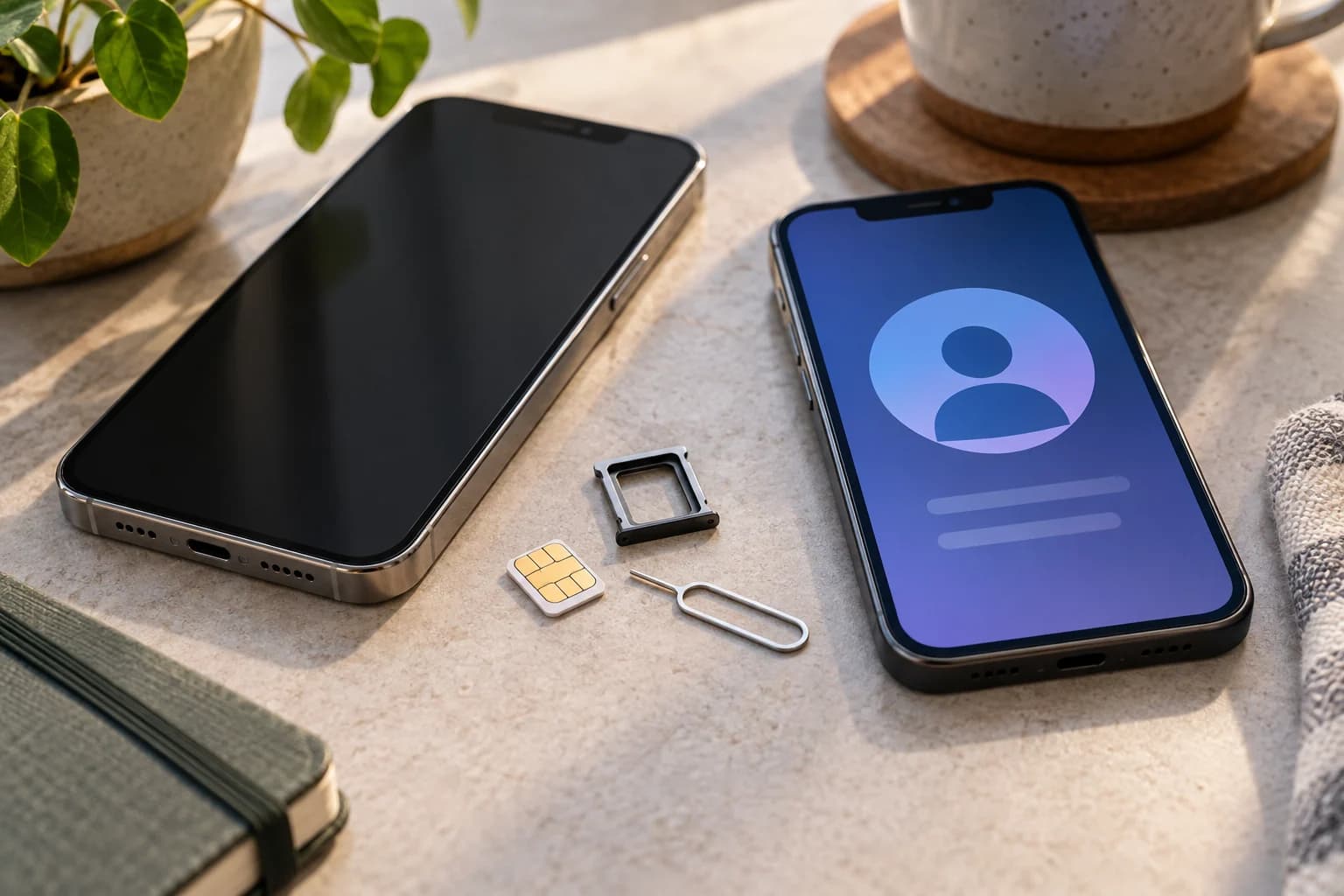
Look up the exact model and regional version of your phone. Do not rely solely on its family name, the presence of a SIM menu or a friend's experience with a similar handset. Supported active combinations can differ: some arrangements use one physical SIM and one eSIM, while eligible devices can use two eSIMs. A phone sold without a physical tray cannot accept a local card simply because another regional version has a tray.
Check carrier locking as well. Apple's travel guidance says an iPhone must be unlocked to use another carrier, and explains where to check its carrier-lock status. For other phones, confirm the equivalent status with the device supplier or home carrier. Ask the prospective travel provider whether it supports your exact handset and destination. Keep its answer with the purchase information. These checks are useful before paying because they distinguish a plan-selection problem from an installation problem that a different QR code cannot solve.
Do I need only data, or also local calls and SMS?
List the tasks you expect to perform abroad: maps, messaging apps, ordinary phone calls, SMS verification, tethering or contact with a local accommodation provider. Then inspect the plan's included services, destination coverage, duration, activation conditions and support arrangements. A data allowance does not establish that conventional voice calls or SMS are included. An internet messaging app and a mobile-network text message are different services even if both appear on the same screen.
For a hypothetical short city trip, travel data might handle maps and internet messages while the home line remains available for permitted calls and texts. Another traveller may need a local voice number, making a different plan more suitable. Neither scenario determines whether eSIM or a card is inherently better. Compare the actual terms, including what starts the validity period and whether the plan allows the functions you need. Identity checks can depend on the destination and provider, so confirm required documents rather than assuming digital installation avoids registration.
How do I choose the SIM for data, calls and messages?
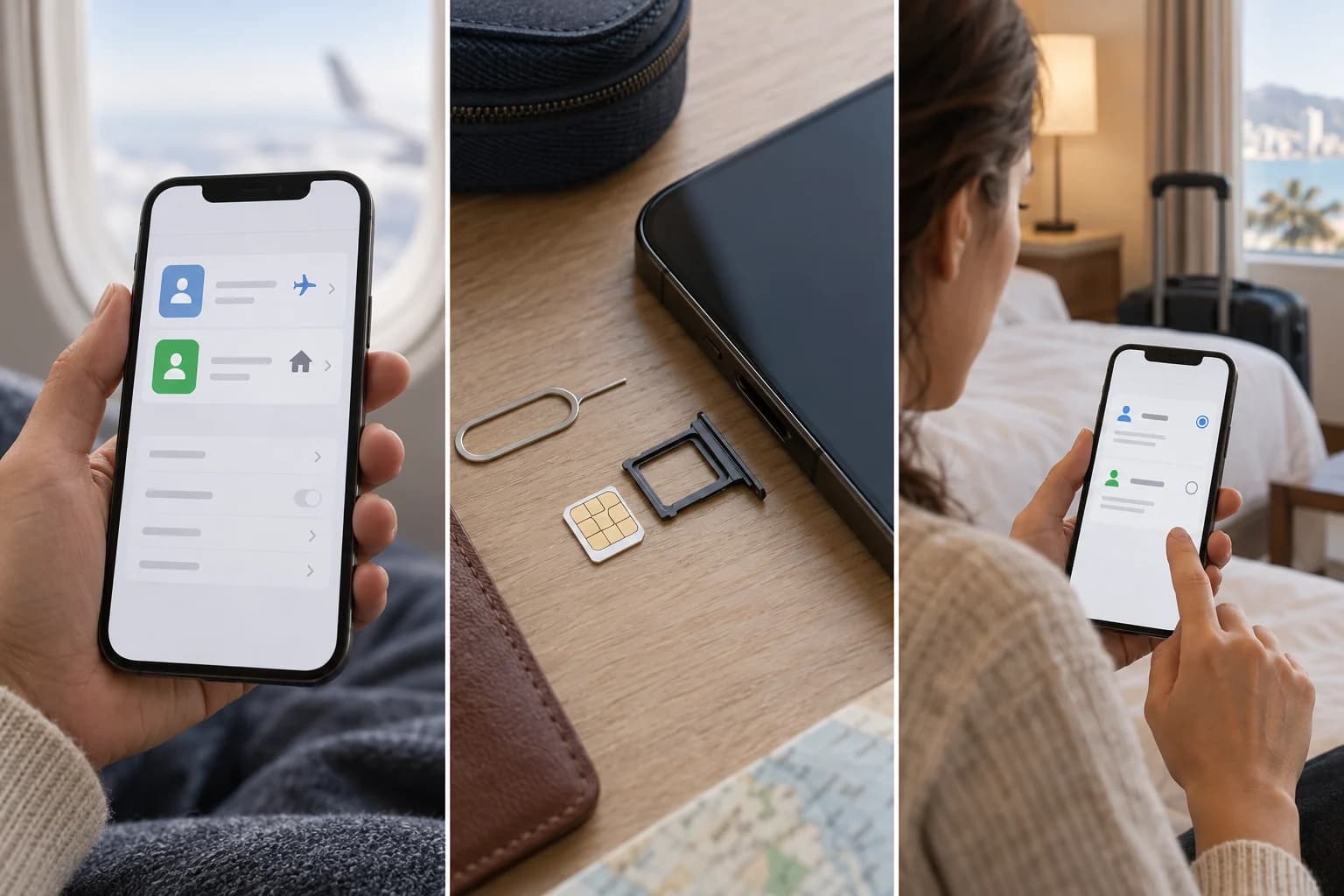
Name your lines clearly in the phone settings using labels you will recognise later. Then inspect the preferences for mobile data, calls and texts separately. Google's Pixel guidance describes distinct defaults and notes that one SIM is the default for data. Apple also documents selecting a travel line for cellular data. The exact menus and supported behaviours depend on the operating system and device; consult the current instructions for yours.
The table is a planning aid, not a universal sequence of menu taps. If both travel and home services use physical cards but the phone has only one usable card slot, swapping cards will not leave both active. You may need a supported home eSIM configuration, another device or another travel plan. Confirm any home-line conversion with the carrier before departure. Moving your home service from a physical card to eSIM is a separate account action; do not confuse it with adding a travel profile.
| Check | Travel eSIM | Physical local SIM |
|---|---|---|
| Installation | Digital profile through supported activation | Insert a compatible card into an available tray |
| Home line | Keep active only in a supported combination | Needs another supported active SIM position |
| Phone restrictions | Verify model, region and carrier lock | Verify tray, model, region and carrier lock |
| Plan services | Data-only or voice depends on the plan | Voice and data depend on the plan |
| Data selection | Choose the intended data line | Choose the intended data line |
| Recovery | Check reinstallation and transfer terms | Keep removed cards safe and check replacement |
| Charges | Home-line roaming may remain | Home-line roaming may remain |
Can my usual SIM still generate roaming charges?
Selecting travel data is not the same as cancelling every possible charge on the home line. Apple warns that a home eSIM can still incur roaming fees when both lines are used. Check the home carrier's terms for receiving calls, making calls, sending or receiving SMS, voicemail and any relevant roaming options. Retaining the number describes account continuity, not a promise that every service is free.
Automatic data switching and data-during-call features deserve a separate check because they can affect which line carries traffic. Google's guidance shows that behaviour and requirements vary across Pixel generations and carrier support. Do not switch such options on simply to follow a generic travel checklist. Decide whether you need the feature, review the instructions and understand its potential use of the home service. If your priority is predictable data use, inspect the chosen line and relevant roaming settings after activation, not just the label you gave the travel plan.
When should I activate the eSIM, and how can I restore it?
Check whether installation requires Wi-Fi, a provider app, a QR code or another activation method. Save the provider's support information somewhere accessible without the travel connection. Confirm whether the validity period begins at purchase, installation or first connection, because those are different events. Do not install early solely on the assumption that the plan will wait until you land. Follow the provider's actual activation conditions.
Keep a physical home SIM secure if you remove it, and know which line it belongs to. For an eSIM, learn the difference between disabling a line and deleting its profile. Deleting a profile can create a recovery task with the provider, so do not use deletion as your first response to an unfamiliar signal problem. Check reinstallation and device-transfer terms before buying. A spare physical card can be moved only into a suitable supported device; a digital profile also depends on account and carrier procedures when equipment changes.
What should I check before travel and after returning?
Before leaving, rehearse the parts of the setup you can verify without prematurely starting the travel plan. Locate the line controls, confirm your home service works and retain the relevant support instructions. After activation at the destination, check that the intended line supplies data and that the services you planned to retain actually work. Make any test calls with their possible charges in mind. A signal icon alone does not confirm every function on both lines.
When you return, inspect the defaults again. Turn off a travel line that is no longer needed according to its terms and ensure the home line is active for the services you use. Some operating systems provide travel-related prompts, but the safe practical habit is to confirm the result on your own device rather than assume every regional configuration behaves identically. The comparison ends with a working arrangement: a known plan, a supported format, deliberate line choices and a recovery route. It does not rank providers, quote prices or guarantee charge-free access to your home number.
Keep a short written setup note alongside your travel documents: home carrier, travel provider, intended data line, voice and message preferences, validity conditions and support contact. This is especially useful if another person helps you troubleshoot after arrival. Use labels rather than sensitive activation credentials in a shared note. If a function fails, compare the actual settings with that plan before changing several switches. Confirm whether the problem concerns data, ordinary calls or SMS; those are separate symptoms. A clear description helps provider support identify the relevant service instead of assuming the entire phone is offline.
Questions and answers
Can I keep my usual number with a data-only travel eSIM?
Yes, with a supported dual-SIM arrangement, compatible carriers and an active usual line. The travel plan can provide data while the other line remains associated with your number. Check which services work abroad and their charges. A data-only eSIM does not itself supply ordinary calls or SMS on a new local number.
Is receiving a verification SMS abroad always free?
Do not assume a universal rule. Check the home carrier's terms and whether your active home line can receive the message at the destination. Data for an app is not the same service as SMS. Plan an alternative account-access method where available rather than relying on an untested message arriving at a critical moment.
Can I use a travel eSIM on a carrier-locked phone?
A different SIM format does not bypass a carrier lock. Apple’s travel guidance requires an unlocked iPhone to use another carrier. Check the equivalent status and compatibility for your phone before buying. Digital installation also does not remove identity checks that may apply in the destination or under the provider’s terms.
Should I delete a travel eSIM if it stops working?
Check the provider's troubleshooting instructions first. Disabling a line and deleting its profile are different actions, and reinstallation can depend on provider terms. Preserve support details and inspect line selection, validity and settings before removing the profile. On return, confirm home-line defaults; only delete a profile when you understand the recovery implications.