
Answer in brief
Virtual try on shows a product on the shopper, or in the shopper’s own space, before the purchase. Stores use a camera overlay, an AI-generated model image or a 3D model in augmented reality. It suits products where fit, colour or size is the doubt: glasses, clothes, furniture. It needs good photos or 3D models, and any camera use brings privacy questions.
Virtual try on answers the shopper’s one doubt: will this suit me
Virtual try on means the shopper sees the product on themselves, or in their own space, before they pay. The glasses appear on a live image of their face, the sofa stands in their living room, the jacket is shown on a model close to their size. The idea is not new. What changed is that a phone camera, a browser and a standard 3D file are now enough to show it on an ordinary product page.
The reason shops use it is plain. Online, the buyer cannot hold, try or compare, and many of the doubts that stop an order are about fit, colour or scale. A good virtual try on does not decide for the buyer. It removes one specific uncertainty so that the decision becomes easier to take.
Three techniques: camera overlay, generated model and 3D in your room
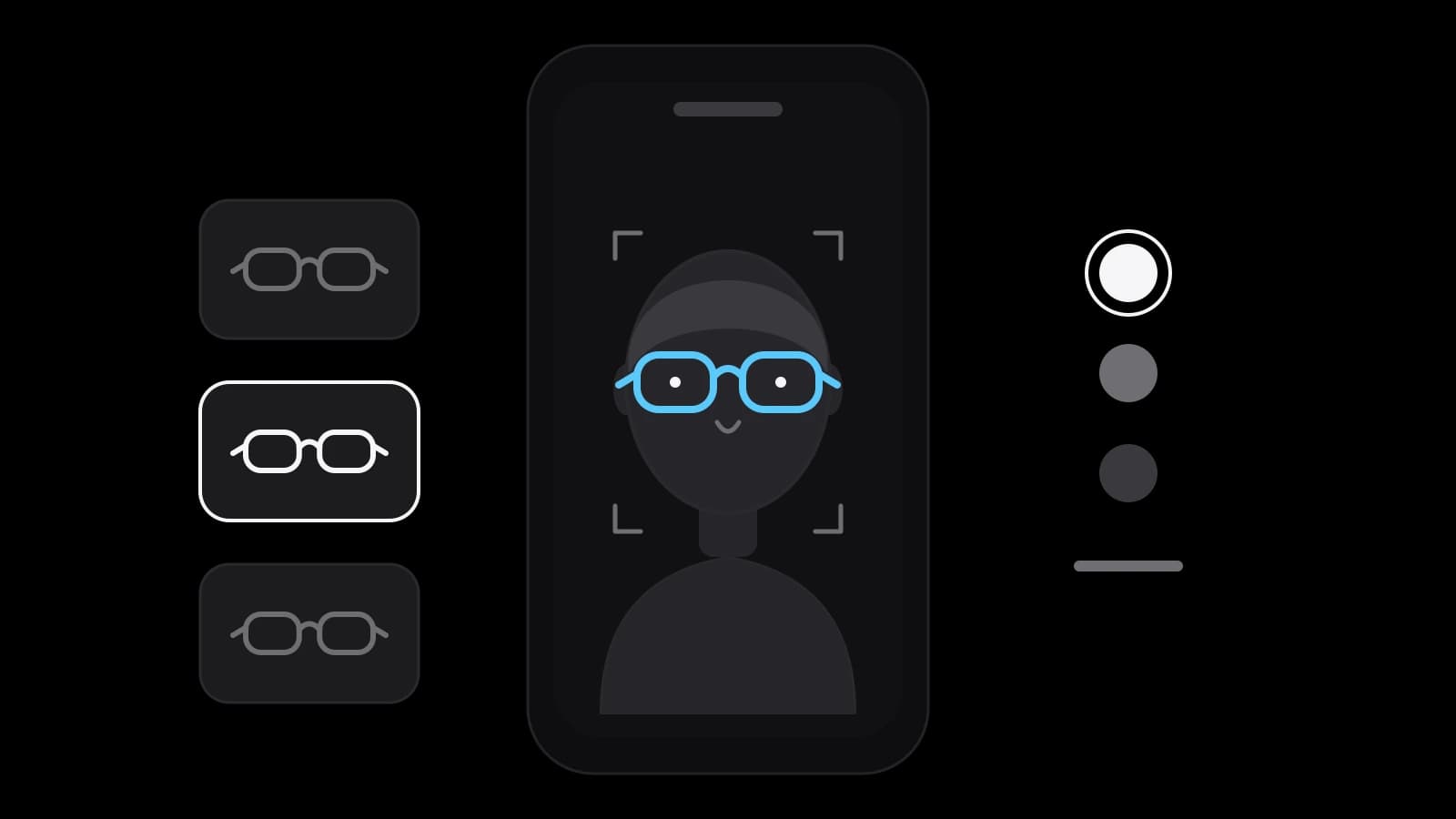
The first technique is an overlay on a live camera image. The page asks for camera access, finds the face or the hand and places the product on top: frames on the nose, a lipstick shade on the lips. It works best for small items worn on a visible part of the body, and it is the one that raises the most questions about personal data.
The second is a generated image. The shopper picks a model, and software shows the garment on that model’s body. Google’s Merchant Center help describes this for clothing: it says its generative AI combines professionally shot model photos with the garment images that merchants supply, and shoppers choose models in sizes from XXS to XXXL to see how the clothes drape and stretch.
The third is a 3D model placed in the real room or shown on a turntable. Apple’s Quick Look gallery page explains that Safari on iPhone and iPad can open a USDZ model in 3D, and the shopper taps the AR icon to place the object in their space. The same model can sit behind a configurator, where the shopper changes the colour, the material or the size and the picture follows.
What Google’s apparel try-on asks from a shop
Google’s help page is useful because it shows what a platform expects from the shop, not what a vendor promises. It says brands with a shopping feed and high-quality imagery are opted in automatically, and that qualifying items can carry a virtual try-on badge in free listings and Shopping ads. If a brand wants its assets kept out of paid ads, the page tells it to contact Google Customer Support.
The image rules are specific. Pictures should be at least 512 by 512 pixels and ideally 1024 pixels or more, and each should show one garment, whole, on one front-facing model or mannequin in a simple pose, or laid flat. Hands, bags or accessories should not hide the detail, and tops should be shown with sleeves down and zips closed. The practical lesson reaches beyond Google: consistent, clean photography is the raw material of every try-on, and it is cheaper to shoot it correctly once.
Which products suit a virtual try on and which do not
The test is simple: does the buyer hesitate about something an image on a body or in a room can settle? Glasses pass it, because shape and width on the face are the whole question. Makeup passes it through shade. Furniture passes it through scale and colour: will this fit between the window and the door, and does it match the floor? Products sold in several finishes pass it through a configurator, where the shopper sees each option in turn.
Fit-heavy clothing is harder. A generated image shows drape on a body type, but it cannot know the shopper’s exact measurements, and a size chart still matters. Google’s own page presents the tool as a way to see how garments look on different bodies, not as a measurement. Treat it as help with the look, not a replacement for sizing information.
Some products gain nothing. A single-colour cable, a standard consumable or a commodity with one obvious specification is rarely a try-on problem. Spending on a 3D model for an item nobody hesitates over is the most common waste, so start with the products your customers ask about or return most.
What it takes: photos, 3D models, glTF and USDZ
For a generated clothing try-on the input is photography that meets the rules above. For an overlay or a 3D view the input is a 3D model, and here the file format matters. Khronos describes glTF as a royalty-free specification for the efficient transmission and loading of 3D scenes and models, with a JSON core that can be packed into a single binary .glb file, and notes that glTF 2.0 was published as ISO/IEC 12113:2022.
On Apple devices the AR view uses USDZ, which is what Quick Look opens, so a store that wants augmented reality on both iPhone and other phones usually keeps a glTF master and a USDZ copy. Google’s open-source model-viewer is a web component for displaying interactive 3D models on a page and in AR, published under the Apache 2.0 licence.
The model itself is the main cost. It can be built from CAD files the manufacturer already has, drawn from photographs and dimensions, or captured by scanning. Whichever route is used, the model must be light enough to load quickly on a phone, and the colours and materials must match the real product. A shiny, wrong-coloured model does more harm than no model.
Face images and privacy: what the GDPR text says
A try-on that opens the camera touches personal data. The GDPR defines biometric data in Article 4 as personal data from specific technical processing of a person’s physical traits that allows or confirms the unique identification of that person, and gives facial images as an example. Article 9 generally prohibits processing biometric data for the purpose of uniquely identifying a person, with exceptions such as the person’s explicit consent.
Whether a given try-on identifies anyone is a question of how it is built and what is stored, and it is not answered by the tool’s name. A common design choice is to process the image on the shopper’s device, ask for the camera only when the shopper presses the button, explain this in plain words and keep nothing. These are design choices, not legal conclusions. If you sell in the European Union, show the design to a lawyer before launch.
Measuring a virtual try on without promising a result
Decide what you will compare before the launch. The sensible measures are the share of visitors who open the try-on, the share of those who then add to the basket and order, and the returns for products that have it against similar products that do not. Each figure alone can mislead, because the people who press the try-on button are already more interested than the rest.
Start with a few products, keep the rest of the page unchanged and watch for several weeks. Nobody can promise a lift in orders or a drop in returns in advance, because both depend on the product, the price and the quality of the model. A fair promise is only this: the shopper gets a better look at the product, and you get data to decide whether to extend it.
What to prepare before ordering a virtual try on
Doing it yourself is realistic for a developer who knows 3D tools and can produce models, or for a shop with one product and time to learn. Ordering makes sense when you want it working on the product page without becoming a 3D studio. Either way, prepare the same: a list of products by the questions customers ask, clean photographs from several angles, dimensions, the colours and finishes on offer, and any manufacturer files such as CAD drawings.
VITON13 Studio offers this as the Virtual try-on or 3D configurator package: a try-on or configurator sits on your product page, set up for clothes, glasses, furniture or colour choices, and connected to your store page. Before payment the studio builds a demo on one of your products as a free draft. The fixed price is $313 and the work takes 10–18 working days. Send the product you hesitate about most, and the demo comes first.
Practical checklist
- List the three products customers ask or return most, and write the doubt each one raises.
- Photograph those products cleanly, whole, from the front and from the side, on a plain ground.
- Collect dimensions, the exact colours and finishes, and any CAD files the manufacturer can give.
- Decide whether the camera image stays on the device, and write that sentence for the shopper.
- Choose the measures before launch: try-on opens, add-to-basket rate and returns for those products.
Questions and answers
Does a virtual try on work on any online store?
It can work on any store that can add a viewer or an app to the product page, but the product decides the value. Glasses, furniture and colour choices gain most. A plain commodity with one specification rarely needs it.
Do I need a 3D model for every product?
For a 3D view or augmented reality, yes, one model per product or per family of variants. For Google’s apparel try-on the input is photography, not a 3D model, and the page lists the image rules a shop must meet.
Which 3D file formats should a store keep?
Khronos describes glTF, with its binary .glb form, as a royalty-free specification for delivering 3D scenes and models. Apple’s Quick Look opens USDZ. A common approach is to keep a glTF master and make a USDZ copy for iPhone and iPad.
Is a camera-based try on legal in the EU?
The GDPR treats biometric data used to identify a person as a special category. Whether your try-on does that depends on how it is built and what it stores. Have a lawyer review the design before launch.
Will a virtual try on reduce returns?
Nobody can promise it. The effect depends on the product and the quality of the model. Compare the returns of products that have the try-on with similar ones that do not, over several weeks, before deciding to extend it.