
Answer in brief
AI automation is a workflow in which software follows fixed rules for most steps and hands one step to an AI model: reading an email, classifying a request, drafting a reply or extracting data from a document. The output is a probable answer, not a fact, so a person approves anything that reaches a customer, money or a contract until the error rate is known.
AI automation in plain words: rules plus one step that reads
When people search what is AI automation, they often picture a robot running the business. Automation is software that repeats the same steps whenever something happens: a form arrives, an order is paid. AI automation keeps that chain and adds one step that a fixed rule handles badly, because the input is human text: an email to read, a request to sort, a reply to draft, a figure to find in a scanned invoice.
The platforms describe it the same way. Zapier’s help centre calls AI by Zapier a built-in tool that adds AI-powered steps to a Zap, with prompt templates in four groups: summarise, write, classify and extract. The n8n documentation says the platform builds AI workflows that connect model providers such as OpenAI, Anthropic and Google. In both cases the model is one link in the chain. The trigger, the routing and the destination remain plain automation.
Rule-based steps and AI steps do different jobs
A rule-based step is predictable. If an invoice is marked paid, send a receipt; if stock falls below ten, alert the buyer. The same input always gives the same output. Reminders, data sync and status updates belong here, and a language model only adds cost to them. An AI step earns its place where the input varies: requests worded a hundred ways, invoices in different layouts, reviews that mix praise and complaint.
The model returns a label, a draft or a set of fields, and that is a likely answer rather than a certain one. The UK regulator, the ICO, writes in its guidance on AI and data protection that outputs about a person are often a statistically informed guess, and that records should say so. Hence the design rule: let rules do everything that can be written as a rule, give the AI only the reading or writing, and decide in advance who checks its answer and where it goes once approved.
Keeping a person in the loop of an AI workflow
Human in the loop means the workflow stops at a set point and waits for a person. The n8n documentation describes it for AI agents: when a tool needs review, the workflow pauses, and the reviewer either approves, so the tool runs with the input the AI proposed, or denies, so the action is cancelled. The request can arrive in Slack, Telegram, Gmail, Microsoft Teams and other channels the page lists.
The same page names where review matters most: actions that cannot be undone, such as deleting data, sending external messages or making purchases, compliance requirements and high-impact decisions. Its advice is to start with review switched on and reduce oversight as confidence grows. For a small business, whatever reaches a customer, moves money or changes a record is approved by a named person until the error rate is measured, and only then do the safest categories run alone.
Five everyday AI workflows with trigger, check and output
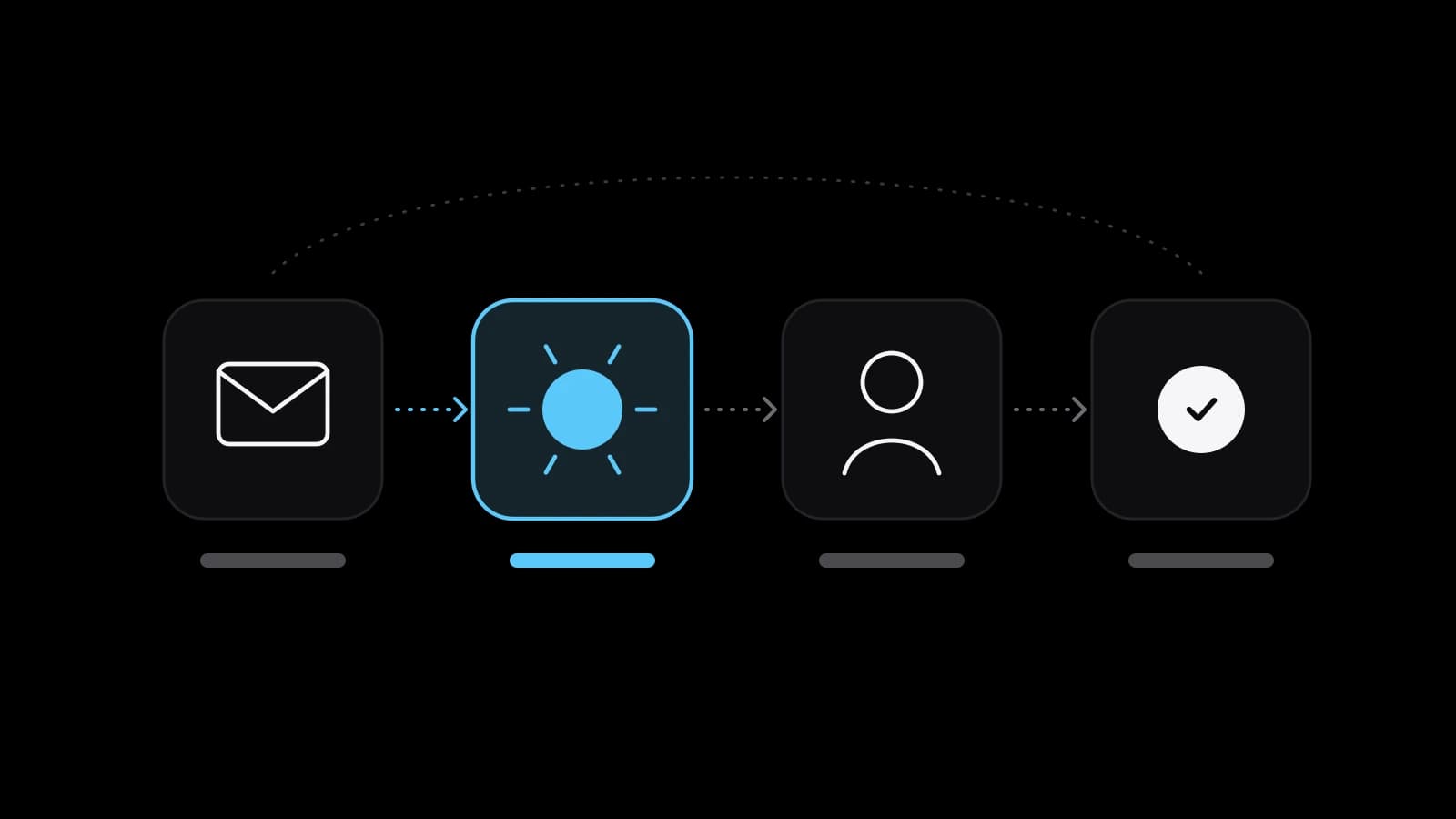
Most useful AI workflow automation follows one pattern: trigger, AI step, check, output. The first case is an enquiry form or the shared inbox. The AI labels each message as a quote request, a complaint, a supplier offer or spam, and drafts a reply for the first two. The manager approves or corrects the draft, the reply goes out, and the enquiry lands in the CRM with its category.
The second is a supplier invoice in PDF. The AI extracts the supplier, date, amounts and tax line, and the bookkeeper compares them with the order before the entry is created. The third is a public review: the AI drafts an answer in the company’s tone, the owner edits the sentence that matters, and the reply is published. The person spends seconds checking instead of minutes typing, and that is where the time is saved.
The fourth is a recorded meeting: the transcript becomes a summary with the agreed actions, its organiser confirms it, and tasks are created with owners and dates. The fifth is product data: from a supplier’s spreadsheet the AI drafts descriptions, and an editor checks every claim about materials and sizes before the items go live. Twelve such workflows, with build times and prices, are in the examples guide linked at the end.
Choosing the first process and measuring its payback
The best first candidate is boring: it happens daily, follows rules a new employee learns in an afternoon, and a mistake in it is cheap and quick to catch. Sorting the inbox fits. Deciding who gets credit or which job applicant is turned down does not. The European Commission’s page on the AI Act lists CV-sorting software for recruitment and credit scoring among high-risk uses, with strict obligations in such sensitive areas from 2 December 2027 after the AI Omnibus extension.
NIST’s AI Risk Management Framework, a voluntary American guide, splits the work into four functions: govern, map, measure and manage. Map establishes the context to frame risks, and first projects often skip it. Payback is then measured, not promised. For two weeks before the build, count how many items arrive, how long each takes and how often something goes wrong. After launch, count the same and add review time and running costs. The cost guide linked at the end walks through the arithmetic.
AI automation tools grouped by what they charge for
AI automation tools fall into three groups. Workflow platforms such as Zapier, Make and n8n connect apps through triggers and actions, and AI is one step type among many. AI features built into software you already use, such as a help desk that drafts replies, need no separate tool. Custom code costs more to build and gives full control over data and checks. Among platforms, the billing unit matters more than the plan name.
Zapier’s help says a task is any successful action and triggers never use tasks; a standard AI step uses one task per run, the stronger model tiers three or five times as many, and each tool call costs extra. Make counts operations, one module run each, and by default one operation costs one credit; with your own OpenAI or Anthropic connection you pay the provider directly for tokens. n8n’s hosting documentation says it can run on your own infrastructure and, without a licence key, as the free Community edition, though someone then owns updates and backups.
Risks of AI automation: errors, personal data, law and cost
Wrong answers are the first risk, and they look like right ones: a misread date, an invented invoice number, a fluent reply to a question nobody asked. The ICO’s guidance says an AI system need not be 100% statistically accurate to meet the accuracy principle, but inferences and predictions should be labelled as such. In practice, keep the source next to the output, log what the AI proposed and what the person changed, and review a sample every week.
Personal data is the second. Every email or invoice sent to an AI step travels to a model provider unless the model runs on your own servers, so the data map must say what leaves, where to and under which contract. The ICO marks its AI guidance as under review after the Data (Use and Access) Act, and other countries have their own rules, so check your case with a data protection specialist. The Commission’s page says the EU AI Act sets no rules for minimal-risk AI such as spam filters.
Its transparency rules took effect in August 2026. Article 50, as published on the Commission’s AI Act Service Desk, requires providers to design AI systems that interact directly with people so that those people are told they are dealing with an AI system, unless that is obvious, at the latest at the first interaction. A website chat assistant should say what it is in its first message. Cost is the last risk: a loop that runs a thousand times by mistake is a real bill, so a spending limit belongs in version one.
Mapping the process before you order AI automation
The most useful thing to prepare is a one-page map of one process: the trigger, each step in order, who does it today, how long it takes, which systems it touches and where the result must land. Mark the single step that needs reading or writing and the person who will check it. Add twenty real input examples, anonymised and including the awkward ones, because a workflow tested on tidy samples fails on the first messy email.
The map also settles whether to do it yourself. One trigger, one AI step and one destination in a platform you already use is a sensible weekend project with its templates. Several systems, personal data, an approval step, error handling and logs make a build that needs an owner after launch. VITON13 Studio builds such workflows for small businesses in any country, remotely, from the map to the human check and the handover.
Bring the map, the examples and two weeks of counts, and the estimate rests on facts. The guides linked below show twelve ready workflows and how to judge payback, and the service page lists what a build includes. By then the question of what is AI automation has turned into a better one: which of your steps it should take over first.
Practical checklist
- Pick one process that happens daily, follows clear rules and is cheap to get wrong.
- Map it on one page: trigger, steps, systems, who checks the AI output and where it lands.
- Collect twenty real input examples, including the messy ones, and anonymise personal data.
- Count volume, time per item and error rate for two weeks before anything is built.
- Name a reviewer, plan a weekly sample check and set a spending limit before the first live run.
Questions and answers
Do I need coding skills to set up AI automation?
For one trigger and one AI step, usually not: workflow platforms let you assemble the steps and the prompt in their editors, and Zapier’s AI step offers ready prompt templates. Technical work becomes necessary when data has to be reshaped, when several systems must agree, or when the workflow has to run on servers you control.
How much does an AI step cost to run each month?
It depends on the platform’s unit. Zapier counts a standard AI step as one task per run and charges more for stronger model tiers and tool calls; Make counts operations and, with your own model account, leaves the token bill to the provider. Multiply the cost of one run by the monthly volume before you decide.
Can AI automation reply to customers with nobody checking?
It can, but it should not at the start. Keep a person approving replies until you know how often the drafts need changes on real traffic. Then release only the simplest categories, such as a note confirming that a request has arrived, and keep sampling everything else.
Does the EU AI Act apply to a small business that automates with AI?
It can. The Act sets duties by risk level, and many everyday uses fall into the minimal-risk group with no new rules, but a chat assistant that talks to customers carries transparency duties and uses such as CV sorting are high-risk. The rules changed during 2026, so check your own case with a specialist.
Which processes should not be the first to get an AI step?
Decisions that change someone’s life or money: hiring, credit, legal wording, medical or safety advice. Errors there hurt a person and are slow to undo. Begin where a wrong draft is caught by the reviewer in seconds and costs nothing once it is corrected.