
Answer in brief
AI dubbing transcribes the speech in a video, translates it, speaks the translation with a synthetic voice and can adjust the lip movements to match. It works best on clear, single-speaker talk such as lessons and product demos. Get the speaker’s consent, read the platform and legal disclosure rules, and have a native speaker review the result before you publish.
What AI dubbing is: transcription, translation, synthetic voice and lip sync
Wikipedia defines dubbing as adding to or replacing the recorded audio of a film or video during post-production, and more narrowly as replacing dialogue with a translation synchronised to the picture. AI dubbing does the same job with software instead of a recording studio. The same article notes that speech synthesis and AI have been used to dub content automatically, which is why the term now covers a whole production line rather than a single tool.
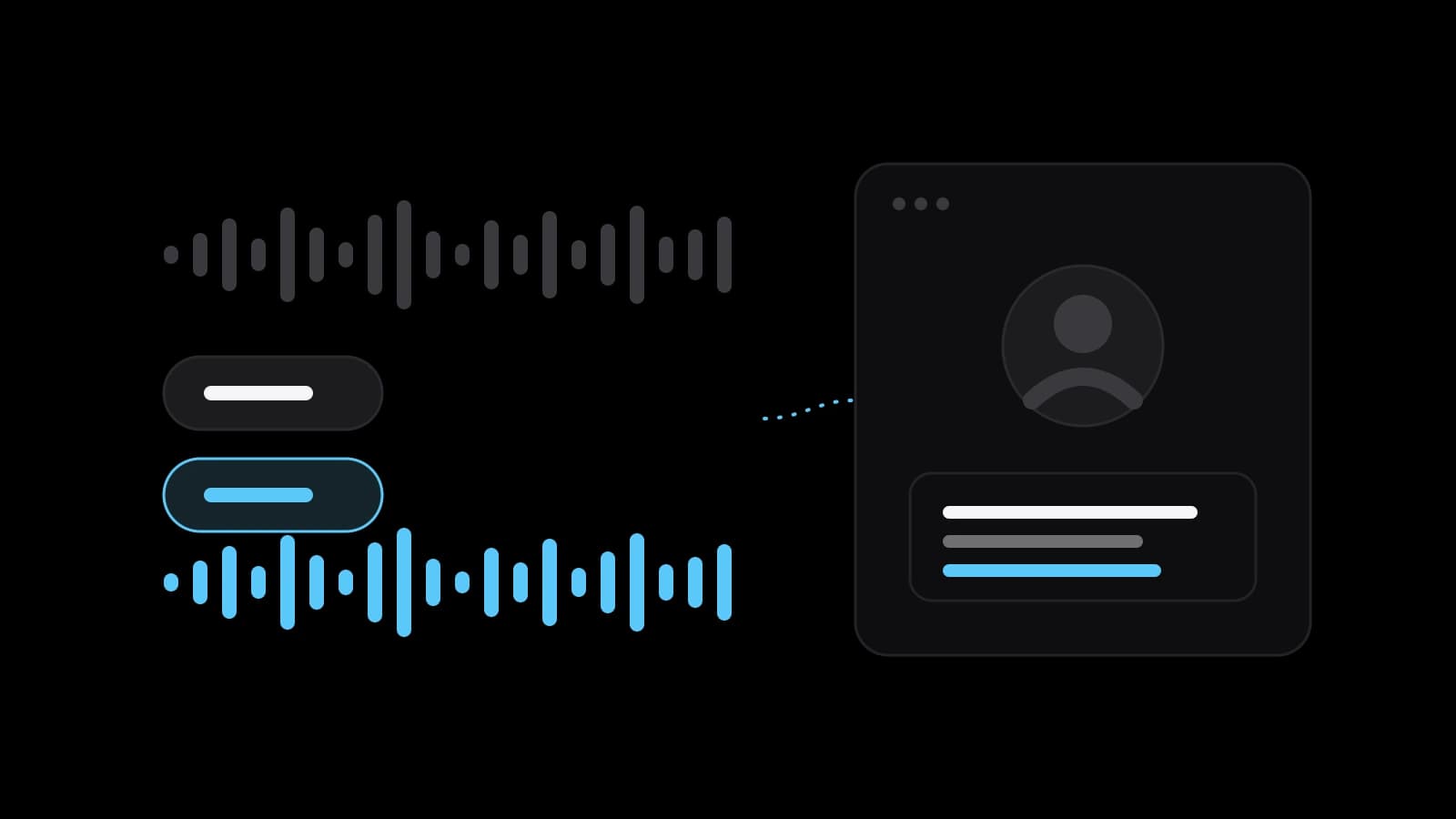
In practice the line has four steps. The tool turns the original speech into text, translates the text, speaks the translation with a synthetic voice, and optionally adjusts the speaker’s mouth to match the new audio. Wikipedia describes speech synthesis as the artificial production of human speech and visual dubbing as machine learning that modifies on-screen lip and facial movements. YouTube lists lip sync in its own automatic dubbing as an experimental feature open to select channels.
Where AI dubbing works, and where it breaks
It works best on what is easiest to hear: one clear voice, little background noise, normal speed. Talking-head videos, course lessons, product demos and explainers fit that description. YouTube’s help page on automatic dubbing shows the other side, because it lists videos that are not eligible: longer than 120 minutes, music only or very little speech, a source language that cannot be detected, and speech that is too fast.
Wikipedia’s article on speech synthesis explains why the hard cases are hard. Prosody, the rhythm and intonation of speech, remains a challenge and an active research topic. A number such as 1325 can be read several ways depending on context, ambiguous abbreviations can produce nonsense, and words spelled the same but pronounced differently need context to be read correctly. Add songs, overlapping voices, jokes and personal names, and plan to check those parts by ear.
Voice cloning, consent and disclosure: what the sources say
Cloning is the step that needs the most care. Wikipedia describes audio deepfakes, also called voice cloning, as systems designed to generate speech that convincingly mimics specific individuals, and notes that they have drawn criticism for use in scams, phishing and misinformation. Whose voice it is therefore matters before any technical question. Get the speaker’s written consent for the cloned voice and the languages it will speak, and keep that paper with the project.
YouTube’s rules turn on the same point. Its help page on altered or synthetic content asks creators to disclose realistic content that makes a real person appear to say or do something they did not, and it gives disclosure through the AI use setting in the Attributes section of the upload flow. The same page lists cloning your own voice for voiceovers or dubs among the examples that do not need disclosure. Repeated failure to disclose may lead to a label, removal or suspension from the Partner Program.
The law is a separate matter. According to the European Commission, the transparency obligations of Article 50 of the AI Act apply from 2 August 2026. Providers must mark AI-generated audio in a machine-readable format, and deployers of systems that generate deepfakes must disclose that the content was artificially generated or manipulated. The Commission describes deepfakes as content that would falsely appear to a person to be authentic or truthful. Whether a given dub counts, and who is the provider or the deployer, is a legal question: ask a lawyer about your case.
YouTube’s multi-language audio tracks and automatic dubbing
YouTube offers two routes. With multi-language audio, you upload your own dubbed track. The help page says the feature is available to creators with access to Advanced features, that you work in YouTube Studio on a computer, and that the steps are: open Languages, select the video, click Add Language, click Add next to Dub and select the file. The file must be audio only and roughly as long as the video. YouTube does not create the track for you, and an automatic dub in the same language has to be deleted first.
The second route is YouTube’s own automatic dubbing, which marks videos as auto-dubbed in the description. The help page says you cannot edit automatic dubs, and that you can choose to publish manually if you want to review them first. For English videos it offers dubs in 20 languages. The choice is control against speed: your own track lets you decide every word, while the automatic one is fast but fixed. Viewers hear the track that matches their preferred language and can switch it in the player.
Quality checks: a native speaker, terminology and timing
A native speaker of the target language should hear the dub before the public does, particularly because YouTube’s automatic dubs cannot be edited afterwards. The reviewer checks that the meaning is right, the tone suits the audience and the voice does not stumble. Prepare a short glossary beforehand with product names, brand names, units and terms that must stay in the original language, and read every number and abbreviation aloud, since those are the places where synthesis goes wrong.
Timing needs its own pass. YouTube asks for an audio file of roughly the same length as the video, and a translated sentence rarely takes as long to say as the original. Words that are spoken over a visible action, such as a click in a software demo, must land when the picture shows it. If the dub runs long, shorten the translation rather than speeding up the voice.
Subtitles or dubbing: choosing by channel and audience
Subtitles keep the original soundtrack and add text; dubbing replaces the audio, as Wikipedia puts it. Habits differ by country. The same article reports that in Malaysia foreign-language programmes are subtitled, that in Singapore English programmes on free-to-air channels are usually subtitled in Chinese or Malay, and that in Iran most people continued to prefer dubbed versions. Your audience’s habits matter more than a general rule.
Dubbing helps where the viewer cannot read and watch at the same time, as with screen demos and lessons. Subtitles help where the sound is off or the voice and accent of the speaker are part of the appeal. They are not exclusive: many channels dub the main language of an audience and keep subtitles for the rest. Start with one video in one language, look at how viewers respond, and extend from there.
A workflow from script to publication
Lock the video before you dub it, because every later edit means redoing the audio. Record or clean the original sound, then check the transcript against what was said. Translate with the glossary in hand, generate the dub, and send it to the native reviewer with the script. Apply the corrections, and export an audio-only file that matches the length of the picture. A dub made from rough audio inherits every flaw of that audio.
Publish with the paperwork in order. Upload the track in YouTube Studio or on the platform you use, check what that platform asks you to disclose, and keep the speaker’s consent on file. After publishing, watch the comments in the new language, which often reveal a mistranslated term faster than any review. Keep the glossary, because the next video will use the same words.
What to prepare before you order a dub, and when to do it yourself
Prepare the finished video, the original script if there is one, the target languages and the platform where the dub will live. Get the speaker’s consent to the cloned voice in writing. Assemble the glossary of names and terms, and decide who in each language can review the result. With those four things in hand, a dub is a small, predictable job rather than an experiment.
Doing it yourself suits a single short video, a language you speak and a tool you are willing to learn. Ordering suits several videos, languages you do not speak, or a speaker’s own voice and lip sync that need to be handled together. VITON13 Studio offers AI video dubbing: one video of up to 10 minutes goes into another language with the speaker’s own voice and lip sync, with the speaker’s consent.
The package costs $33 and takes 2–4 working days. The studio shows the first 30 seconds as a free draft, so you can judge the voice and the sync before you pay. A related package, an AI avatar presenter with five videos, is $73. The draft will not tell you how the whole video sounds, so the native-speaker review stays on your list.
Practical checklist
- Lock the video edit before dubbing, so the audio is not redone later.
- Get written consent from the speaker for the cloned voice and the languages.
- Write a glossary of product names, brand names, units and terms to keep.
- Have a native speaker of each target language review the dub before publishing.
- Read the disclosure rules of every platform where the dubbed video will appear.
Questions and answers
Does YouTube require a label on a video dubbed with my own cloned voice?
YouTube’s help page lists cloning your own voice for voiceovers or dubs among the examples that need no disclosure. Content that makes a real person appear to say something they did not is treated differently, and rules change, so read the current page.
Can I upload my own dub to YouTube?
Yes, if your channel has access to the multi-language audio feature. You add the language in YouTube Studio on a computer and upload an audio-only file of roughly the same length as the video, deleting any automatic dub in that language first.
Which videos does automatic dubbing not handle?
YouTube’s help page lists videos longer than 120 minutes, those with only music or very little speech, those whose source language cannot be detected and those with speech that is too fast. Those cases need a manual approach.
Does the EU AI Act apply to a dubbed video?
The Commission says the Article 50 transparency obligations apply from 2 August 2026 and cover deepfakes. Whether a particular dub is a deepfake, and who carries the duty, is a legal question for a lawyer who knows your case.
Is a subtitle track enough instead of a dub?
Sometimes. Subtitles keep the original voice and cost less to check, while a dub lets people watch without reading. Wikipedia notes that viewing habits differ by country, so test one video with your own audience first.