
Answer in brief
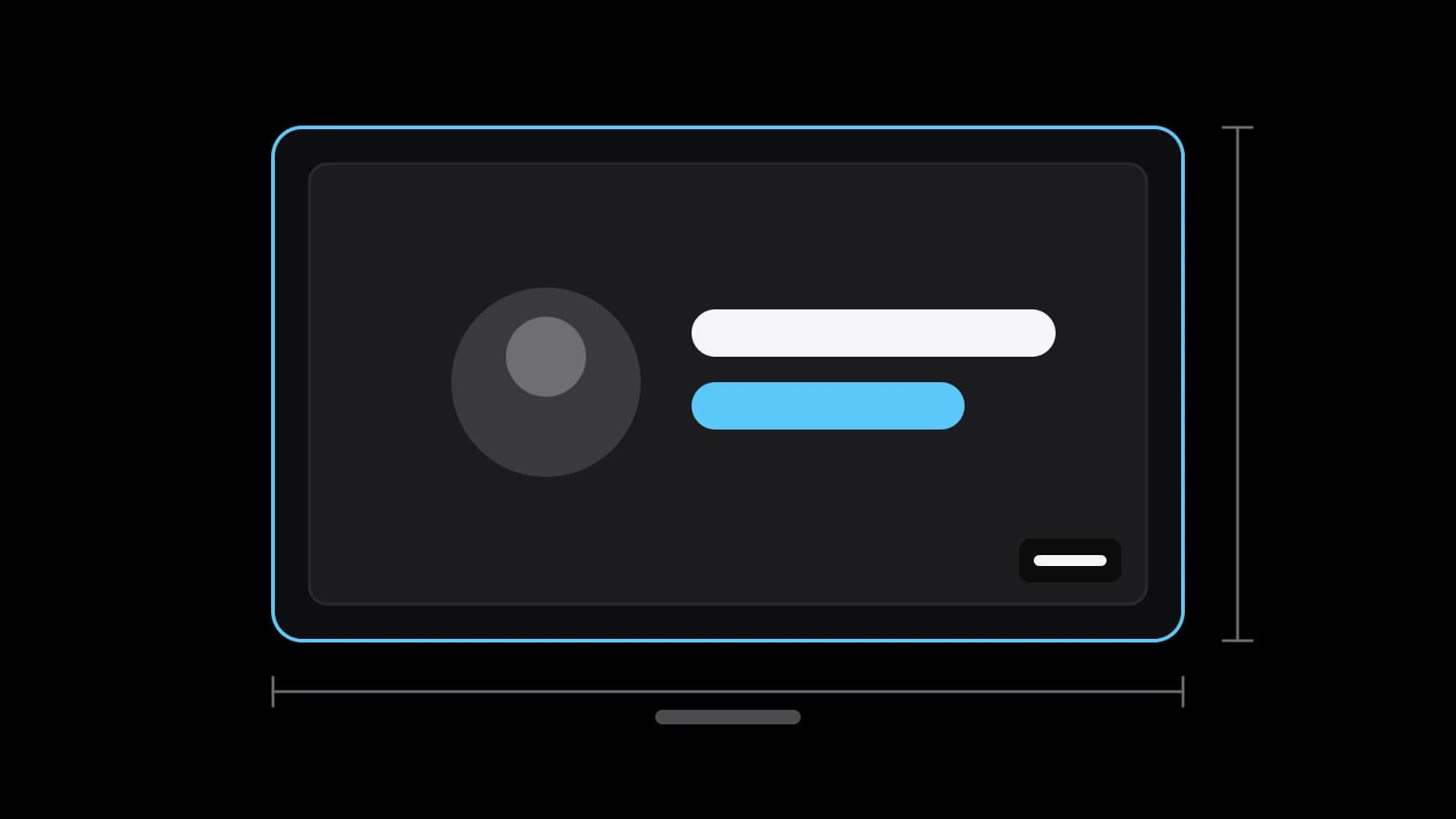
According to YouTube Help, a video thumbnail should be 3840 x 2160 pixels at 16:9, at least 640 pixels wide, as a JPG or PNG. The file may weigh up to 2 MB when uploaded from a phone and up to 50 MB from a computer. Keep the picture simple, readable when small and honest about the video.
The numbers YouTube Help gives for a video thumbnail
Most guides repeat the same figures, so it is better to read them where they come from. The custom thumbnail page of YouTube Help recommends 3840 x 2160 pixels for a video, with a minimum width of 640 pixels and an aspect ratio of 16:9. The page also says to use the largest image you can. When people search for the youtube thumbnail size, this is the answer that holds today.
Older articles still quote 1280 x 720, and that picture will not be rejected: it is well above the 640-pixel minimum. The difference is only sharpness. A larger source survives cropping, zooming and display on a television better than a small one. If your editor exports at 1920 x 1080, that is also 16:9 and a reasonable working size, but the recommended figure leaves more margin.
Why 16:9 and what the 640-pixel minimum really means
A ratio of 16:9 means the width is sixteen units and the height is nine. Wikipedia describes it as the most common ratio for televisions and computer monitors, and notes that both 1280 x 720 and 1920 x 1080 belong to it. Your thumbnail uses the same shape as the screen it will be shown on, which is why nothing has to be stretched or padded.
The minimum of 640 pixels is a floor, not a target. An image at that width is accepted, but it will look soft on a large display. Think of it as the line below which the platform stops taking the file, and aim at the recommended size instead. A phone screenshot or a frame cut from a low-resolution clip often falls close to that floor. Design the picture at the full size from the start, so you do not have to enlarge a small file later.
File type, weight limits and who may upload their own image
YouTube Help names JPG and PNG as the image formats. The weight limit depends on the device. From a phone the file for a video thumbnail may be up to 2 MB, and from a computer up to 50 MB. A 4K image saved carelessly as a PNG can exceed 2 MB, so if you work from a phone, export a lighter JPG.
There is also a condition about the account. Uploading your own picture requires a verified account; without verification you can only choose from automatically generated suggestions. Channels have a daily limit on custom thumbnails, and the page says it varies by country and channel history. If a message says the limit is reached, the page advises waiting 24 hours.
After you press save, the new picture may take some time to appear. Do not judge a change by the first refresh. Wait until the old cover is gone everywhere before you compare results, and keep a note of the date you changed it.
Where a thumbnail appears and what happens to a vertical video
The same picture is shown in many places: on the home page, in search, in suggested videos and in the embedded player on other sites. YouTube Help says a custom thumbnail serves as the preview image in the embedded player. It also warns that YouTube may switch off custom thumbnails for some search results when it considers them inappropriate. That is why one youtube thumbnail size has to work well in every one of these places.
Vertical videos are a special case. If a vertical video has a 16:9 custom thumbnail, YouTube replaces it with an automatically generated 4:5 picture on the home, explore and subscription pages. The custom picture still appears on the watch feed, in watch history and on platforms that are not mobile.
Shorts have their own figures on the same page: 2160 x 3840 pixels at 9:16, and custom Shorts thumbnails can be added only in YouTube Studio on a computer. Everything else about short vertical video is a separate subject, so here the focus stays on the standard horizontal cover.
What makes a small picture readable: one subject, few words, contrast
A thumbnail is seen for a second, usually small. YouTube Help advises designing for small screens and keeping things simple: bold colour and composition help a thumbnail stand out, while too much detail can overwhelm it. In practice that means one clear subject, a face or an object, placed with the rule of thirds, instead of a collage.
If you add words, keep them few and in a font that is easy to read. Text should add something the title does not say, rather than repeat it. The page also suggests knowing the audience: subscribers may respond to a familiar person, while casual viewers respond better to universally relatable emotions such as surprise.
Plan thumbnails while shooting. The same page recommends taking several photos during the shoot so you have more than one option at upload, and checking that the picture shows the best of the video. A frame picked after the shoot is often a compromise, while one planned in advance can be lit and framed for the small size.
The policy line: a thumbnail may not promise what the video lacks
The thumbnails policy of YouTube Help forbids a thumbnail that misleads viewers to think they are about to see something that is not in the video. The spam policy treats maliciously misleading titles, thumbnails, descriptions and imagery as a violation too, and gives an example of a title that offers a full sports match when the video contains only a clip.
Enforcement is concrete. If a thumbnail violates other policies, YouTube removes the thumbnail and may issue a strike. Three strikes in 90 days can lead to termination of the channel. For images that are merely unsuitable for some audiences, YouTube may age-restrict the video or remove the thumbnail without a strike. The simple rule for a business channel is to show on the cover what the viewer will really get.
Testing two or three versions with YouTube's own A/B tool
A guess about what works is cheaper to check than to argue about. YouTube Help describes an A/B test for titles and thumbnails: you can test up to three options, title only, thumbnail only, or both together. The feature is available on a computer in YouTube Studio with advanced features enabled, and Shorts, scheduled livestreams and Premieres are not eligible.
The winner is the option with the highest watch time, not the highest click-through rate, which protects you from a cover that attracts clicks and loses viewers. A test should finish within two weeks, and changing the title or thumbnail during a test stops it. The result may be a clear winner, "Performed Same" or "Inconclusive", and in the last case the first version you uploaded stays.
The same help page notes that thumbnails below 720p are downscaled to 480p for all test options, one more reason to upload at full size. Change one thing per test, so you know what made the difference. Keep a note of what each version tried, because a result without a note is hard to reuse on the next video.
What to prepare before you order thumbnails and short edits
You can make a good thumbnail yourself if you have a frame from the video, an editor and a clear idea of the promise. Ordering makes sense when you publish often and need one consistent look, or when the same material must also go out vertically. Prepare the source footage, the working title of each video, your logo and colours, and a list of where the videos will be published.
Short-video editing at VITON13 Studio, on the service page for social video, covers up to five short edits from your footage in 9:16, 4:5 and 1:1, with captions and covers. The price is from $53 AI-assisted or from $73 human-led, with 1–2 working days. Send the footage and the working titles, and the scope and the price are confirmed in writing before the work begins.
Practical checklist
- Export the thumbnail at 3840 x 2160 pixels, 16:9, as JPG or PNG, never below 640 pixels wide.
- Check the file weight: up to 2 MB if you upload from a phone, up to 50 MB from a computer.
- Verify your channel before the first custom upload, or the image will not be accepted.
- Show one subject and a few readable words, then view the picture at phone size.
- Run an A/B test with up to three versions and change only one element at a time.
Questions and answers
What size should a YouTube thumbnail be for videos and Shorts?
For videos, YouTube Help recommends 3840 x 2160 pixels at 16:9 with a minimum width of 640 pixels. For Shorts it recommends 2160 x 3840 pixels at 9:16, with a minimum height of 640 pixels.
Why does my custom thumbnail look cropped in the feed?
If the video is vertical and the thumbnail is 16:9, YouTube Help says the home, explore and subscription pages show an automatically generated 4:5 picture instead. The custom image still appears elsewhere.
Can I use an AI-made image as a YouTube thumbnail?
The thumbnail rules are written about what the picture shows. It must follow the Community Guidelines and must not suggest something that is not in the video. Check the current rules on YouTube Help before you publish.
Does YouTube pick the best thumbnail by clicks?
In its A/B test, YouTube Help says the option with the highest watch time is shown to all viewers at the end, not the one with the most clicks. If there is no clear winner, the first version stays.
Why can't I upload my own thumbnail?
YouTube Help says a custom image needs a verified account. Without verification you can use only the automatically generated suggestions. A daily upload limit also exists, and the page says it varies by country and channel history.