
Answer in brief
Before launching a business website, verify what you offer, who it is for, how visitors compare options and where their enquiry goes. Then test the full journey on a phone and desktop, and hand over content, access and maintenance responsibilities. A finished homepage alone is not a finished website.
Verified facts
- Source review
- Sources and project screens reviewed on 8 September 2026.
- Reader need
- business website launch checklist
1. Define one visitor task before listing pages
Write a brief that names the audience, the offer, the questions a visitor needs answered and the next action. For a service business, that action may be a quotation request, a call or a message rather than a payment. Record what is outside the launch scope so a simple enquiry website does not silently become a booking platform.
2. Give each page a job
Start with a homepage that explains the business, service pages with concrete scope, a credible project or example, and a clear contact route. Add categories when visitors genuinely need to compare different offers. Use descriptive links between these pages. Before commissioning more pages, ask what decision each new page helps the visitor make.
3. Real example: the SB Excursions website
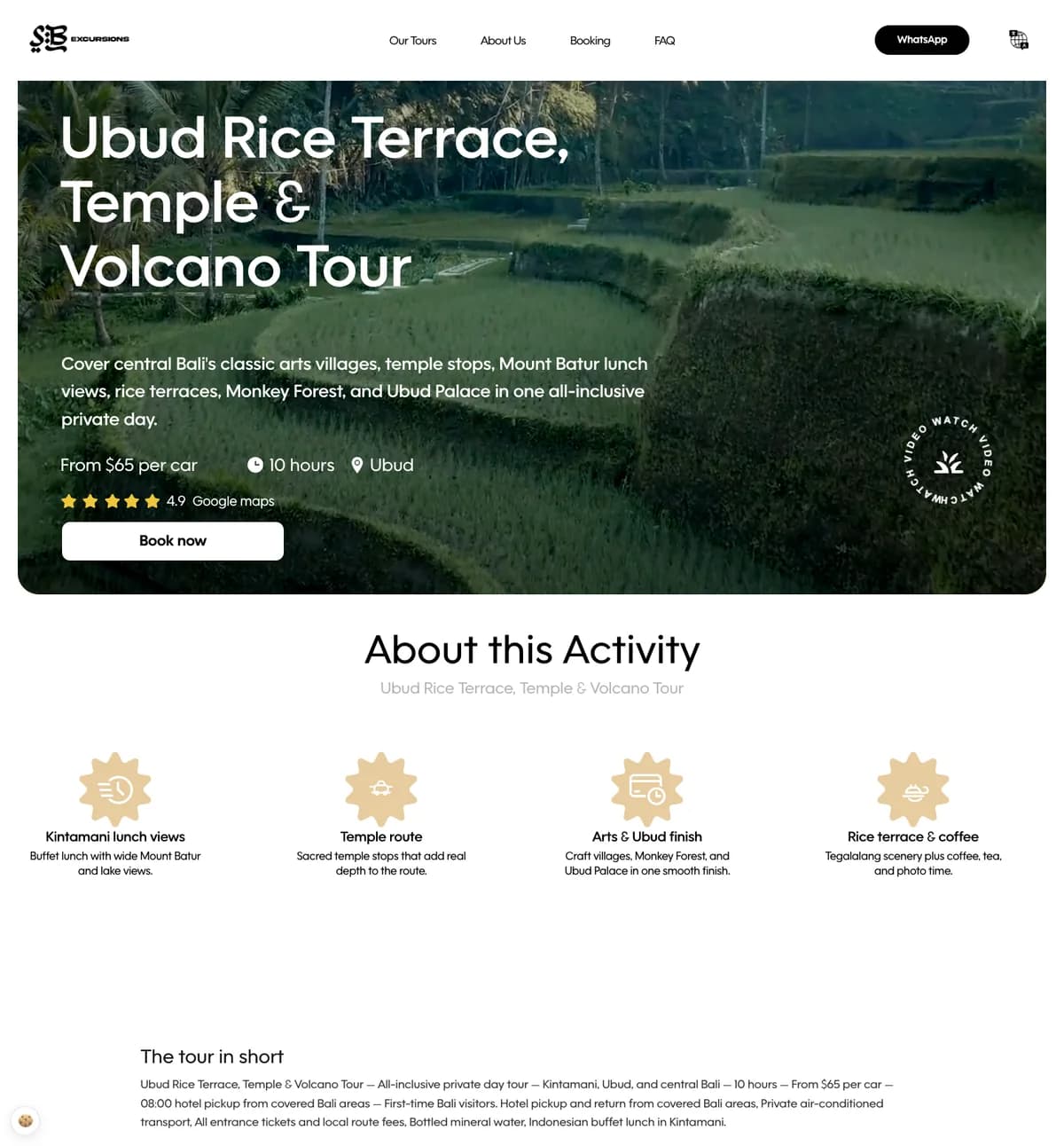
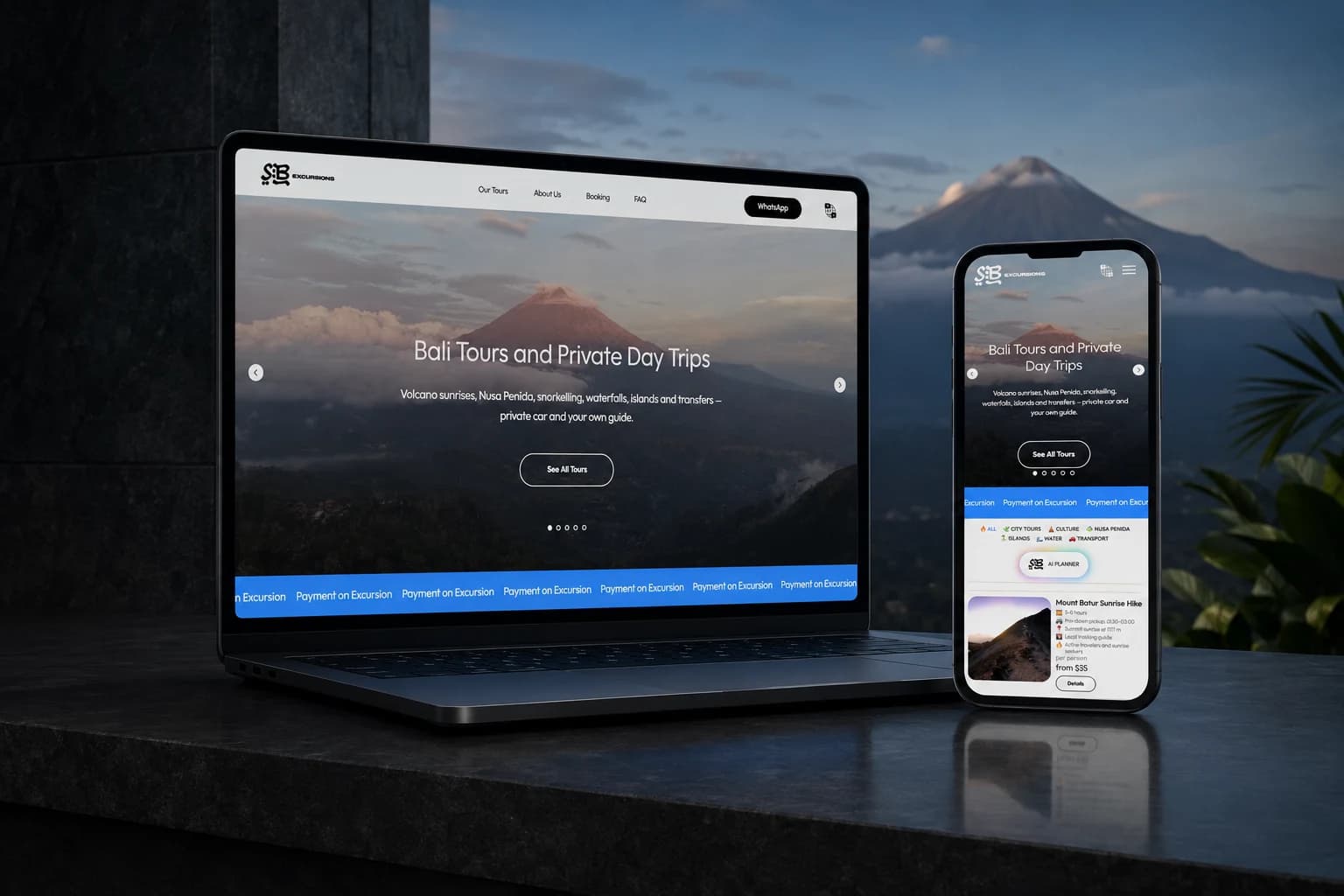
SB Excursions is a client project for which VITON13 designed and built a Bali travel website. Its catalogue, filters and itinerary pages lead to an enquiry in WhatsApp. The selected tour screen shows how one offer can present a route and a next action. This is a historical project screen, not a current price list or independent verification of its ratings.
4. Separate visible screens from working integrations
The SB Excursions planner interface was prepared for the client’s production map key. A screenshot does not establish that every integration is operational. Ask what has been connected, what still needs credentials and who will test it. The case does not publish booking, traffic or revenue results; those should not be inferred from the design.
5. Test the complete enquiry journey
On both phone and desktop, open a service from the navigation, read its details and use the contact action. Check that the correct recipient and page context are preserved. If there is a form, test required fields, an invalid entry, successful delivery and an understandable error. Also check keyboard access, readable images and broken links. Record failures and retest the corrected path.
6. Compare scope before comparing website prices
AI-assisted from USD 113; human-led from USD 173.
7. Agree a handoff that survives launch day
Name the people responsible for the domain, hosting, content updates and incoming enquiries. Obtain the agreed access, source files or repository, a backup procedure and instructions for routine edits. For public pages, review descriptive titles and links and check whether the intended pages can be found in search. Publication does not guarantee indexing, rankings or orders.
Practical checklist
- Approve the audience, offer, next action and exclusions.
- Confirm every page has a distinct purpose and real content.
- Test navigation and the enquiry route on phone and desktop.
- Record integration credentials still needed; do not mistake a screen for a working connection.
- Assign access, backup, maintenance and enquiry-response owners.
Questions and answers
What should a business website include?
A clear offer, useful service details, relevant evidence and a working contact route. Add a catalogue or other features only when the visitor’s task requires them.
Does every business website need online payment?
No. A direct enquiry route may suit the workflow. For example, the SB Excursions case uses WhatsApp; it does not claim an internal checkout.
How much will the website cost?
Compare the same deliverables, languages, integrations and revision scope. The service tariff is a starting reference, not a quote for every website or the budget of the featured case.
What does the SB Excursions case prove?
It documents the website structure, interface and direct enquiry journey. It does not establish traffic, conversion or revenue gains.
What should I receive at handoff?
The agreed site and project files, access, editing instructions, integration status and named responsibilities for maintenance and enquiries.