
Answer in brief
A brochure website is a small site of a few pages that presents a business: its services and prices, the people behind it, proof and contacts. It brings customers when the first screen says what you do and where, the prices are visible, contact takes one tap, and the same name, address and phone stand on the site and in the map profiles. It also needs an owner who updates prices, answers the form and renews the domain.
A brochure website is a small site that introduces a business
A brochure website is the online version of the leaflet a company used to hand out. It is a few pages that say who you are, what you do, for whom and how to reach you. Wikipedia lists it among the simple marketing forms of a website, next to the five-page site, and notes that such sites are often static. Russian Wikipedia calls the same thing a business card site: one or several pages with basic facts about a company or a person, its services, a price list and contacts.
Take a dental practice with two chairs, a family bakery or a plumber who covers one district. None of them sells online. All are looked up by people who want three answers at once: is this the right business, can I afford it, how do I get in touch. A brochure website gives those answers and stops there. It is a different job from a big site, done on five or six pages.
How it differs from a landing page, a catalogue and an online shop
A landing page is one page built for one campaign and one action: a visitor arrives from an ad, reads one offer and leaves a request or closes the tab. A brochure site is wider and calmer. It has a menu, several pages and several reasons to visit: one person wants a price, another the address, a third wants to see who will come to their home. Each page can be found in search under its own query.
A catalogue begins where the list of what you sell no longer fits on a page: hundreds of items with photographs, filters and search. An online shop adds a cart, payment and delivery, and with them stock, returns and daily upkeep. The brochure format has none of that machinery and ends in a call, a message or a short form. When customers start asking to book or pay online, it is time to extend the site.
The five pages a small company site needs and what each one answers
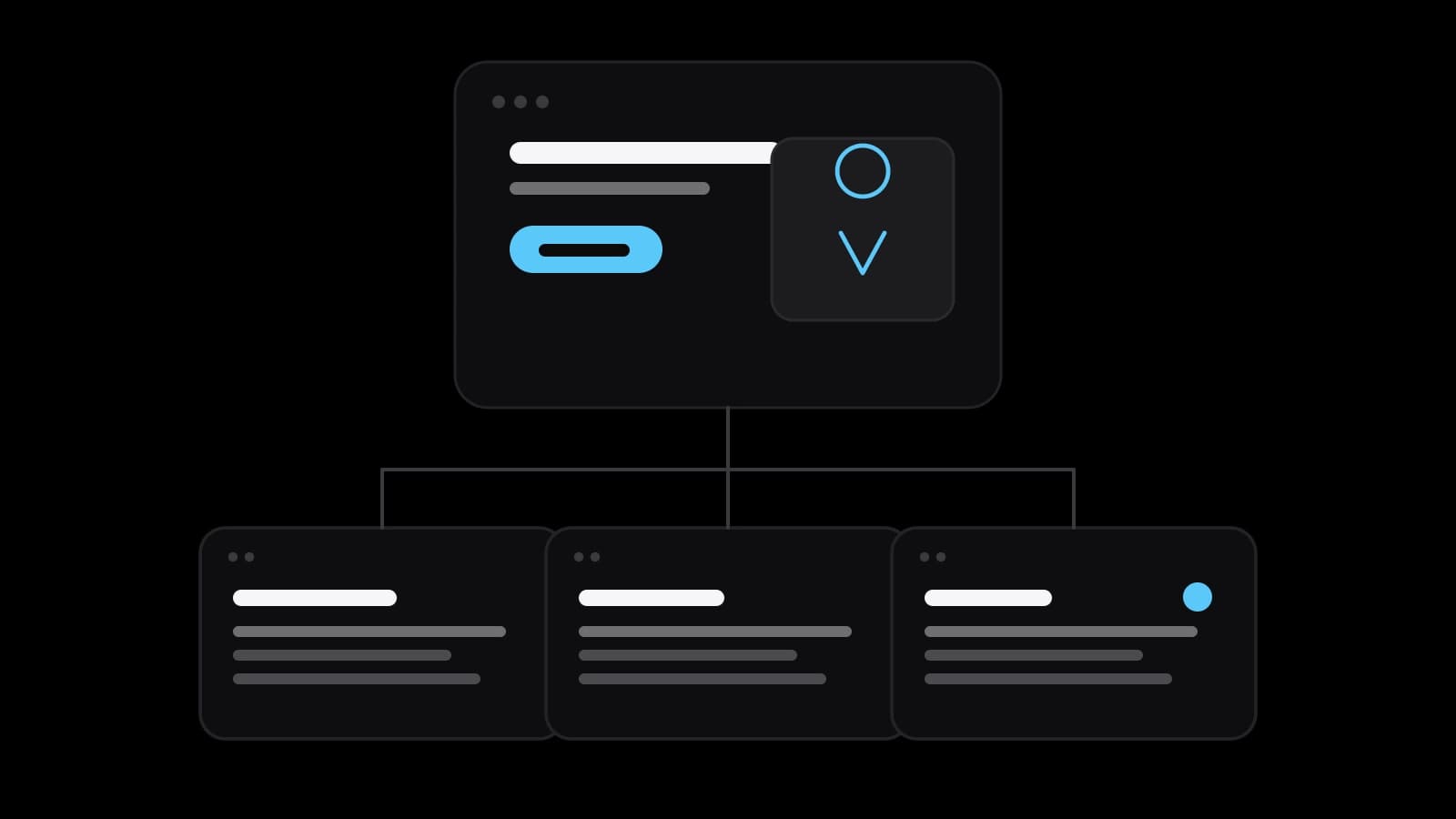
The home page answers whether the visitor has come to the right place: what the business does, where and for whom, on one screen. The services page answers what you do and what it costs; a visitor who finds no price tends to assume the worst. The about page shows who stands behind the name: people, premises, licences, real photographs. The contacts page gives the phone, the messengers, the address with a map and the opening hours.
The legal pages answer what happens to the data a visitor leaves, and the required documents depend on the country. The European Commission’s guidance on the GDPR says people must be told who collects their data, why and for how long, in clear and plain language. In Russia, article 18.1 of the personal data law, 152-FZ, obliges an operator that collects data over the internet to publish its processing policy on the pages where the data is collected. A request form collects exactly such data, so have a lawyer check your texts.
What makes a visitor write: the first screen, proof, prices and one-tap contact
People do not read a small business site; they scan it for a reason to stay or to leave. The first screen has to state that reason in plain words: what you do, in which city or district, for whom, and one button that starts a conversation. A slogan about quality over an abstract photograph says nothing. A line such as boiler repair in the northern districts, same-day visits, with a phone number under it, says enough.
Below comes proof of the kind that can be checked: photographs of your own work, reviews with names, a link to the reviews on the maps. Then prices, or at least the starting figure and what moves it up. Then the contact, wherever a convinced reader might be: a number that dials on tap, a messenger link, a form with two or three fields. Every extra field and every hidden price sends a request to a competitor.
How a local business gets found: one name, one address and a profile on the maps
For a local business, the map often comes before the website. Google’s page Get your website on Google advises claiming a Business Profile, which manages how the company appears in Search and Maps. Google Business Profile Help describes local ranking through relevance, distance and prominence. It adds that businesses with complete and accurate information are more likely to show up, and that a better position cannot be requested or bought. Its guidelines want the real-world name, used consistently on the storefront and the website.
Yandex follows the same logic on the Russian-speaking market. Its own lesson on filling in a Yandex Business profile says that after moderation, usually up to two days, the company appears in Maps, Search and Navigator. A website or a social media page is a required field there, and a profile that is updated regularly earns a blue tick. One rule serves both systems: the name, the address and the phone are written the same way everywhere.
The site itself needs only basic hygiene. Google’s SEO Starter Guide asks for a title that is unique to the page, clear, concise and accurate. It says the title can include the name of the business and its physical location. For a local company that is most of the trick: the title of a services page names the service and the city, not just the brand.
The phone screen and loading speed as Google’s documentation describes them
Most visitors to a local business site are holding a phone. Google’s Get your website on Google page, cited above, states that most searches are now done from mobile devices. Its documentation on mobile-first indexing goes further: Google uses the mobile version of a site’s content for indexing and ranking and recommends responsive design. A site that hides its prices on a phone is, for search, a site without prices.
Speed has numbers. Google’s documentation on Core Web Vitals recommends that the largest piece of content appear within 2.5 seconds of the page starting to load, that the page respond to a tap in under 200 milliseconds and that the layout shift score stay below 0.1. A small site can usually get there by compressing photographs and keeping video off the first screen. Google also recommends HTTPS. None of this promises a position; it keeps the visitor from leaving at the door.
Keeping a small site alive: prices, the request form and the domain renewal
A brochure website rarely dies of bad design. It dies of neglect: last year’s prices, a holiday schedule from two winters ago, a form that sends requests to an employee who has left. Before launch, three duties need a name next to each. Someone updates prices, hours and photographs, on the site and in the map profiles on the same day. Someone answers the requests. Someone holds the access to the domain, the hosting and the builder account.
Losing the domain takes the site and the mail down together. ICANN’s FAQ for registrants explains that names are typically registered for one to ten years and must be renewed before they expire. Registrars have to send two reminders, about a month and about a week before expiration, so the email in the account must be one you read. ICANN’s page on expired registrations adds that the registrar then interrupts the name’s DNS, which stops the website and the email, and that a deleted name in a generic zone can be restored for 30 days, possibly for a fee.
When a website builder is enough, when to order the site and what to prepare
A builder is enough when the business has a handful of services, a standard structure suits it, and someone inside has the evenings to assemble the pages and the patience to maintain them. Yandex itself offers to create a free site inside Yandex Business for a company that has none. Ordering makes sense when several services each need a page that can be found in search, or when the site must work with a booking system or in a second language. It also makes sense when nobody inside has the time.
Either way the preparation is the same, and no contractor can do it for you. Write the list of services with prices and what each includes. Collect photographs of your own work, reviews you are allowed to show, licences and certificates. Fix the exact name, address, phone and hours as they will stand everywhere, and register the domain in the owner’s name. With that folder ready, a studio such as VITON13 Studio can estimate the work precisely; without it, any brochure website remains an empty template.
Practical checklist
- Write the text of the first screen: what you do, in which city or district, for whom and how to reach you.
- List every service with its price or starting price and with what is included in it.
- Make the name, address, phone and hours identical on the site, in Google Business Profile and in Yandex Business.
- Open the site on a phone: the number must dial on tap and the prices must be readable without zooming.
- Name who updates prices, who answers requests and who renews the domain, then turn on auto-renewal.
Questions and answers
How many pages does a brochure website need?
Usually five or six: home, services with prices, about, contacts and the legal pages. A business with several distinct services gains from a separate page for each, because each can then be found in search under its own query. More pages than you can keep up to date do harm rather than good.
Can a brochure website consist of a single page?
It can, and for one service in one district a single long page is sometimes enough. The limit shows in search: one page has one title and answers one query well. Once there are several services, give each its own page and keep the contact details identical on all of them.
Does a local business need a site if it already has a profile on the maps?
The profile gets you found nearby; the site explains the services and the prices in your own words and is the place the profile links to. Yandex’s lesson on business profiles lists a website or a social media page as a required field, so the two are designed to work as a pair.
Should prices be published on a small business site?
Yes, at least a starting price and what changes it. A person comparing three companies tends to write to the one that shows its price. If the total really depends on a survey, say so and show two or three typical jobs with what they came to.
What happens to the site if the domain is not renewed in time?
According to ICANN, for generic domains the registrar interrupts the name’s DNS after expiration, and the website and the email on that domain stop working. A deleted name can be restored within a 30-day redemption period, which may cost a fee, and later it becomes available to anyone. In a national zone, check the terms with your registrar, and keep auto-renewal on with a valid card.