
Answer in brief
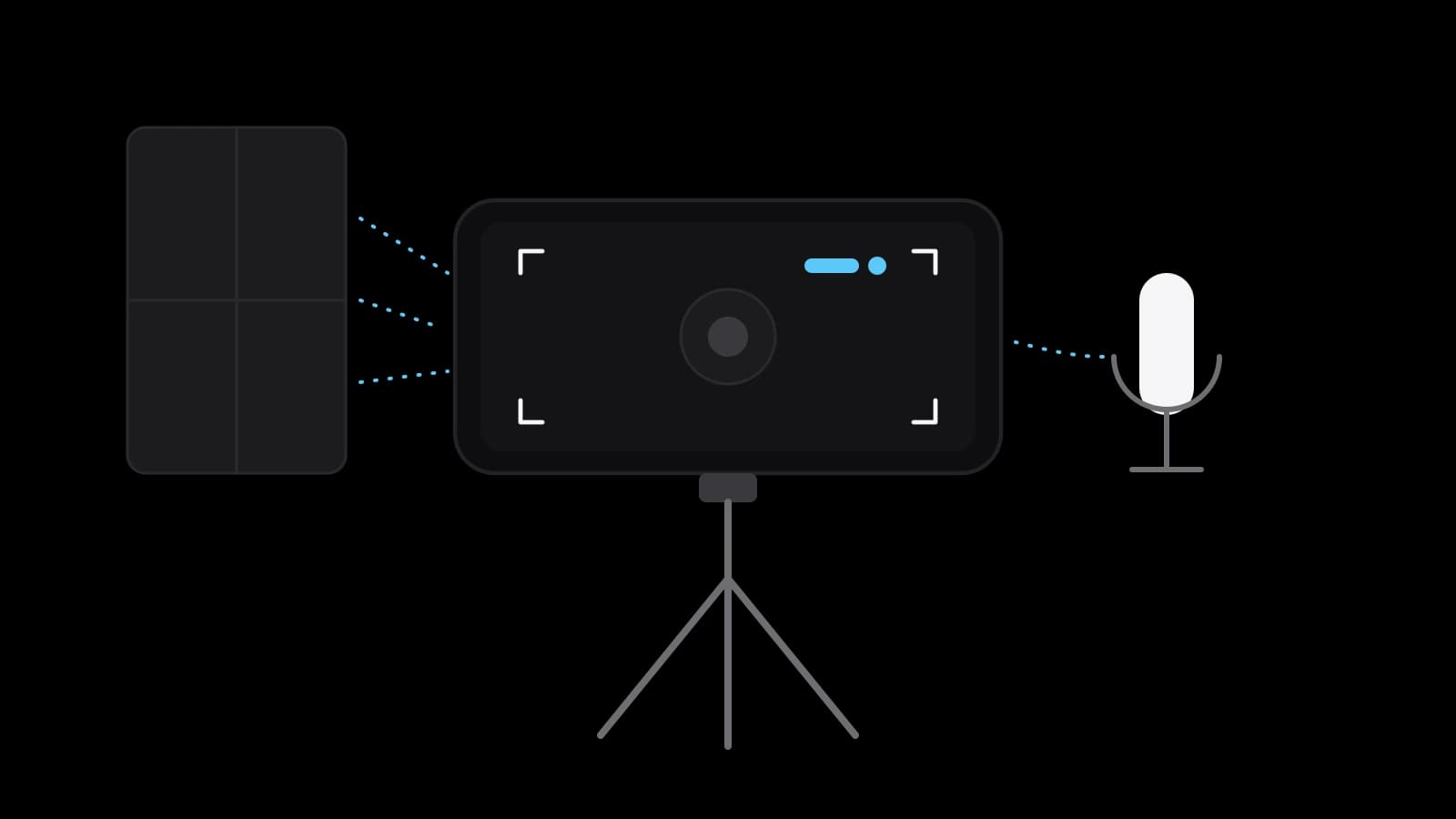
Current iPhone and Pixel phones can record 4K video, more than a short-video feed displays, so a small business can film a simple ad itself. What decides the result is the plan, a steady frame, soft window light and clean sound, plus cleared music and consent from the people on screen. A crew is worth it when the film needs several locations, actors, controlled light or paid placement.
What a phone camera is enough for, and what it is not
A business owner who asks how to shoot a promo video on a phone usually worries about the camera first. It is the least of the problems. Apple’s iPhone guide says that, depending on the model, the phone records HD or 4K at 24 to 120 frames per second. Google’s Pixel Camera Help gives 4K at up to 60 frames. YouTube Help, meanwhile, caps a Shorts upload at 1080p. The phone already records more detail than the feed will show.
So a phone is enough for a short clip in a social feed: a product in use, the owner speaking to the camera, a seasonal offer. One place, one or two people and daylight are its home ground. It stops being enough when the film needs several locations, actors, a moving camera or controlled light for glossy products. None of those limits is about megapixels. They are about light, sound, planning and people.
Before the camera: one message, one viewer, a script of six shots
A short ad has room for one thought. Write it as a single sentence: who the film is for, what it offers and what the viewer should do next. A bakery might write: neighbours from the nearby streets, fresh bread from seven in the morning, order by message the evening before. If the sentence will not fit in one breath, it holds several films, and the first step is choosing one.
Then turn the sentence into five or six shots. The first has to earn attention: the product in use, the result, the problem in one picture. Two or three prove the promise: hands at work, a close detail, a customer receiving the order. One states the offer and the last says what to do. Beside every line note what is seen, what is said and how many seconds it lasts.
Resolution, frame rate and the locks that keep a take consistent
Choose one resolution and one frame rate for the whole film. On an iPhone, Apple’s guide says, you tap the values at the top of the screen in Video mode; on a Pixel the 4K and 60 fps switches sit in Video Settings. Apple adds a plain warning: faster frame rates and higher resolutions result in larger video files. YouTube Help asks for content to be uploaded in the same frame rate it was recorded, one more reason to decide once.
Next, stop the camera from changing its mind mid-take. Apple describes the gesture: tap where the focus should be, drag up or down beside it to adjust exposure, then touch and hold until AE/AF Lock appears. Without the lock the picture brightens and darkens whenever a hand crosses the frame. The same guide lists a Lock White Balance switch and says an iPhone can drop to 24 frames per second in low light, a behaviour called Auto FPS that can be turned off.
Stay on the main camera, marked 1x, and move the phone instead of zooming with your fingers; Samsung says the standard lens of its phones works best at least 12 inches, about 30 centimetres, from the subject. On supported models Apple’s Lock Camera setting, off by default, prevents switching between cameras during a recording. Then clean the glass. Apple advises wiping the lenses with a microfibre cloth when a picture is blurry, and Samsung says a smudged lens can ruin an otherwise well-composed shot.
Light for a phone shoot: a window, its direction and what to switch off
Samsung’s support page puts it in one line: the most important element of any photo on any camera is the amount of indirect light it receives. For a small business the cheapest indirect light is a window without direct sun. Turn the person or the product towards it, slightly to one side, so the light gives the face some shape. Never put the window behind the subject: the camera exposes for the bright glass and leaves the face dark.
Then switch off what fights the window. Ceiling lamps add a second colour to daylight, and some flicker on camera; Samsung notes that such flicker comes from the frequency of the lighting and is normal camera behaviour. Dim rooms cost quality too: Apple says its Action mode works best in bright light. Film all the shots at the same time of day so that they match in the edit.
Why sound decides more than the picture in a short ad
Viewers forgive a slightly soft picture. They do not sit through speech they cannot make out, and an ad that carries its offer in words fails the moment those words blur. Phone microphones are capable: Apple says an iPhone uses several of them to record stereo sound, and that on iPhone 16 or later wind noise is reduced automatically. But they hear the whole room, and every step away from the speaker adds more room and less voice.
An external microphone is the one purchase that changes a phone film. A clip-on or wireless model sits a hand’s width from the mouth, not two metres away; Apple notes that supported AirPods can serve as the microphone too. Then quieten the room: close the window, switch off the refrigerator, prefer curtains to bare walls. Google’s Pixel help says the phone silences notification sounds during recording, and Apple warns that video cannot be recorded during a phone call, so use flight mode and test ten seconds in headphones.
A steady frame, and horizontal or vertical for the platform
A tripod with a phone clamp is the simplest way to make a film look deliberate. On supported models, Apple’s Enhanced Stabilization zooms in slightly to steady a moving picture, and Action mode has a maximum capture resolution of 2.8K. Pixel Camera Help lists three modes: Standard for light movement, Locked for still shots and Active for heavy movement. For composing, Apple’s guide shows where to switch on a grid and a level in the Camera settings.
Decide the orientation before the first take: it follows the place where the film will run. YouTube Help says the standard aspect ratio on a computer is 16:9 and that the player adapts itself to vertical videos; it advises against adding black bars to the file. For Shorts the same help centre speaks of vertical videos up to three minutes long. If both are needed, shoot every line twice rather than cropping.
Music, faces and other people’s logos: rights to settle before publishing
A song from your playlist belongs to someone, and an advertisement is a commercial use of it. YouTube Help describes its Audio Library as royalty-free production music and sound effects that are copyright-safe, with some tracks requiring a credit to the artist. The same page says YouTube cannot give legal guidance about music problems that occur off the platform. So read the licence for every place the film will be shown.
People come next. Wikipedia sums up personality rights as the rights of an individual to control the commercial use of their identity, and notes that most civil law jurisdictions protect a person’s image in their civil codes. Russia’s Civil Code is one example: article 152.1 allows the publication and further use of a citizen’s image only with that citizen’s consent. Its exception for places open to the public does not apply when the image is the main object of use, as a person in an advertisement usually is. Ask for written consent, and check your own country’s rules with a lawyer.
Logos are the third thing. YouTube Help defines a trademark as a word, symbol or combination that identifies the source of a product, and infringement as unauthorized use likely to cause confusion about that source. Its policy prohibits videos that infringe trademarks and says they can be blocked. So look at the frame as a stranger would and remove what is not yours, from a drink bottle to a neighbour’s sign in the window. This is not legal advice; a doubtful case belongs with a specialist.
Editing in brief, and when to hand the shoot to a crew
Editing is short work if the shooting followed the list. Pick the best take of each line, put them in the order of the script, cut the pauses at both ends of every clip and add captions for people who watch without sound. Apple’s guide points to the Photos app for trimming a video and adjusting its audio. Export at the frame rate you filmed in, then watch the result once with the sound off and once in headphones.
Hand the shoot to a crew when the list outgrows one room and one person: several locations, actors, a product that needs controlled light, or paid placement where every weak second costs money. A studio such as VITON13 Studio takes on the script, the shoot and the edit, but it cannot supply your offer. Bring the one-sentence message, the shot list, the formats you need and the clip you made yourself. Then the question is no longer how to film it yourself but what this particular film has to achieve.
Practical checklist
- Write the message as one sentence: who the film is for, what it offers and what to do next.
- List five or six shots on paper with what is seen, what is said and the seconds each one takes.
- Set one resolution and frame rate, lock focus and exposure, and wipe the lens before every session.
- Place the subject facing a window, switch off the ceiling lamps and test the sound with headphones.
- Collect written consent from everyone on screen and check the licence of the music for each platform.
Questions and answers
Is a phone good enough to film an advertisement for social media?
For a short clip in a feed, usually yes. Current iPhone and Pixel models record 4K, and YouTube Help limits a Shorts upload to 1080p, so the camera exceeds what the feed displays. Light, sound and a clear plan matter more than the model of the phone.
Which frame rate should I choose for a promo clip filmed on a phone?
Any standard one, as long as it stays the same for every shot. Apple lists 24, 25, 30, 60 and 120 frames per second depending on the model, and YouTube Help asks that a video be uploaded in the frame rate it was recorded in. Higher rates and resolutions make larger files.
Do I need an external microphone to record speech on a phone?
If someone speaks on camera, it is the most useful accessory you can buy. The built-in microphones pick up the whole room, so the voice weakens with every step of distance. A clip-on or wireless microphone near the mouth, in a quiet furnished room, solves most of it.
Should a business film its phone video vertically or horizontally?
It depends on where the film will run. A feed of short videos expects a vertical frame; a website, a presentation or a screen in a shop expects a horizontal one, and YouTube’s standard on a computer is 16:9. When both are needed, film each shot in both orientations.
Can I use a popular song in a short advertising video for my business?
Not without a licence that covers commercial use on the platforms where the film will appear. Libraries such as the YouTube Audio Library offer music that is safe on that platform, sometimes with a required credit. For any other use read the track’s licence or ask a specialist.