
Answer in brief
Start with one viewer and one problem, then create the channel in YouTube from a Google Account, preferably as a Brand Account for a business, and choose a handle. Set the kids audience, verify your phone and publish ten useful videos. Monetization needs 1,000 subscribers plus watch hours or Shorts views, and the hours for new creators rise on February 1, 2027.
Choose one viewer and one promise before you buy equipment
Most advice on how to start a YouTube channel begins with the camera. A better start is one viewer who has a problem you can explain or solve, written as the sentence they would type into search. YouTube’s search and discovery tips say to focus on what your audience likes, and that if people watch, the recommendations will follow. A channel is a series of answers to that viewer.
Test the idea on paper. List ten video titles this viewer would click, each a concrete question or result, such as what to check before buying. If ten arrive in minutes, you have channel ideas for a quarter. A business can mine its customers’ questions.
Then choose the format. YouTube Help says a video counts as a Short when it is square or vertical and runs up to three minutes, and that its system has no opinion about what type of video you make. Let the topic decide: a quick demonstration suits a Short, an explanation needs room. Check, too, where your audience can watch. The Committee to Protect Journalists wrote in August 2024 about deliberate throttling of YouTube in Russia, and Meduza reported in December 2024 that traffic there had fallen to about a fifth, by one analyst’s estimate. Conditions change, so confirm where your viewers really watch.
Creating the channel: Google Account, Brand Account and handle
YouTube Help’s article on creating a channel says you sign in with a Google Account; you can watch and subscribe without a channel, but uploading, commenting and making playlists need one. For a personal channel you open your profile picture, then Settings, choose to add or manage channels, then create one with a picture, a name and a handle. The choices behind it take longer.
The main choice is a personal channel or a Brand Account. The same article describes a Brand Account as the option for a name that differs from your Google Account name, with more than one owner or manager. For a company this is sensible, because an editor can get access without your personal login. If the Brand Account you select already has a channel, you cannot create a second one there.
The handle is what viewers see most. YouTube’s article on handles says it must be unused, each channel has only one, and it forms the address youtube.com/@handle. In most scripts it runs 3 to 30 characters, using letters, numbers, underscores, hyphens and periods. YouTube may reclaim a handle. Pick a short name you can reuse unchanged on your site and in other networks.
Settings to check before the first upload
Set the audience first. YouTube Help says every creator must state whether a video is made for kids, even those who do not make children’s content, for the whole channel or video by video. It ties the rule to the US children’s privacy law COPPA, and says made-for-kids videos lose comments and personalized ads. When you are unsure, YouTube points to legal counsel, so ask a specialist about your own case.
Then unlock the tools. YouTube’s article on feature access describes three levels. A new channel without active strikes starts at the standard level; verifying a phone number adds intermediate features such as videos over 15 minutes and custom thumbnails. Channel history or an identity check adds advanced ones such as chapters and the application for monetization. Verify the phone on day one.
Your first ten videos: plan, sound, title and thumbnail
Plan the first ten as a set. Put the three most useful first, because a new viewer judges a channel by what its page shows. For each video, write the first thirty seconds of the script: what the viewer gets and why you can show it. Keep one structure across the series.
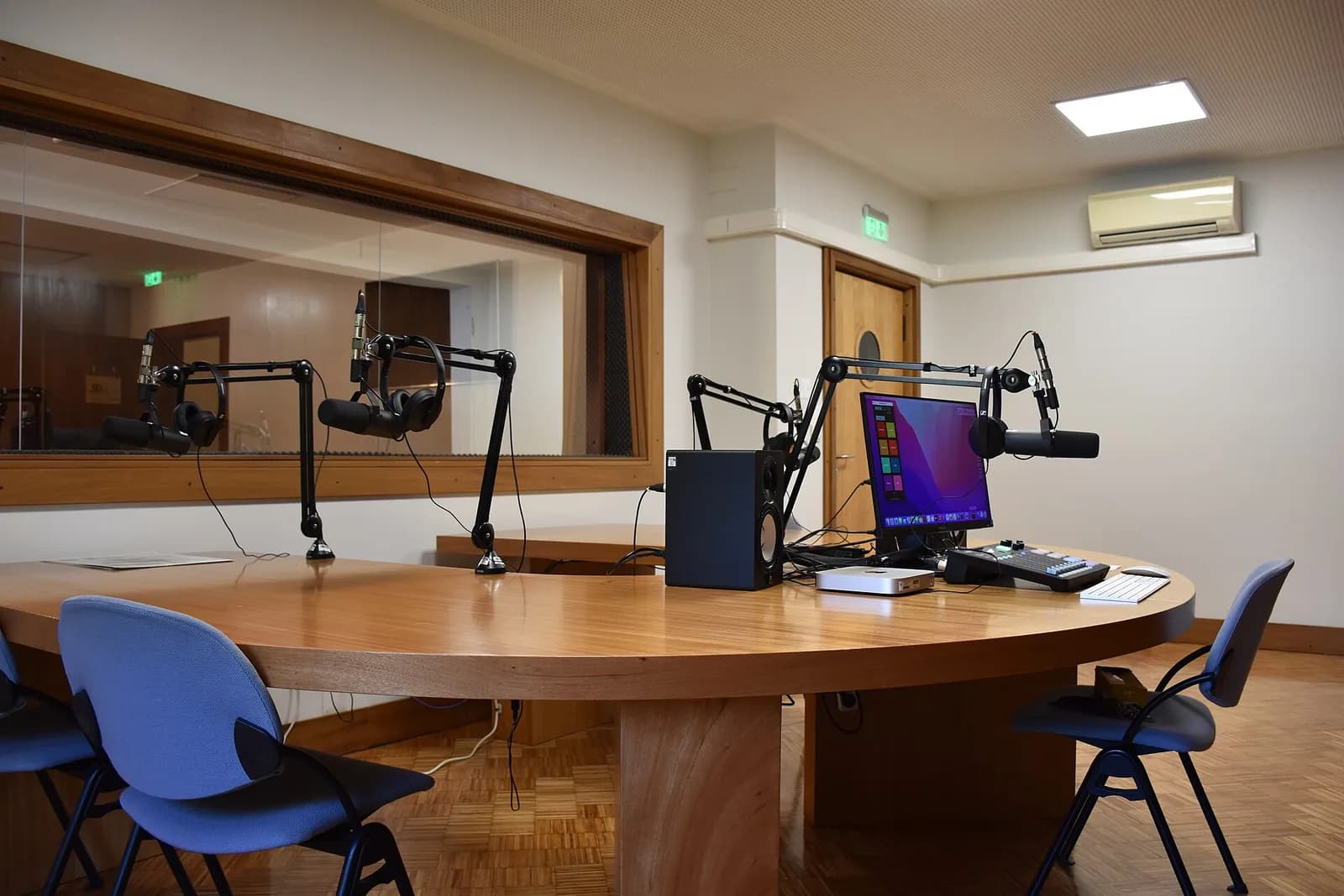
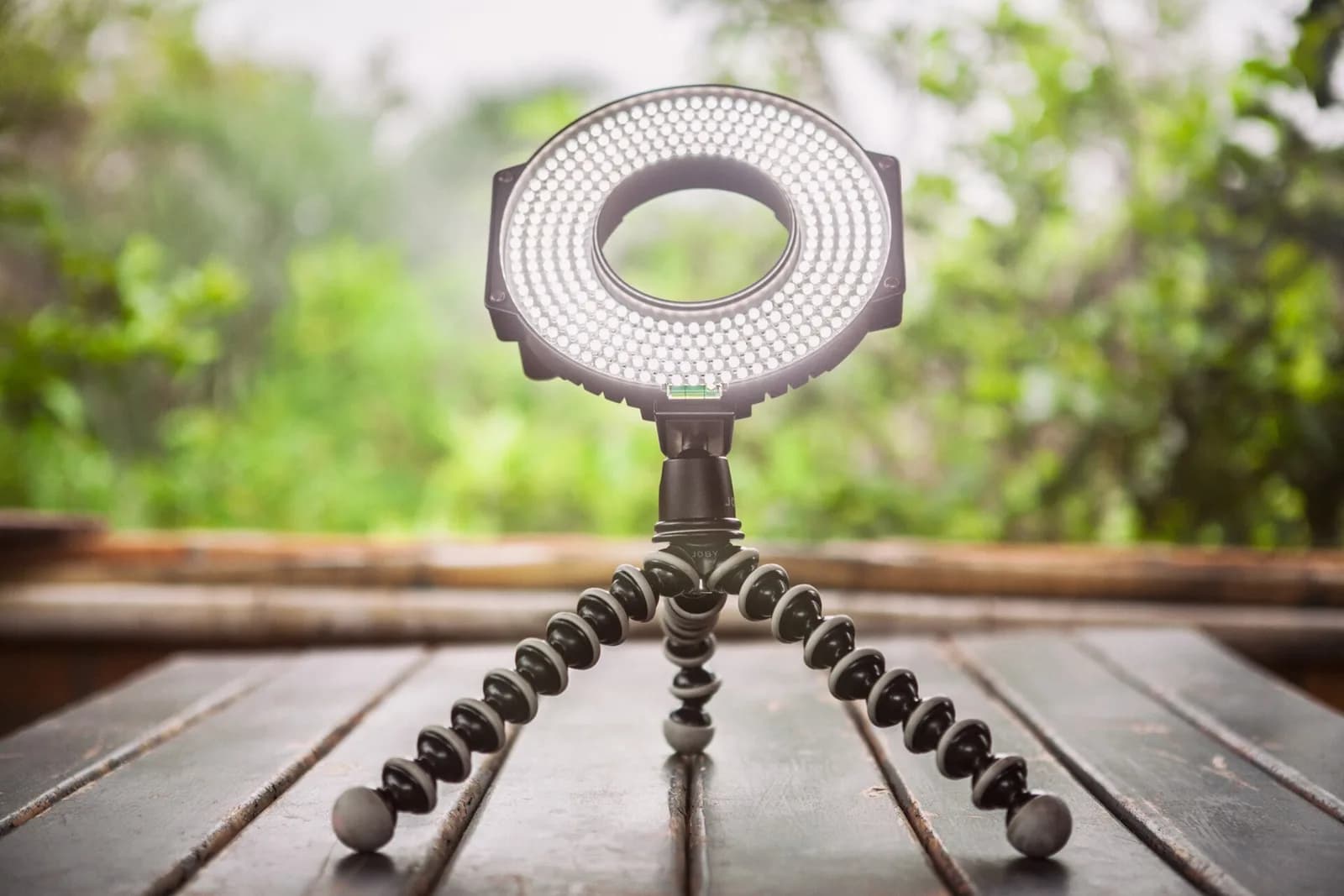
Sound and light matter more than the camera. A recent phone is enough for the picture, and viewers forgive a plain background but leave over noise and echo. Record in a small, soft room, hold a modest microphone close to your mouth, and put a window or a lamp in front of you. Listen to the first minute with headphones.
Titles and thumbnails make the promise. YouTube’s performance help says they should accurately represent the content, and warns that clickbait, misleading or all-caps versions can drive viewers away. For chapters, the help page asks for at least three timestamps in ascending order in the description, the first at 00:00, each at least 10 seconds long. Thumbnail dimensions are covered in a separate VJOURNAL story, so they are not repeated here.
What the YouTube recommendation system actually rewards
YouTube states two aims for its recommendations: help each viewer find videos they want to watch, and maximize long-term viewer satisfaction. Its help page lists the signals: watch history, what viewers choose or ignore, how long they watch, likes, shares, comments, survey answers and subscriptions, and how viewers respond when a video is shown, such as whether they click and watch. Each signal is a real viewer’s reaction, so a title that keeps its promise beats one that only earns a click.
Watch time is read in context. The performance help says the system uses absolute and relative watch time, with relative mattering more for short videos and absolute for longer ones. The discovery tips add average view duration and average percentage viewed as signals for ranking. Open the audience retention report in YouTube Analytics, find the second where viewers leave, and fix that moment in the next video.
Two myths can go. The help pages say growth in views is not correlated with the time between uploads, that the system does not penalize a creator for a break, and that it follows the audience using fresh data for each video. The first videos are therefore not a sentence.
Partner Program thresholds: today’s numbers and the change in February 2027
Monetization is optional, and the numbers are public. YouTube Help’s Partner Program overview says ad revenue sharing now needs 1,000 subscribers plus either 4,000 qualified long-form watch hours in 365 days or 10 million qualified Shorts views in 90 days, plus age 18 or a guardian and an available country. Private, unlisted or deleted videos and Shorts do not add hours. A lower level, which opens memberships, starts at 500 subscribers with 3,000 hours or 3 million Shorts views.
The page Changes to the YouTube Partner Program states that from February 1, 2027 new creators need 1,000 subscribers plus either 8,000 qualified watch hours in 365 days or 20 million qualified Shorts views in 90 days. Creators already in the program are not affected, and the 500-subscriber level stays. The same page adds an activity rule: a channel counts as active if it meets one of three tests, such as two long-form videos or five Shorts every 90 days. A channel opened today is likely to be judged by the new numbers, so plan for them.
Treat the figures as a map, not a promise: the sources give no timeline, and neither does this article. YouTube Help says a review typically takes about a month, and a first rejection can be appealed within 21 days. Terms are updated, so read the current page before you set targets. For a company, ad income may not even be the goal; video also answers buyers’ questions.
AI disclosure and copyright: two rules that can cost a channel
YouTube’s page on disclosing GenAI content asks creators to disclose, in YouTube Studio at upload, realistic content that is altered or synthetic: a real person made to say something they did not, altered footage of a real event, or a realistic scene that never happened. Animation, fantasy and help with scripts, titles or thumbnails need no disclosure. A label alone does not limit the audience, but consistent failure to disclose can bring penalties, including suspension from the Partner Program.
Copyright works differently. YouTube Help explains that Content ID scans uploads against files from rights holders, and the owner decides whether a match is blocked, monetized or only tracked. A claim is not a strike: a strike follows a valid legal removal request, and three strikes put an account at risk of termination. Use only music and footage you own or have licensed in writing.
A 90-day route, and when to hand part of it to a studio
Here is a route that fits in 90 days, with outputs instead of promises. In weeks 1 and 2, write the viewer sentence and ten titles, open the channel, set the audience and verify the phone. In weeks 3 to 6, publish four videos, each with a matching title, a checked thumbnail and chapters. In weeks 7 to 10, publish three more and note after each where viewers left. In weeks 11 to 13, finish the ten and plan the next ten from what held viewers.
Prepare before you hand anything over. A short brief saves more than a discount: the viewer sentence, the ten titles, two or three channels you want yours to feel like, your colors, and what you can film yourself. Decide who approves each video, because two approvers without a deadline stop a channel.
Then decide what to do yourself. Many owners speak to camera well enough and need an editor for pace, sound and the first thirty seconds. VITON13 Studio makes Reels, commercials and product films and edits video for small businesses, with the scope and price in writing before work starts. The guides linked below show how production and editing are priced.
Practical checklist
- Write one sentence naming the viewer and the problem your channel solves for them.
- List ten video titles as concrete questions or results before you create the channel.
- Open the channel as a Brand Account, pick a short handle and set the audience setting.
- Verify your phone number in YouTube Studio to unlock long videos and custom thumbnails.
- Read the current Partner Program page and its February 2027 changes before you set any target.
Questions and answers
Do I need a Brand Account to start a YouTube channel?
No. A personal channel is created from your Google Account in a few clicks. A Brand Account is the choice when the channel should carry a name different from your own and be managed by more than one person.
How many subscribers do I need to make money on YouTube?
For ad revenue sharing, YouTube Help lists 1,000 subscribers plus a watch-hour or Shorts-view level. Memberships and similar features start at 500 subscribers. New creators face higher hour and view levels from February 1, 2027.
Should a new channel start with Shorts or long videos?
YouTube says its system has no preferred format, so choose by topic. A quick demonstration fits a Short and an explanation fits a longer video. Remember that Shorts hours do not count toward the long-form watch-hour route.
Do I have to label videos made with AI?
Only when the content is realistic and altered or synthetic in a way that could mislead, such as a real person shown saying something they never said. Animation, fantasy and help with scripts or titles need no label.
How often should a new channel upload?
YouTube Help finds no correlation between growth and the gap between uploads, so there is no required schedule. Pick a pace you can keep for three months and spend the saved effort on the opening seconds of each video.