
Answer in brief
AI can accelerate a design draft without settling whether it works. We use Figma's 2026 report and WCAG 2.2 to build a practical review for content, access and handoff.
What Figma's report can tell us
Figma's 2026 AI report is a source about how the company describes AI and collaboration in design. It can guide questions for a team, but its findings should be attributed to Figma and interpreted with its methodology in view. They are not a universal measurement of every design organisation. Figma has also announced an agent for parts of the design workflow. A faster path to a draft may be useful, but a draft is not the same as a researched user journey, an accessible interface or a product that engineering can build. The distinction matters when a polished screen arrives before the team has agreed what problem it solves.
Start review with the user's job
Before discussing aesthetics, state the task a person must complete and the evidence that the task matters. Then trace a representative user from entry to completion through the generated flow. Does the page tell them what happens next? Can they understand a fee, permission request or error without a designer narrating it? An AI-created component may look plausible because it resembles familiar products, while still putting the decisive information in the wrong place for this audience. Reviewers should write down both the observed problem and the assumption behind a proposed fix. That makes critique testable and avoids replacing one attractive guess with another.
Accessibility requires independent criteria
W3C's WCAG 2.2 is a public reference for evaluating web accessibility. A screen that looks high-contrast in one mockup may still fail when text grows, focus moves by keyboard or an error message appears. Check names and labels, navigation order, target sizes, contrast, and recovery from a mistaken action against the criteria that apply. An agent can help generate alternatives or surface possible issues, but it cannot certify its own output by saying it reviewed accessibility. Some requirements are better tested in a working prototype with assistive technology and actual users. The correct claim is that review has begun, not that a synthetic image has passed an audit.
The missing states reveal the design
Generated first screens often show the most flattering state: full data, a short name, perfect network and no permissions denied. Production interfaces spend much of their life outside that condition. Ask for empty, loading, error, offline and long-content states. Test translations, larger text and narrow viewports early enough to affect the component design. Specify what a form does after an interrupted submission and how a user returns to a partially finished task. These details are not decoration; they determine whether the interface supports the person's goal in the conditions where help is most needed. A good review therefore examines behaviour, not only visual consistency.
Make decisions and handoff traceable
A team should be able to say which options were generated, which were rejected and what evidence supported the final choice. The design file should not become a pile of attractive alternatives without a decision record. Handoff to engineering needs responsive rules, content limits, focus behaviour, validation language and known open questions, not just an image export. If an agent accelerates exploration, use the saved time to observe users or test the most uncertain interaction. Figma's product announcements describe tools; the team's own research and WCAG review establish whether a specific result is fit for use. That difference is the editorial point of the article, and the standard for an AI-assisted workflow.
A review checklist after an AI-generated design draft
A fast first draft changes the beginning of a design process, not its definition of done. Before reviewing colours or motion, ask whether the screen supports an actual user task and whether the content hierarchy is understandable without a presentation from its creator. Identify the primary action, the point at which the user may need reassurance, and the information hidden behind a menu or disclosure. AI can produce a credible-looking pattern quickly; it cannot infer every business constraint, legal obligation or user need from a short prompt. A clear brief remains necessary.
Next, check the draft with the real content and the extremes of the interface. A component that looks balanced with three English words may fail with a longer translated label, a larger text setting or a validation message. Inspect keyboard order, focus states, contrast, labels and error recovery against the applicable WCAG 2.2 criteria. This is a review process, not a claim that an AI tool has passed an accessibility audit. A design that merely resembles a familiar application can still make a specific task confusing or impossible for the audience it is intended to serve.
Collaboration should be made visible in the file. State which decisions came from research or product requirements, which were generated as alternatives, and which were chosen after critique. Figma's own report discusses the way AI interacts with team work; its findings should be read in light of its methodology, not presented as universal proof that every design team is faster. The agent may accelerate exploration, but teams still need accountable decisions about evidence, brand consistency and implementation. A useful review comment names the problem and the test that would resolve it.
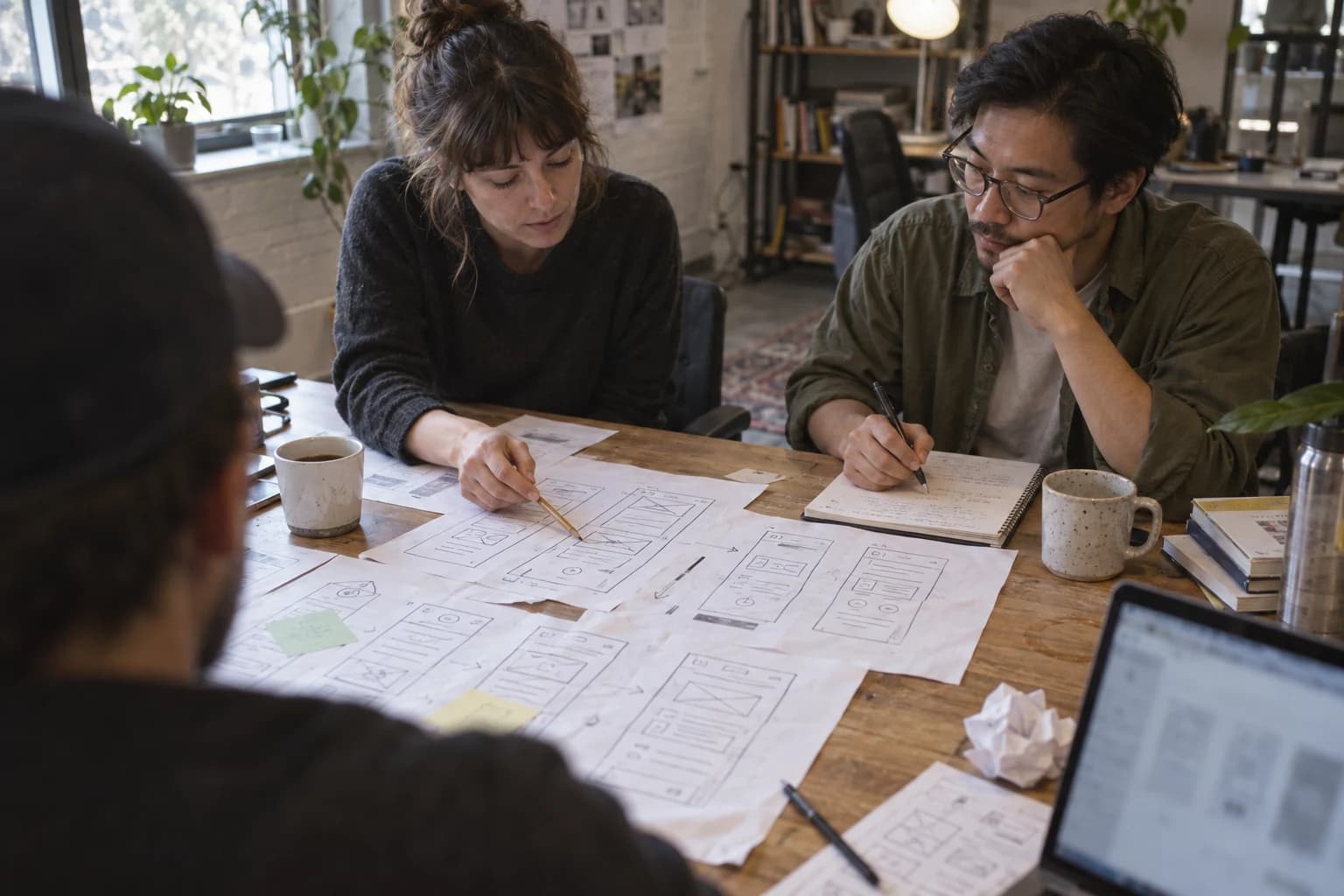
Finally, hand the design to engineering as a set of behaviours, not only a polished image. Specify responsive changes, content limits, empty states, loading, permissions and what happens when data fails. Record unresolved assumptions so that the first production build does not quietly turn them into defaults. Our cover is an illustrative collaborative workspace rather than a photograph of a Figma team or a measured study. The lasting design skill in an AI-assisted workflow is to know which questions a quick draft has made easier to ask, and which questions it still cannot answer.
A design review meeting with a useful outcome
Before a team opens an AI-assisted draft, agree on the decision the meeting must make. Is it choosing a navigation model, testing a content hierarchy, or assessing whether the interface can be built within a release window? If every participant is asked only whether the result 'looks good', feedback will favour familiar polish over task success. Put the user scenario and known constraints beside the draft, invite objections supported by evidence, and record what remains untested. The tool that created a layout may be noted for provenance, but it should not become the reason to approve or reject the work. Ownership still belongs to the team shipping the product.
An effective review ends with a small set of next actions: revise a specific element, test an uncertain interaction, or document why an alternative was not chosen. Accessibility deserves its own inspection rather than a vague promise to check later. Language variants, long names and errors should be loaded into the prototype before approval, because these are normal states rather than edge cases. Figma's research can inform how teams discuss collaboration, while W3C criteria supply a more concrete test for accessibility. Neither source removes the need to observe actual users completing the intended task.
A question for the next sprint
Choose one assumption exposed by the generated draft and test it with users or a working prototype before increasing visual polish. The assumption might concern a confusing label, the order of a form, or whether an error message tells someone how to recover. Record the result and use it to decide whether to keep the design. The act of testing makes the team's judgment accountable in a way that a polished prompt cannot. Figma's tools may shorten the path to alternatives; W3C's criteria and observed task completion still define crucial parts of quality. The next sprint should make one uncertain interaction more certain, not merely produce more variants.