
Answer in brief
For PDFs, choose by the whole workflow: whether a page is readable without repeated zooming, whether diagrams need colour and how navigation, handwriting and export work. E Ink and LCD render pages differently, but the display label alone does not determine annotation support or a universal eye-health advantage.
Which device fits the PDFs you actually use?
An E Ink reader or LCD tablet is suitable for PDFs only if it fits the way you use the document. Check a full page, its diagrams, the jumps between sections and the notes you need to export. Reading a novel in order is a different task from studying a fixed-layout textbook. Choose using your own material, rather than assuming a display category answers every part of the workflow.
Choose a representative document you have permission to use. Include an ordinary text page, the smallest meaningful labels in a diagram and a page you would annotate. A demonstration page selected by a manufacturer may avoid exactly the layout that makes your work difficult. The useful question is whether you can complete your normal sequence, not whether the opening screen resembles paper.
This article compares technology and workflow without testing particular current devices. Our hypothetical page uses an invented botanical drawing so it does not borrow a copyrighted paper or present a generated scientific figure as research evidence. Keep that distinction in your own comparison: a neutral visual example clarifies an activity, while only a real device and app trial can establish its actual behaviour.
How do E Ink and LCD displays differ?
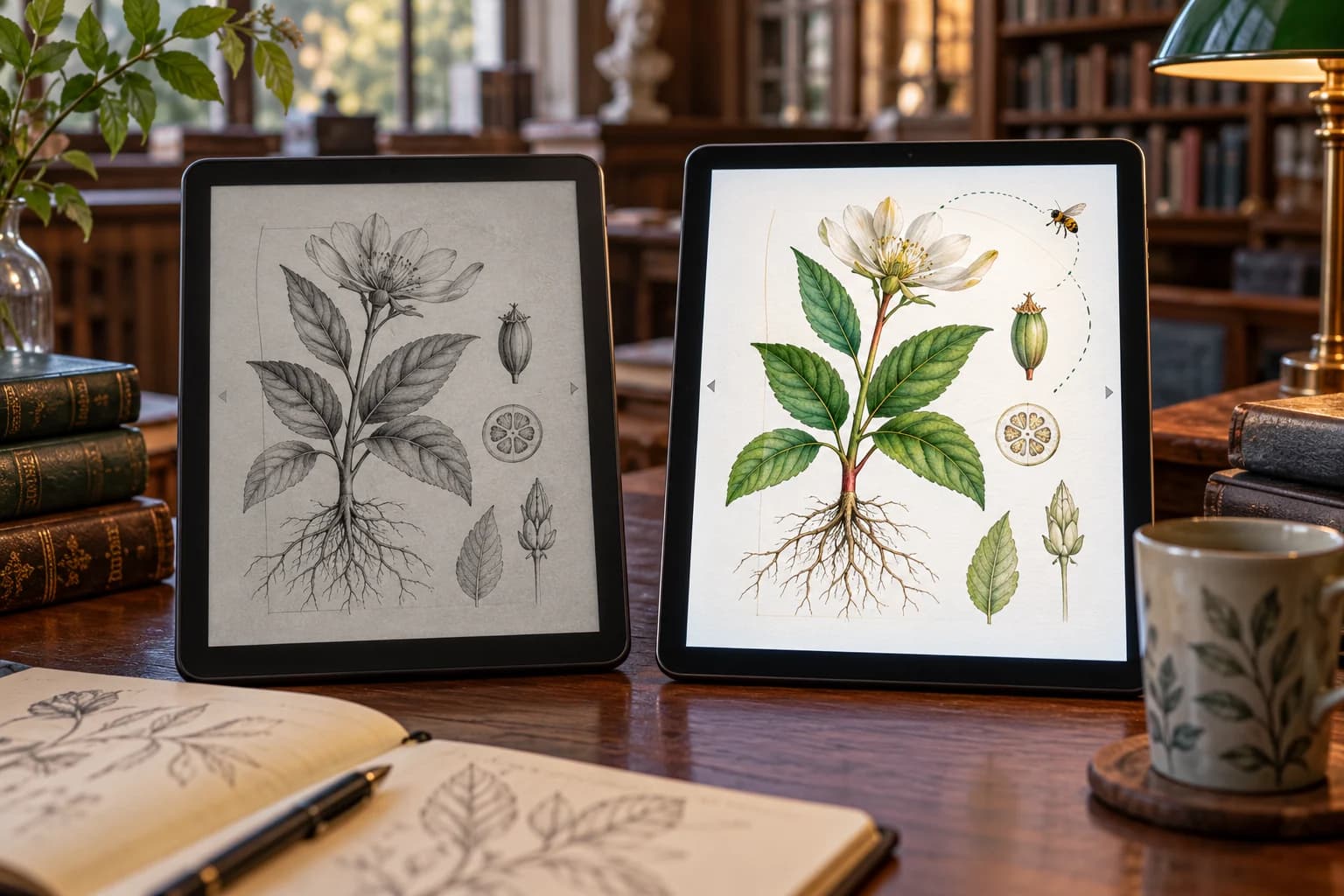
E Ink describes its electrophoretic technology as moving pigment particles with electrical control. Multiple monochrome and colour systems exist, so the brand name does not automatically mean a greyscale screen. LCD is a different display approach. These distinctions help explain screen characteristics; they do not tell you which file formats, pen functions or management tools a finished device includes.
The manufacturer's bistability explanation concerns maintaining the display image without continually updating it. Do not turn that property into a claim that a complete reader consumes no power while you read. Its processor, lighting, wireless functions and software remain relevant. Likewise, a screen's reflective character does not guarantee that every glossy cover layer or room arrangement avoids distracting reflections.
Consider the complete product rather than a material in isolation. Screen technology, physical size, front lighting or backlighting, controls and app design combine in the experience. Some capabilities belong to the app, not the display. When comparing two devices, record those differences separately so a successful annotation tool is not mistaken for an inherent property of every LCD tablet or every E Ink reader.
Can you read the whole page without repeated zooming?
Open your ordinary page at a size you would actually use. Can you read the text while keeping the layout visible? If you need constant zooming, try the full sequence rather than stopping at one enlarged paragraph. The title may be clear while a footnote, axis label or margin comment is not. A screen's diagonal alone does not describe how your document fits in the available reading area.
Check portrait and landscape use if both matter. Add the toolbar or split view you expect to keep open, rather than hiding controls to improve the demonstration. If the document is a scan, test it as a scan; selectable text and scanned pages can behave differently in an app. Do not assume a reflow setting will preserve every diagram or that all PDFs will behave like the first sample.
A 2012 reading study compared particular LCD and E Ink arrangements and found that lighting conditions mattered to its interpretation. It cannot deliver a medical verdict about every 2026 device. Use it as a reason to resist universal comfort claims. Try your own page, room and ordinary viewing setup; an appealing display slogan does not replace the practical question of whether the document is usable.
Do the diagrams need colour?
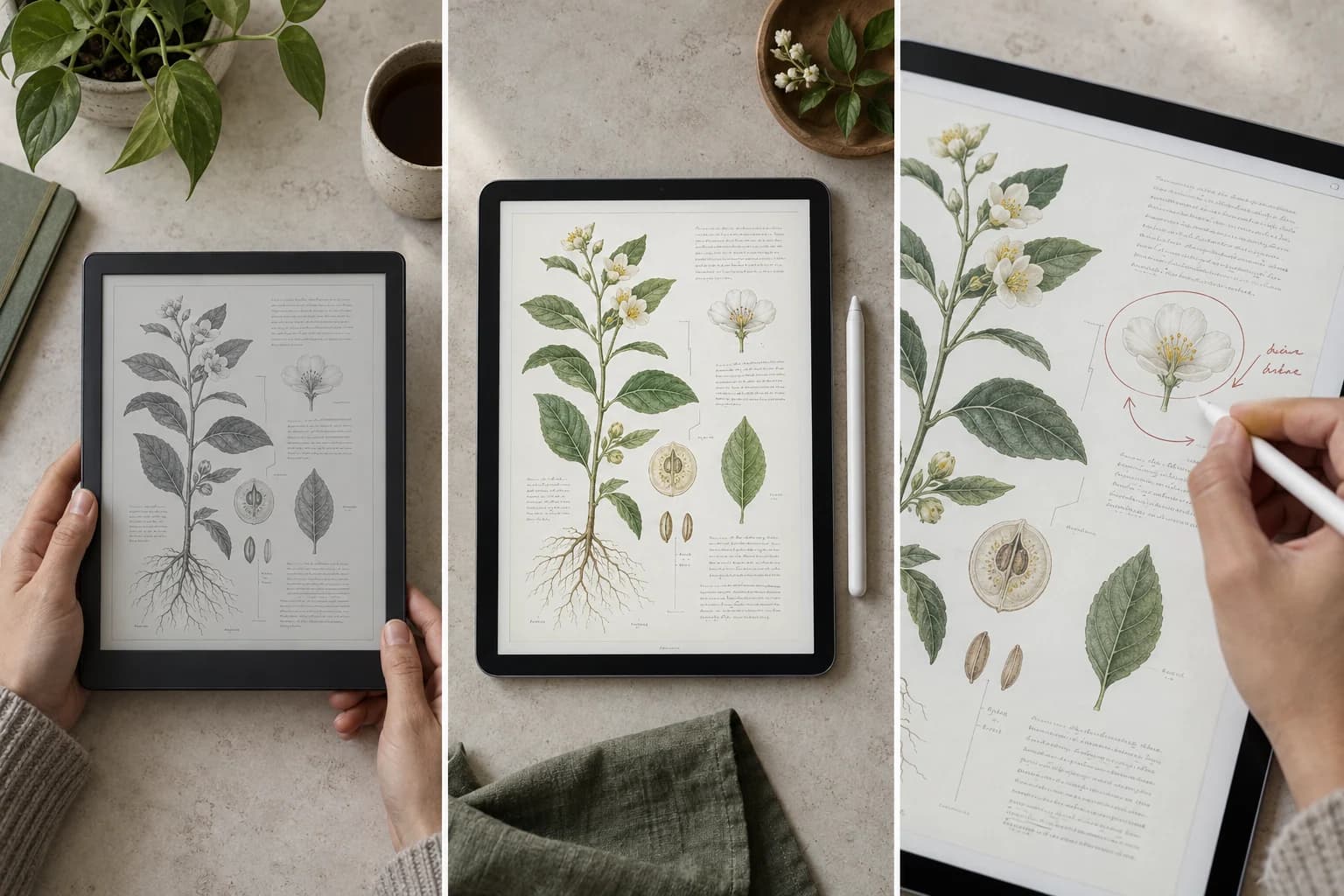
A botanical illustration might use colour decoratively, or colour could distinguish two structures that must be compared. Those are different requirements. In a plot, several lines might be identified only by hue; in another, line style and labels may preserve the meaning in greyscale. Examine the particular document rather than declaring all technical reading colour-dependent or all text work suitable for monochrome.
If considering a monochrome device, check the smallest distinction that matters. Can you follow the diagram without guessing which region corresponds to a legend? If considering a colour E Ink device, inspect the actual page on that model rather than assuming the same appearance as the LCD demonstration. Device technology and rendering configuration vary, and our illustration provides no calibrated colour measurement.
You can sometimes use a second screen for occasional colour material, but count the switching cost honestly. A reader comfortable for long passages may still require another device for a central diagram. That arrangement can suit someone with infrequent colour work and inconvenience someone who compares figures continually. The useful comparison is the whole study session, including equipment you must keep beside you.
Can you navigate, write and export useful notes?
Try the route from a paragraph to its cited figure, back to the paragraph and then to a reference. Observe whether the app provides useful navigation and whether controls occupy important page space. Test zooming and panning as tasks rather than timing an isolated animation. A device can show a static page attractively while its particular software makes repeated movement inconvenient for your kind of document.
For handwriting, use a compatible pen and the actual app you intend to use. Write in the margin, correct a mark and move to another page. Check which part is a device capability and which is an app function. Pen compatibility should be established from documentation, not from the fact that a stylus appears beside the screen in a promotional photograph.
Then export the file and open it where the notes will be needed. Are they visible, editable if required and associated with the correct page? Does sharing require a particular account or service? These questions may determine the purchase more than the impression of writing on the device itself. Keep sensitive or restricted documents out of casual demonstrations and follow the relevant account and organisational rules.
Compare the complete PDF session
The table treats reading, diagrams and notes as distinct jobs. A person studying mostly text with occasional markings has a different brief from someone moving through charts in a meeting. Neither needs a universal winner. Choose the requirements that occur often and identify any occasional task that would force a second device or a different app. That reveals the practical compromise behind an attractive specification.
Include ordinary transport and placement. Will you hold the device, put it on a stand or use it beside a keyboard? Test your normal reading position with the cover or case you intend to carry. An annotation workflow may be workable on a desk yet inconvenient on a train. These are use observations, not measured fatigue or claims that a technology necessarily creates a lighter finished product.
Also compare access to documents when the expected connection is unavailable. The display label does not tell you which files are stored locally or whether an app's features need an online service. Verify that against the actual device and software. A useful buying note says “this app exports the notes where I need them” or “this page remains readable in my setup,” not merely “this screen category is better.”
| Task | E Ink question | LCD question | Practical decision evidence |
|---|---|---|---|
| Read a full text page | Readable at your ordinary page scale? | Readable with controls and layout in use? | Your smallest necessary text, not a home screen |
| Interpret a diagram | Does the actual model preserve needed distinctions? | Are colour and detail usable in your setting? | Same legend and labels on both |
| Move between references | Does the app support your navigation route? | Do tools simplify or clutter the route? | A complete back-and-forth sequence |
| Write notes | Compatible pen and useful app support? | Compatible pen and useful app support? | Write, correct and revisit a real note |
| Share an annotated PDF | What does the exported file contain? | What does the exported file contain? | Open it in the receiving environment |
| Read away from a desk | Case, controls and offline files suitable? | Case, controls and offline files suitable? | Ordinary position and connection conditions |
Try one representative document before buying
Prepare a short set of ordinary tasks: read a passage, interpret the essential diagram, revisit a reference, add a note and export it. Use the same document on each candidate device where practical. Record where you had to change position, zoom, switch tools or introduce another screen. The point is to see the route, not create a fake comparative score from an unrepeatable shop demonstration.
Do not convert this trial into medical advice. Discomfort or an individual visual need deserves appropriate attention; a technology label does not diagnose it. Nor should a brief demonstration establish battery duration, refresh latency or long-term durability. Those claims require their own evidence and declared conditions. Keep your observed workflow separate from manufacturer specifications and from research performed on different devices years earlier.
Our AI-generated cover shows a greyscale page and a colour page with the same invented botanical content and a small handwritten arc. It represents questions about colour and working with a page, not a tested winner. The eventual choice may be E Ink, LCD or a deliberate combination. What matters is that the choice completes your document's real tasks with a compromise you understand, rather than a promise borrowed from an image or a universal eye-health slogan.
Questions and answers
Is an E Ink reader or LCD tablet better for annotated PDFs?
It depends on the document and software. Try a full page, essential colour diagrams, zooming, navigation and handwritten notes, then open an exported file elsewhere. A quiet reading session and frequent cross-referencing ask different things of a device. Neither E Ink nor LCD alone establishes all those capabilities or a universal winner.
Does an E Ink tablet use no power when a page stays still?
No. Retaining the display image is a property of that display mechanism, not a complete device power measurement. Lighting, processing, wireless functions and software can still matter. This article reports no battery-duration test, and a static-page illustration cannot establish operating time.
Can good handwriting on a tablet guarantee useful PDF exports?
No. Writing on the device is only part of the workflow. Export an example and open it in the environment that will receive the file. Check visible notes, editability if needed, page association and any service dependency. Those are device-and-app questions, not properties of the display label.
Is E Ink better for everyone’s eyes than LCD?
This comparison establishes no universal medical winner. The cited study concerns particular devices and conditions, while a current workflow involves your document, lighting and visual needs. Test practical usability without translating it into a health claim. Seek appropriate advice for persistent discomfort rather than relying on a marketing category.