
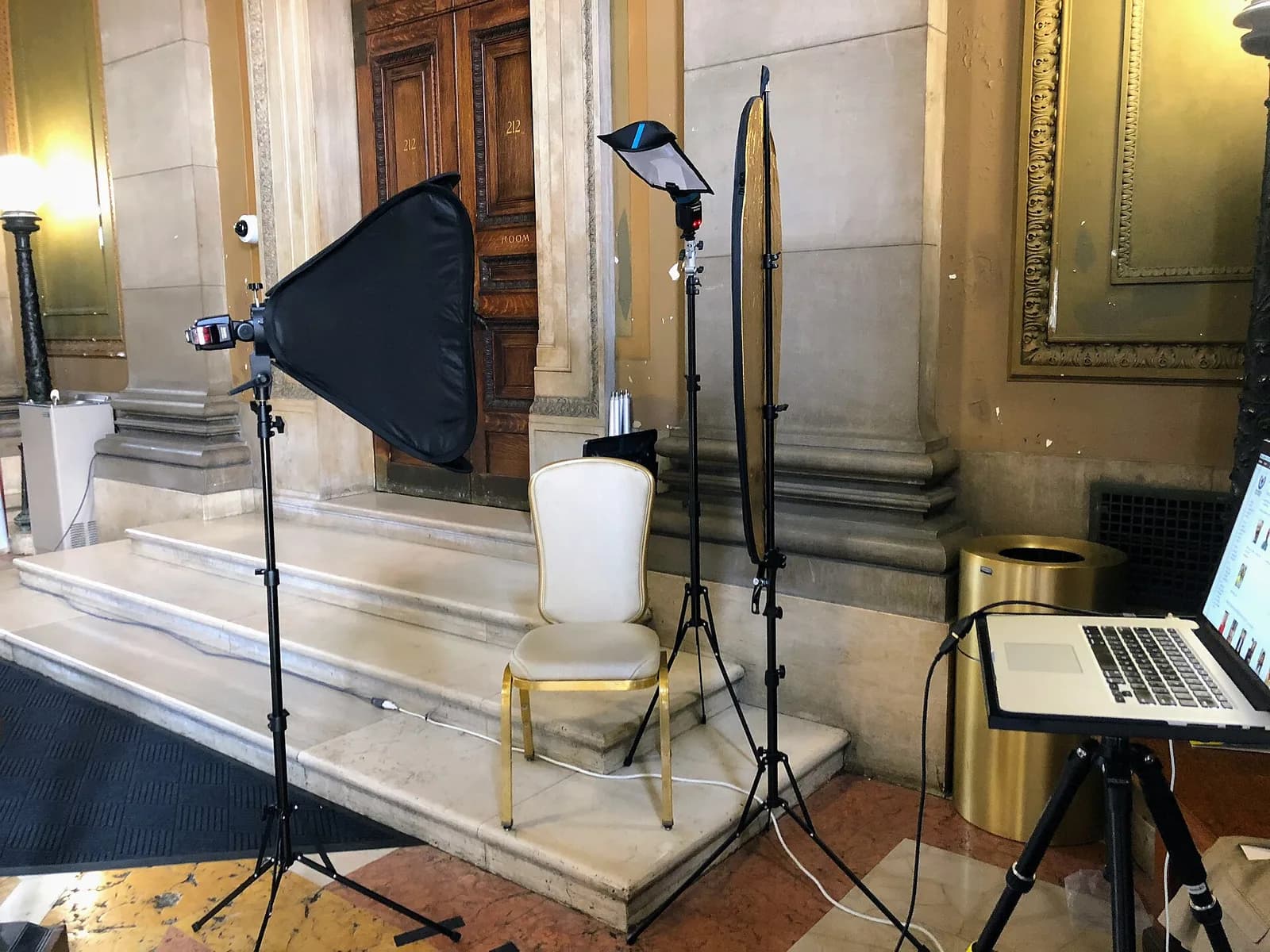
Answer in brief
An AI headshot generator fine-tunes an image model on a small set of your photos and then draws you in new clothes, light and backgrounds. The result is good enough for a profile picture or a CV if you inspect hands, teeth, ears, skin and likeness, read the privacy terms before uploading, and stay away from passports and other documents that forbid edited photos. For a face that must be unmistakably yours, a photographer is the safer choice.
What an AI headshot generator does with your selfies
An AI headshot generator takes a handful of your photos and returns portraits that look as if a photographer had made them: neutral background, office clothes, soft light. Most services rest on fine-tuning. A large image model that already knows what faces, suits and studio light look like is trained a little further on your pictures, so it can draw you in situations where you were never photographed. The 2022 DreamBooth research, presented at CVPR 2023, describes the idea: a few images of a subject teach the model a unique identifier that a prompt can place into new scenes.
The DreamBooth project page says three to five images typically suffice in the authors’ experiments. A commercial service may ask for more, and its own instructions matter more than a paper. The number shows the scale: this is a statistical estimate built from few examples, not a studio session squeezed into a button. The page’s societal impact note also warns that malicious parties might use such images to mislead viewers.
How the model learns your face and why it drifts
The model does not store your face the way a camera does. It adjusts numbers inside a network that already holds a general idea of human faces, and your selfies pull those numbers towards your features. When that pull is weak, the general model fills the gaps with its average face: the nose narrows, the jaw softens and the age shifts by a few years.
Wikipedia’s article on Stable Diffusion, one widely used open model, says it is insufficiently trained to replicate human limbs and faces, and ties part of the problem to the quality of limb images in its training data. That describes one model at one moment, and newer systems improve. It is still a fair warning that a face is the hardest part of a portrait to get right and the first one every viewer checks.
What your input photos decide before the model starts
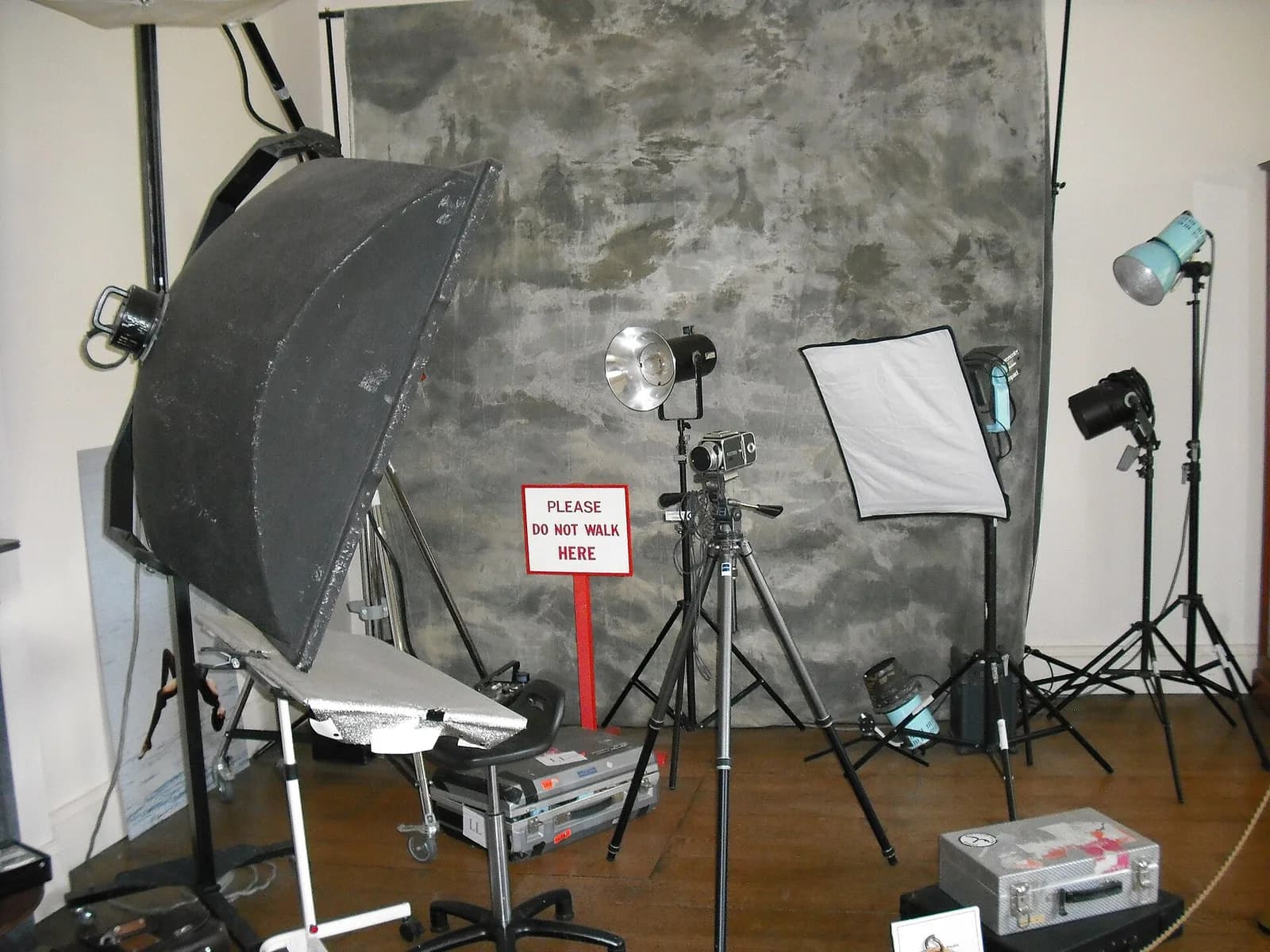
A model learns whatever repeats in your pictures. If every selfie is taken in the same bathroom, against the same tile, in the same grey T-shirt, the tile and the T-shirt can leak into the results along with your face. Give it variety instead: different days, two or three outfits, window light and indoor light, a few angles and some pictures without a smile.
Sharp, evenly lit, uncropped pictures in which only you appear teach more than thirty blurry ones. Avoid beauty filters, sunglasses, hats and group photos with your face cut out of a crowd, since each hands the model a distorted or foreign example. If the service publishes guidance on how many photos to send, follow it, because it was written for that service’s own model.
Hands, teeth, ears and skin: flaws to look for in a result
Look first at what the model has the least data for. Hands come first: the same Wikipedia article lists mangled human hands as a common example that users try to repair with negative prompts. Then teeth, which can multiply or fuse into one bar, and ears, which turn asymmetric in the wrong way, with a missing lobe or one earring. Then skin and hair: pore-less skin, a glossy forehead and evenly lit eyes give the plastic look that viewers spot at once.
Check what makes you recognisable: a scar, a mole, a gap between the teeth, the shape of your glasses frame. Check the surroundings too, such as a collar that does not close, a tie knot that changes shape from left to right, jewellery melting into the neck or a badge with letter-like marks. Then run the simplest test of all: show the set to three people who know you and ask which pictures look like you on a good day.
Your face is personal data: what to ask before uploading
Uploaded selfies are personal data, and a trained personal model is derived from them. The GDPR defines personal data as any information relating to an identifiable person, and biometric data as personal data from specific technical processing of physical features that allows or confirms unique identification, with facial images named as an example. Recital 51 adds that photographs are not systematically special category data and count as biometric only when processed through specific technical means allowing unique identification. Whether a given service crosses that line is a question for its privacy notice and, if it matters, for a specialist.
Where the special rules apply, Article 9 prohibits processing biometric data to identify a person uniquely, with exceptions such as explicit consent for specified purposes, and Article 17 lets a person have data erased without undue delay in listed cases, including withdrawn consent. For you these rules become plain questions. How long are the uploads and the trained model kept? Can you delete both? Do your photos train anything for other customers? Where is the data processed?
A second layer concerns the picture itself. Article 50 of the EU AI Act asks providers of image-generating systems to mark outputs in a machine-readable format and asks those who deploy a system producing a deep fake to disclose it; under Article 113 the Act applies generally from 2 August 2026. Whether your own portrait is a deep fake in the Act’s sense is for a lawyer. The C2PA standard, branded Content Credentials, shows where content came from and how it changed, and LinkedIn says it marks such media with an icon while admitting it cannot yet identify and label all AI-generated content.
Where an AI headshot is fine and where it is not
For a professional profile, the rule you will meet is the platform’s own. LinkedIn’s help pages say a profile photo must reflect your likeness, that illustrations and caricatures are allowed if they still look like you, and that the photo needs to be a likeness of you or a headshot. Untruthful information, the same help centre says, violates its User Agreement and can lead other members to flag the profile as suspicious. Neither page mentions AI, so the test is likeness, not method.
Official documents work the other way round. GOV.UK says a passport photo must be unaltered by computer software and taken in the last month. In Russia, the Interior Ministry’s passport regulation (order of 31 March 2021 No. 186, item 89.5, in the ConsultantPlus database) does not admit a photograph with an edited image retouched to improve appearance, and requires every feature of the face to be shown faithfully. A generated portrait fails both tests, so read the current page of the authority that issues your document.
Between those poles are places with no published rule: a CV, a team page, a speaker profile. Here the question is whether the person who meets you would feel misled. Check an employer’s or organiser’s policy if one exists; a request for an unedited photo means unedited. A colleague who learns later that the portrait was generated, after asking you directly, loses more trust than the portrait ever won.
How to choose a generator, and when a photographer is better
A checklist is more useful than a ranking, because the right tool depends on your need. Read what the service says about uploads: the retention period, deletion of photos and trained model, and any use of your images to train for others. Check what you receive, such as a resolution large enough for your use, a licence for work use and the right to download everything before the account closes. Look for the way out, like a preview or a refund rule written down before you pay.
A generator suits a profile picture, a CV or a team page that needs a consistent look, when a session is hard to book and you will check the results against the flaws above. A photographer is better when the image will be printed large, when it must be unmistakably you, as with an author’s photo, when a real place or object belongs in the frame, or when a document rejects edited photos. Prices vary by city, studio and inclusions, so compare written quotes by retouched frames, usage rights and time on location.
What to prepare, and whether to do it yourself or order it
Whether you do it yourself or order, prepare the same things. Decide the use: a profile picture, a team page, a site header or a printed biography. Collect a dozen or so sharp, recent photos with variety, plus one reference photo of how you look today. Write down the rules that bind you, such as an employer’s policy or a platform’s likeness rule, since crops and formats differ by place.
Doing it yourself suits a single picture that you can check against the flaws above. Ordering suits a set that must look consistent across a website, a presentation and a social profile, or a picture that carries your name in public. VITON13 Studio does AI-assisted design and photo work and personal-brand work for small businesses, and sets the scope and price in writing before work starts. If you are unsure which route fits, bring the intended use and the reference photos, and decide after the written estimate.
Practical checklist
- Pick a dozen recent, sharp photos of yourself with different light, outfits and angles; leave out filters and group shots.
- Read the service’s privacy page: retention, deletion of photos and trained model, and use of your images for training.
- Inspect every result for hands, teeth, ears, skin texture, collar and jewellery, then compare it with a real photo of you.
- Show the final set to three people who know you and keep only the pictures they recognise as you.
- Check the rules of the place where the portrait will appear, and use an unedited photo for passports and IDs.
Questions and answers
Can I use an AI headshot on my LinkedIn profile?
LinkedIn’s help pages require a profile photo that reflects your likeness and do not mention AI at all. A portrait that really looks like you fits that wording; one that changes your face or age does not, and untruthful profile information can get an account flagged.
Is an AI headshot acceptable for a passport or visa photo?
No. GOV.UK asks for a photo unaltered by computer software, and Russian regulation does not admit retouched images. Take a plain, recent, unedited photo, and read the current rules of the authority that issues your document.
How many photos does an AI headshot generator need?
The DreamBooth authors report that three to five images typically suffice in their experiments, but a commercial service may ask for far more. Follow its own instructions, and give it variety in light, clothes and angles rather than copies of one selfie.
Does an AI headshot have to be labelled as AI-generated?
It depends on the place and the law. Article 50 of the EU AI Act puts marking and disclosure duties on providers and deployers, and whether a personal portrait counts is a matter for a lawyer. A platform may also show a provenance icon, and an employer may simply ask.
What should I look for in an AI headshot service’s privacy policy?
Look for how long it keeps your uploads and the trained model, whether you can delete both, whether your pictures are used to train anything for other customers, and where the data is processed. A policy that stays vague on these points is a reason to choose another service.